

作者:Ciri
Agency Grade Brand Identity Poster
應用程式/網頁設計 · 資訊圖表/教育視覺 · 極簡主義 · 插圖
1516.7K
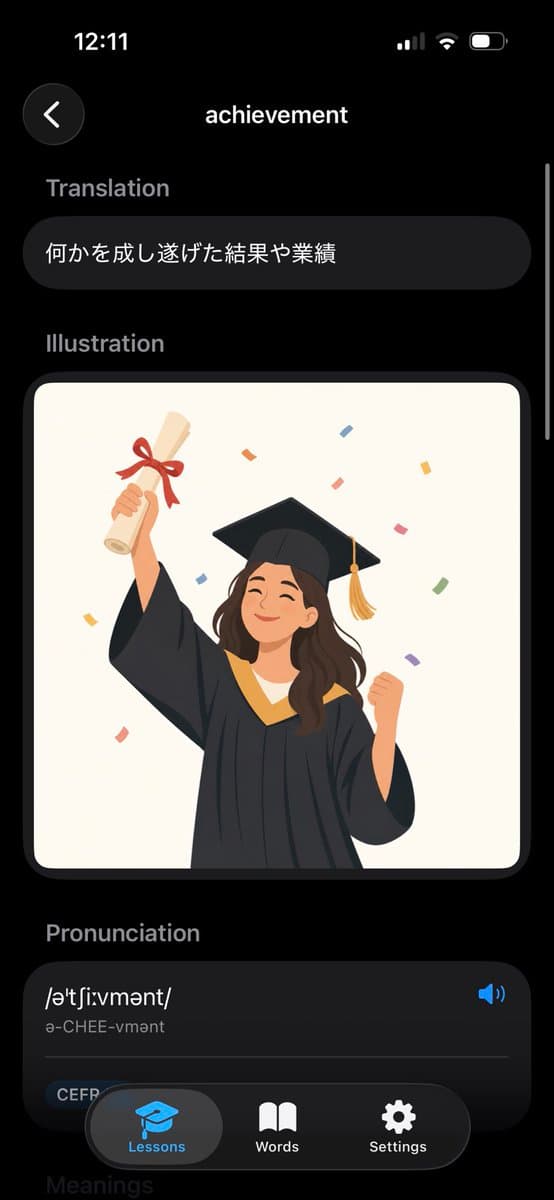
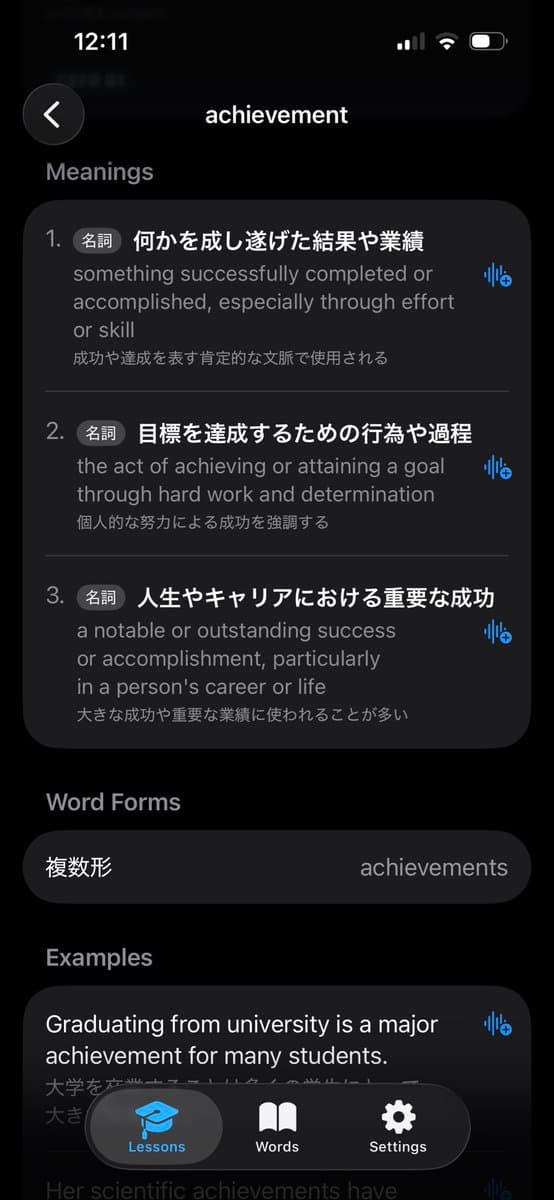
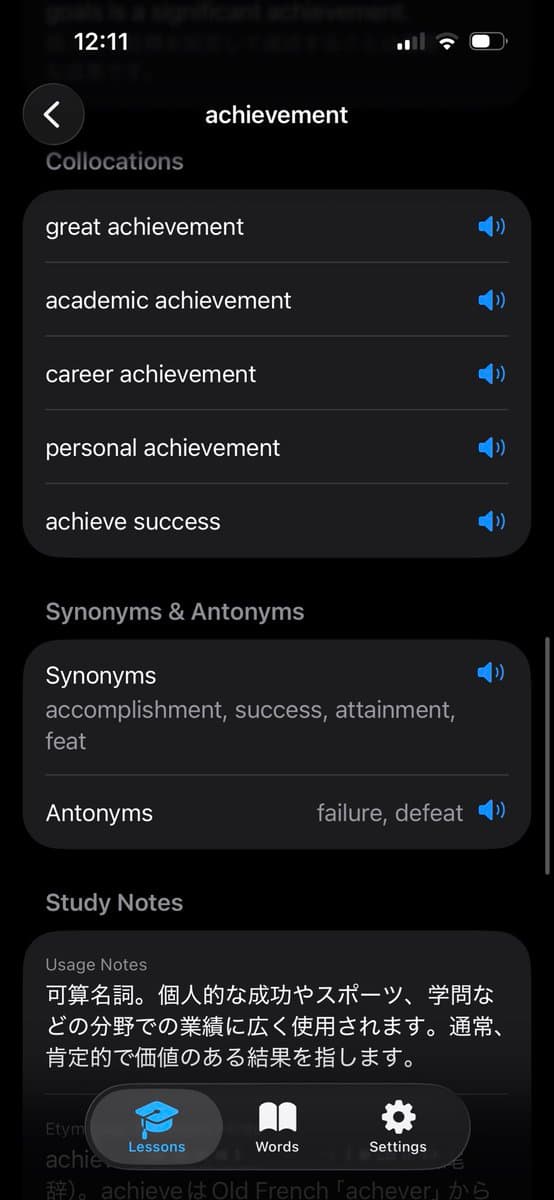
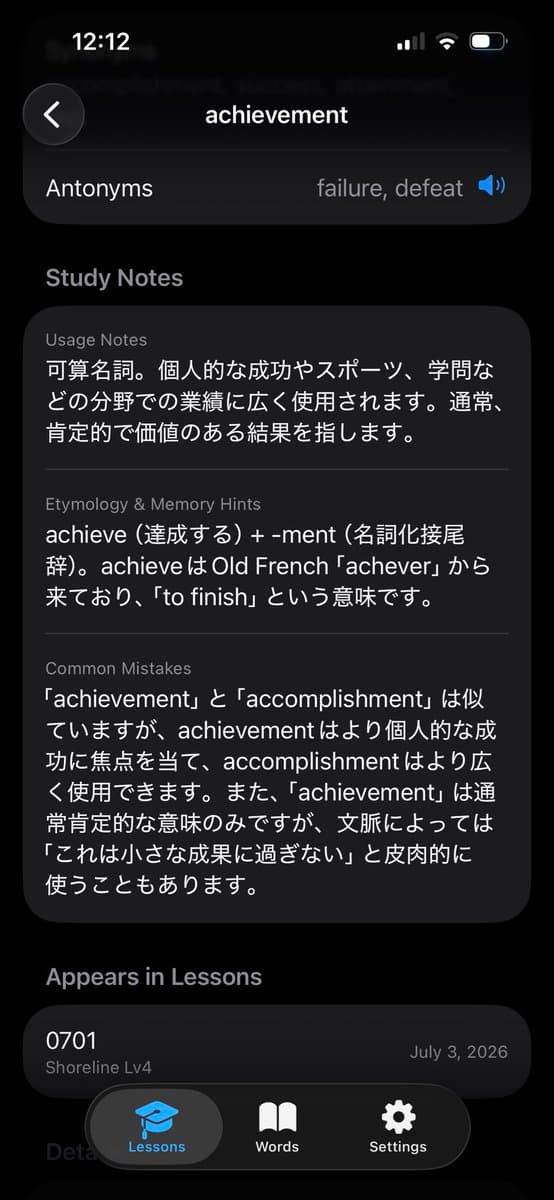
Creates a polished iPhone-style vocabulary app screen for an English dictionary entry with translation, illustration, pronunciation, and bottom navigation.
完整的提示文本,可供複製或改編。
Goal: Create a realistic iPhone screenshot of a sleek dark-mode English dictionary/vocabulary learning app showing the entry for achievement.

Canvas: Vertical smartphone screen, 9:16 aspect ratio, black background, iOS-style status bar at the top showing 12:11 on the left and cellular/Wi‑Fi/battery icons on the right. Use rounded cards, soft shadows, and a modern minimal UI.

Layout: Top navigation has exactly 2 elements: a circular dark back button with a white left chevron on the upper left, and the centered page title “achievement” in white. A thin vertical scroll indicator appears along the right edge.

Sections: Show exactly 4 visible content sections in this order: 1) Translation, 2) Illustration, 3) Pronunciation, 4) a partially visible Meanings header at the bottom. Section labels are muted gray, bold, and left aligned.

Text content: Under “Translation,” place one rounded dark pill card containing the Japanese text 何かを成し遂げた結果や業績. Under “Pronunciation,” create one large rounded dark card with the phonetic spelling /əˈtʃiːvmənt/, the readable pronunciation “ə-CHEE-vmənt,” a blue speaker icon on the right, a thin divider line, and a small rounded “CEFR” tag near the lower left.

Illustration: In the Illustration section, place one large rounded rectangle image card with an off-white background. Inside it, draw a cheerful young graduate woman in a black graduation gown and mortarboard with a gold tassel, smiling with eyes closed. She raises a rolled diploma tied with a red ribbon in her left hand and clenches her right fist in celebration. Add colorful rectangular confetti around her. Use a flat vector illustration style, warm colors, clean edges, and no text inside the illustration.

Bottom navigation: Overlay a floating rounded black tab bar at the bottom with exactly 3 tabs: “Lessons” with a blue graduation-cap icon and highlighted gray pill background, “Words” with a white open-book icon, and “Settings” with a white gear icon. The tab bar partially covers the pronunciation card and the faint “Meanings” header.

Visual style: High-fidelity mobile app mockup, dark theme, iOS proportions, rounded corners, subtle gradients, white and gray typography, blue accent color, polished product screenshot. Avoid extra words, extra icons, watermarks, or browser chrome.
Goal: Create a realistic iPhone screenshot of a sleek dark-mode English dictionary/vocabulary learning app showing the entry for achievement.
Canvas: Vertical smartphone screen, 9:16 aspect ratio, black background, iOS-style s…
相同型號和類別的相關提示。
作者:Ciri
應用程式/網頁設計 · 資訊圖表/教育視覺 · 極簡主義 · 插圖

作者:Kris Kashtanova
資訊圖表/教育視覺 · 應用程式/網頁設計 · 極簡主義 · 插圖

作者:動画マーケのNaoです
資訊圖表/教育視覺 · 應用程式/網頁設計 · 插圖 · 極簡主義

作者:@小海豚笔记 (AI & 副业探索)
資訊圖表/教育視覺 · 應用程式/網頁設計 · 產品行銷 · 插圖

作者:Keyboard81727
資訊圖表/教育視覺 · 應用程式/網頁設計 · 插圖 · 極簡主義

作者:猛攻型ことねP(ひうが) | リブランド中
資訊圖表/教育視覺 · 應用程式/網頁設計 · 插圖 · 極簡主義