Create animated GIFs and still images with OpenAI's GPT Image 2.6 (ChatGPT Images 2.6). Export PNG, JPEG, WebP or GIF, with transparent backgrounds and up to 16 reference images.

Flare: Faster generation for quick iteration on posters, product shots and layouts.
By generating, you agree to our Content Policy.
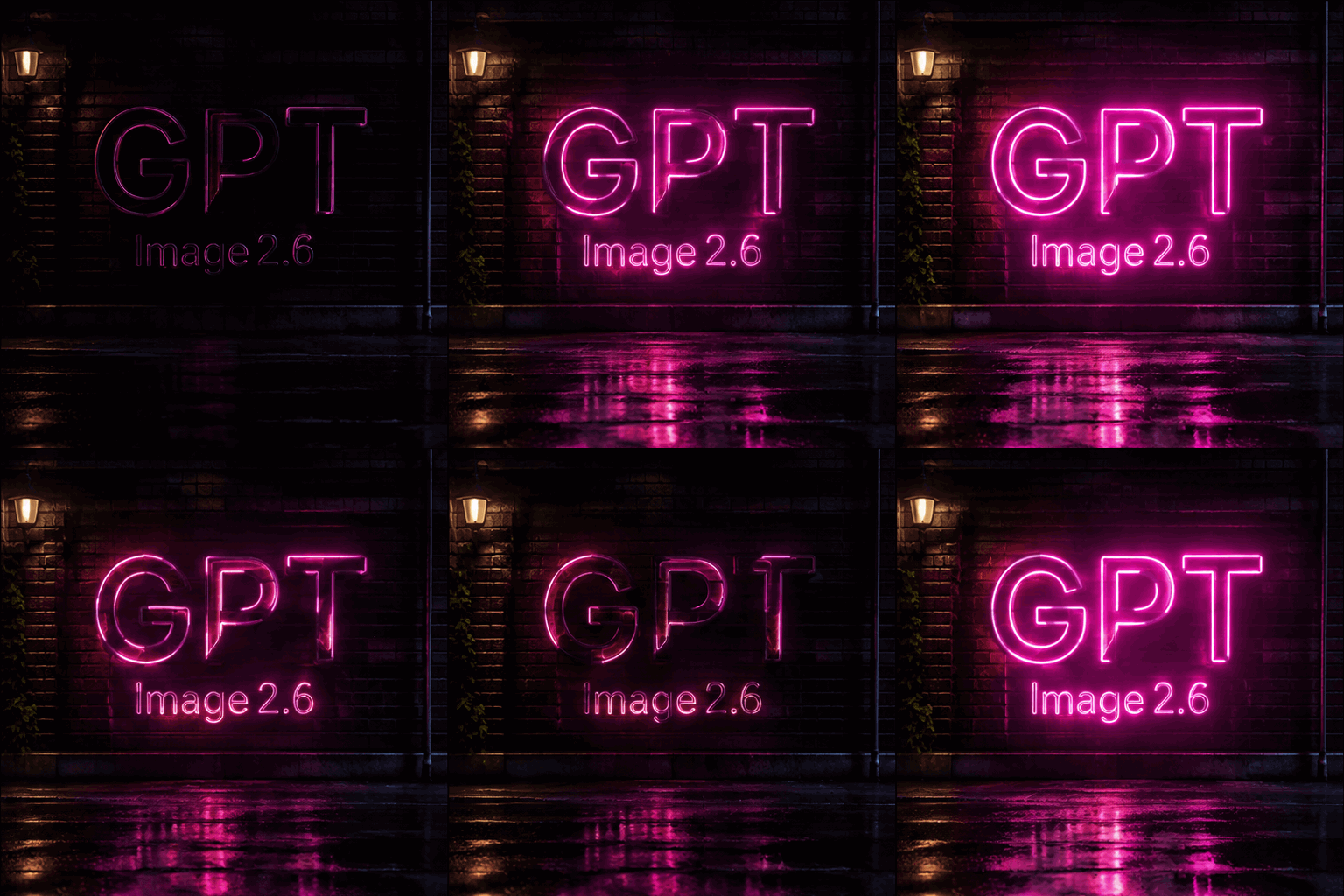
A seamless looping animation of a glowing pink neon sign on a dark brick wall at night. The sign shows exactly three capital letters, G then P then T, forming one three-letter word with no spaces, and below it the smaller word “Image 2.6”. The neon flickers on, glows, and reflects on the wet pavement below. Cinematic, high contrast.
GPT Image 2.6 builds on GPT Image 2.5. These are the features you can use in the Seedance 2.0 workspace.
Flare is built for fast iteration, Sunburst for detailed work and consistent edits, and Economy is the lower-cost option at 1K. The 2.6 models generate images 50% faster than before.
Set the output format to GIF in text-to-image mode to turn a prompt into an animation, then choose 4, 9 or 16 frames and how long each frame stays on screen.
Choose a transparent background for product cut-outs, icons and stickers. The background setting applies at 1K and on Economy.
Add up to 16 reference images and describe what should stay and what should change. Details are better preserved, and people, pets and characters stay consistent across edits.
Alongside 1:1 and 16:9, use the new 5:4, 4:5, 2:1, 1:2, 9:21, 3:1 and 1:3 frames for banners, phone screens and panoramas. Economy offers eight common ratios.
Headlines, labels and signs come out clean and readable, and 2.6 builds stronger layouts for posters, product imagery and other professional visuals. Put the exact words in quotes.
The credit cost of every generation is shown on the Generate button before you submit.
Both models are available in the same workspace. Here is how they differ.
| Feature | GPT Image 2.5 | GPT Image 2.6 |
|---|---|---|
| Model variants | Flare, Sunburst | Flare, Sunburst, Economy |
| Reference images | Up to 16 | Up to 16 |
| Output resolution | 1K, 2K and 4K | 1K, 2K and 4K (Economy: 1K) |
| Aspect ratios | Auto plus 12 fixed ratios | Auto plus 15 fixed ratios |
| Output formats | PNG | PNG, JPEG, WebP and GIF |
| Animated GIF output | Not available | Text-to-image, 4 to 16 frames |
| Transparent background | Not available | At 1K and on Economy |
Credits charged for one image on a paid plan. The exact cost always shows on the Generate button before you submit.
| Model and version | 1K | 2K | 4K |
|---|---|---|---|
| GPT Image 2.6 · Flare / Sunburst | 8 credits | 14 credits | 22 credits |
| GPT Image 2.6 · Economy | 7 credits | — | — |
| GPT Image 2.5 · Standard | 8 credits | 14 credits | 20 credits |
| GPT Image 2.5 · Economy | 5 credits | 8 credits | 12 credits |
| GPT Image 2.5 · Stable | 15 credits | 20 credits | 25 credits |
Without a paid plan, GPT Image 2.6 and the GPT Image 2.5 Standard channel cost twice these amounts, the Economy channel is unavailable and the Stable channel costs the same.
Generate your first image in three steps.
Choose Flare for speed, Sunburst for detail or Economy to spend fewer credits.
Describe the subject, setting, lighting and style. To edit, switch to image-to-image and add up to 16 reference images.
Set the aspect ratio, resolution, format and background, check the credit cost, then generate. Results are saved to your history.
Common ways to put the model to work on Seedance 2.0.
Lay out headlines, dates and product shots in a single prompt. Put on-image text in quotes so it renders exactly as written.
Turn a prompt into a short GIF for social posts, chat stickers or loading animations, and set the frame count and speed.
Refine the same image over several rounds, changing the lighting, a colour or a sign while the rest of the scene stays in place. Sunburst holds details best across rounds.
Generate products, icons and logos on a transparent background at 1K, ready to place on any layout.
Small habits that help GPT Image 2.6 follow your intent.
Write signs, labels and headlines in quotation marks, for example a tag that reads "BATCH 07".
With several reference images, refer to them by order, such as "the product from image 1 on the background from image 2".
For edits, name the parts to keep, such as pose, camera angle and lighting, before you describe the change.
Answers to common questions about GPT Image 2.6 on Seedance 2.0.
GPT Image 2.6 is OpenAI's latest image generation and editing model. On Seedance 2.0 it comes in three versions: Flare for fast iteration, Sunburst for detailed work and Economy for lower-cost 1K images. Compared with GPT Image 2.5, it adds animated GIF output, transparent backgrounds and more aspect ratios, and keeps edits more consistent.
Open the GPT Image 2.6 workspace at the top of this page, choose Flare, Sunburst or Economy and write a prompt. To edit an image, switch to image-to-image and add up to 16 reference images. Then pick the aspect ratio, resolution and output format and select Generate. You need to sign in, and the credit cost is shown before you submit.
Flare is the faster model and suits quick iteration on posters, product shots and other layouts. Sunburst is built for detailed visual work and keeps details more consistent from one edit to the next. Economy uses the fewest credits but generates at 1K only, with eight aspect ratios. All three accept text prompts and reference images.
Yes. In text-to-image mode, set the output format to GIF with Flare, Sunburst or Economy, and GPT Image 2.6 turns your prompt into an animated GIF. You can pick 4, 9 or 16 frames or leave the count on Auto, and set each frame from 20 to 2,000 milliseconds. Image-to-image edits return a still image.
API access is coming soon. On Seedance 2.0 you need no API key or code: you use GPT Image 2.6 directly in the image workspace and pay with your Seedance 2.0 credits.
On paid plans, Flare and Sunburst cost 8 credits at 1K, 14 at 2K and 22 at 4K, and Economy costs 7 credits per 1K image. Accounts without a paid plan pay twice these amounts. The exact cost of each generation is shown on the Generate button before you submit.
Both are available on Seedance 2.0 with up to 16 reference images and 1K to 4K output. GPT Image 2.6 adds the Economy version, animated GIF output, transparent backgrounds and three more aspect ratios, and it generates images 50% faster with more consistent edits. GPT Image 2.5 remains available if you prefer its results.
Text-to-image with Flare or Sunburst exports PNG, JPEG, WebP or an animated GIF, and image-to-image edits export PNG, JPEG or WebP. Economy exports PNG, plus GIF in text-to-image mode. Choose PNG when you need a transparent background.