
Seedance 2.0 Complete Prompt Guide
Master prompting techniques to generate professional AI videos. This guide contains best practices for multi-modal references.
🌐The sample videos below are generated with Chinese prompts. When you write your prompt in English (or any other language), the AI-generated speech and subtitles will match your language.
01 Highlights
1.1 Basic Formula
Seedance 2.0 deeply follows natural language logic, allowing you to flexibly combine the following elements based on your needs.
1.2 Multi-modal Control
Beyond text descriptions, you can also upload assets to lock in your ideal visual standards. Seedance 2.0 supports deep referencing of images, audio, and video.
🎯 Explicit Reference
Clearly specify reference objects in your prompt, e.g. "reference the composition of Image 1" or "reference the action from Video 2".
✨ Precise Control
The model automatically extracts core features from reference objects and combines them with text for creation, maintaining high fidelity while preserving creativity.
Text Gen
2.1 Slogan
✨Prompt Template
Final Result
References
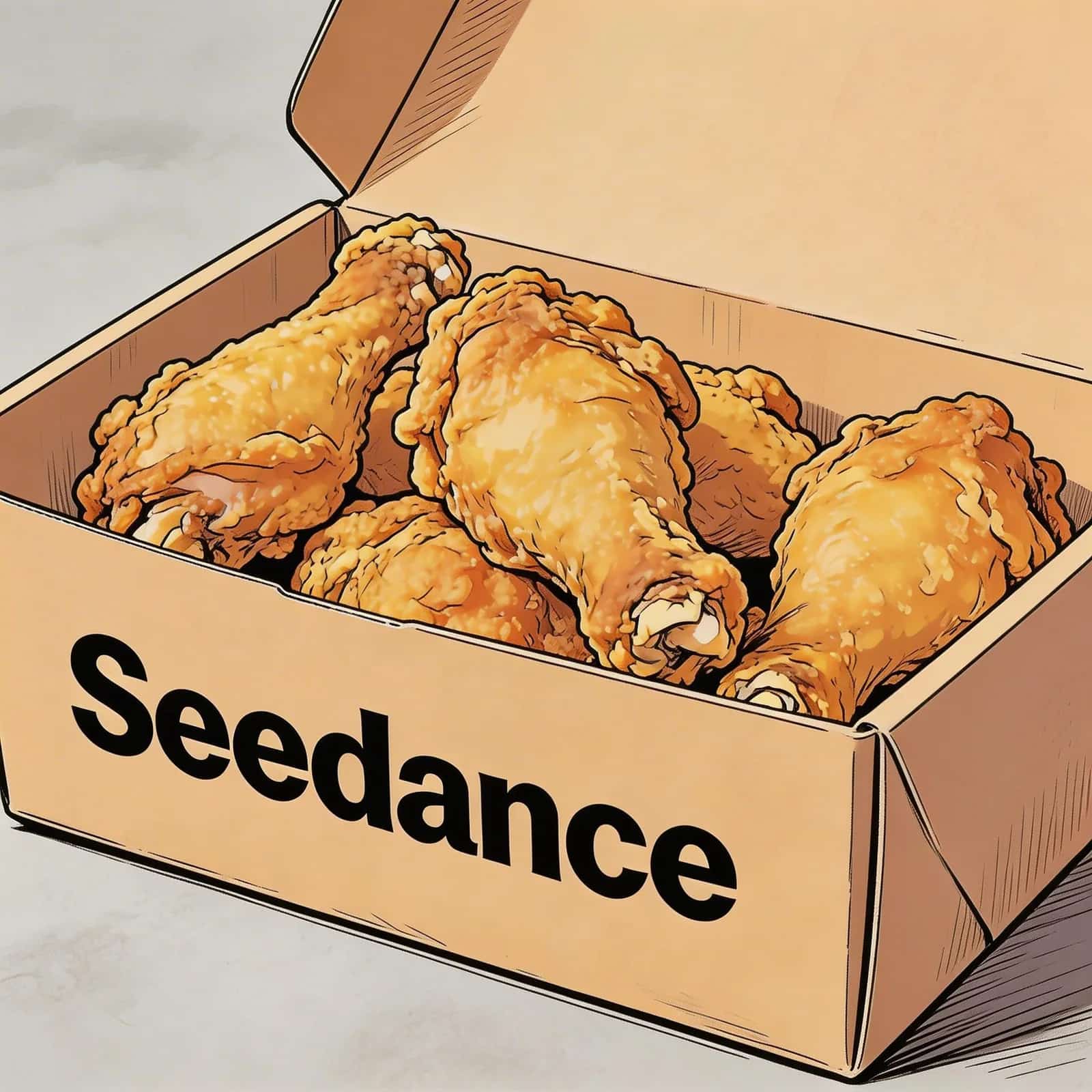
Image 1
📝 Prompt
@Image 1, friendly and joyful atmosphere, then the screen gradually blurs, displaying the text "Joy is in Seedance" in the center.2.2 Subtitles
✨Prompt Template
Final Result
References
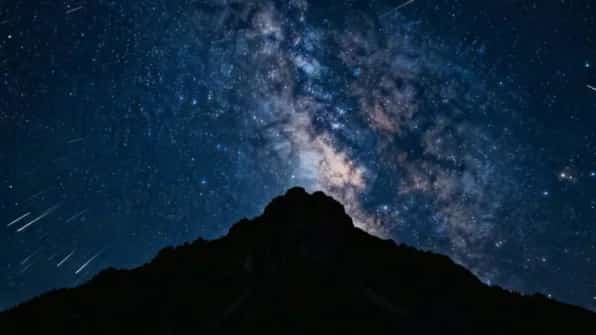
Image 1
📝 Prompt
Final Result
References
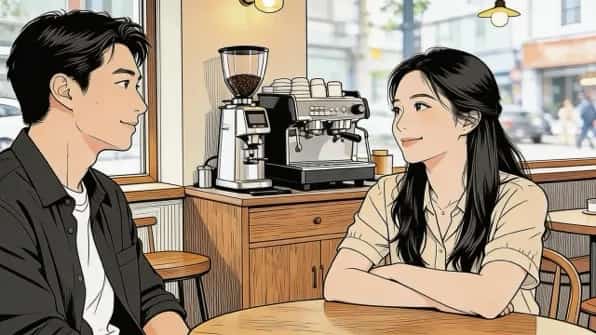
Image 1
📝 Prompt
2.3 Speech Bubbles
✨Prompt Template
Final Result
References
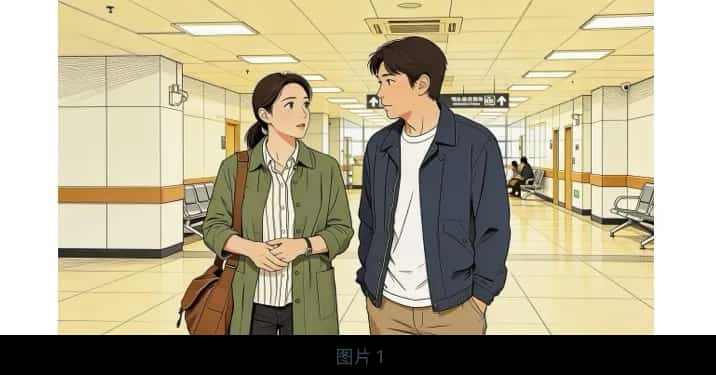
Image 1
📝 Prompt
@Image 1 are jogging on a school track in sportswear. The girl looks at the boy and says confidently: "We can definitely do it!" Cut to a close-up of the boy, who hesitantly replies: "Are you sure?" Cut back to a medium close-up of the girl, who says cheerfully: "Yes!" The mood is bright and determined. Speech bubbles appear around the speaking character with the dialogue.Final Result
References
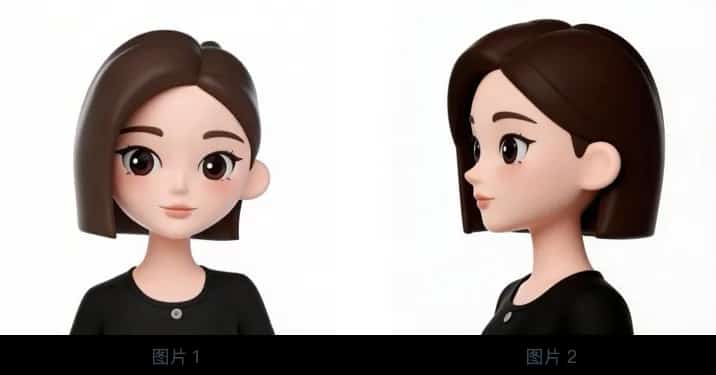
Image 1
📝 Prompt
@Image 1 and @Image 2. The girl is in a strawberry garden, picks one, takes a bite, and says with a smile: "This is the real deal!" A speech bubble appears around her containing the dialogue.Image Ref
3.1 Multi-view Reference
✨Prompt Template
Final Result
References
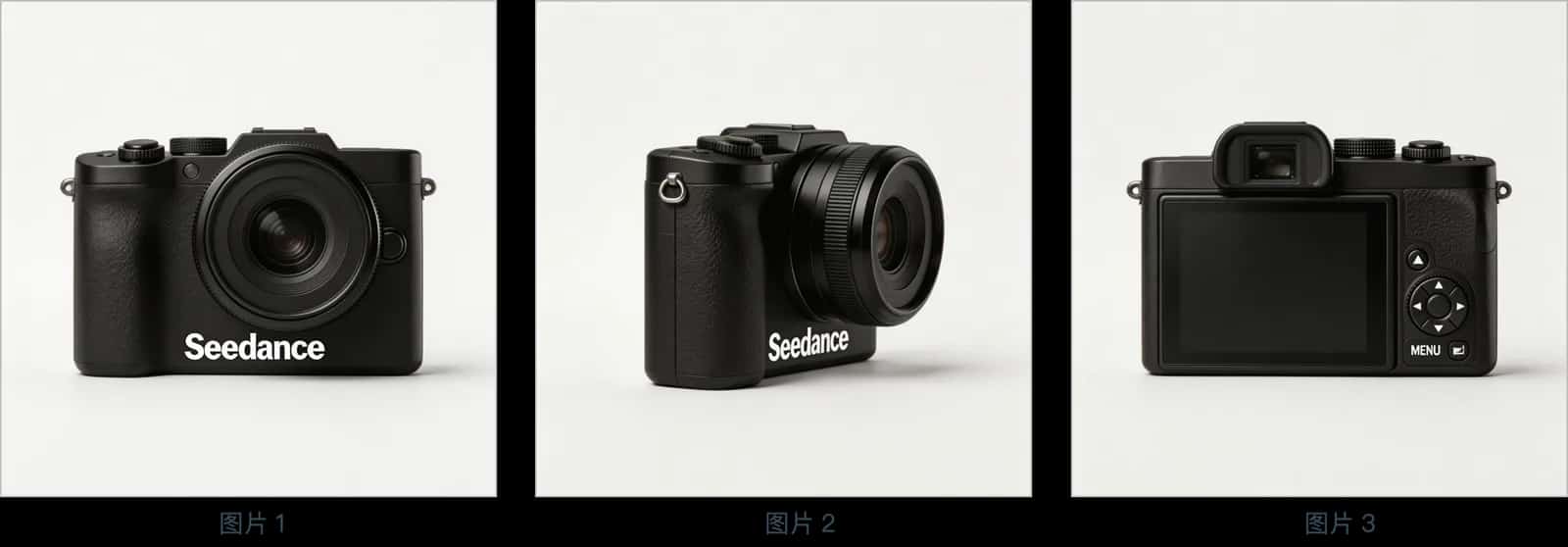
Image 1,2,3
📝 Prompt
@Image 1, @Image 2, @Image 3, change the background to white. The camera is on a white table, the lens focuses on the camera in close-up, then slowly rotates around it, clearly showing the front, side, and back.Final Result
References
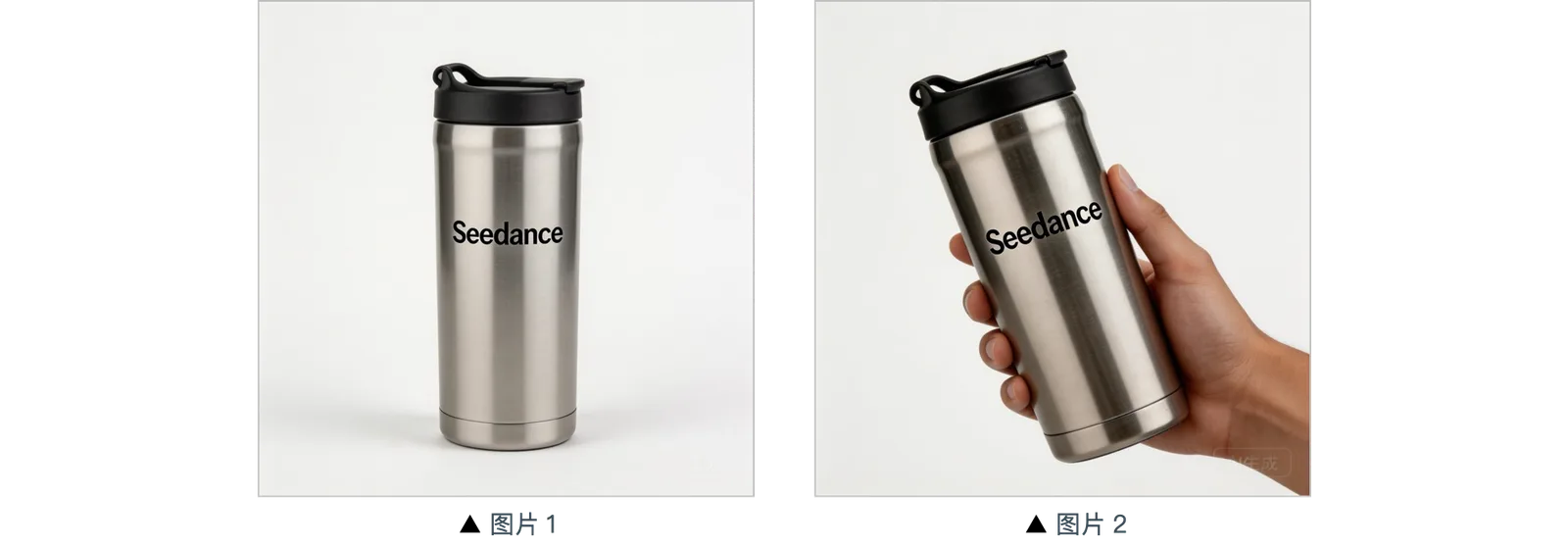
Image 1,2,3
📝 Prompt
Final Result
References
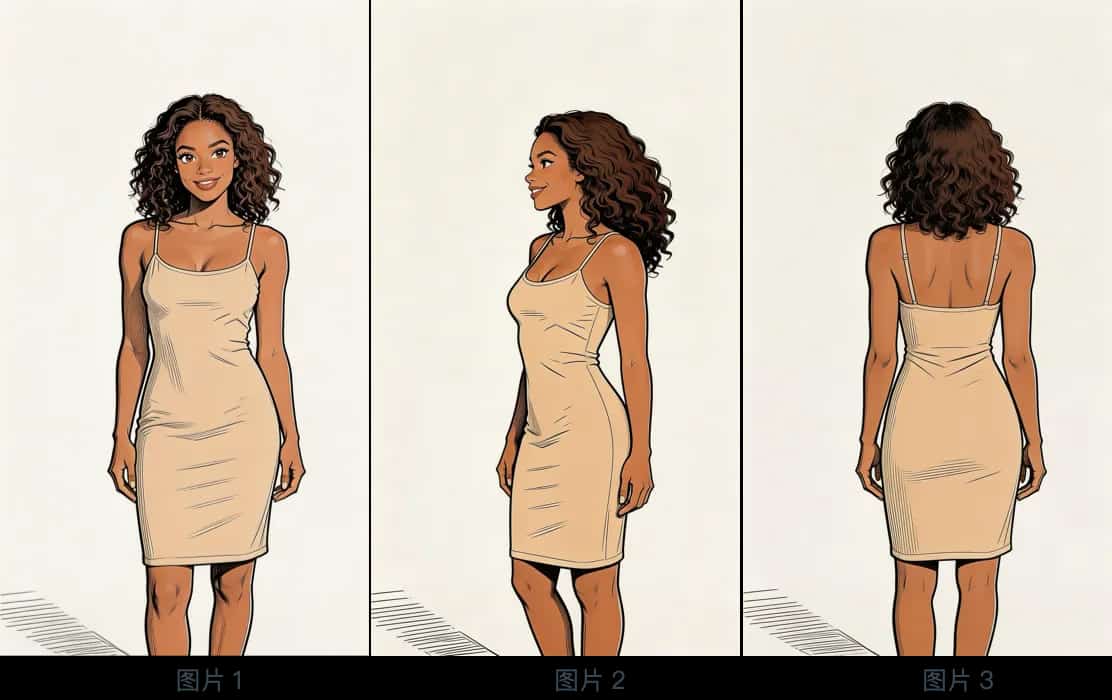
Image 1,2,3
📝 Prompt
@Image 1, @Image 2, @Image 3, generate a scene of her eating cake in a café.3.2 Multi-element Reference
✨Prompt Template
Final Result
References
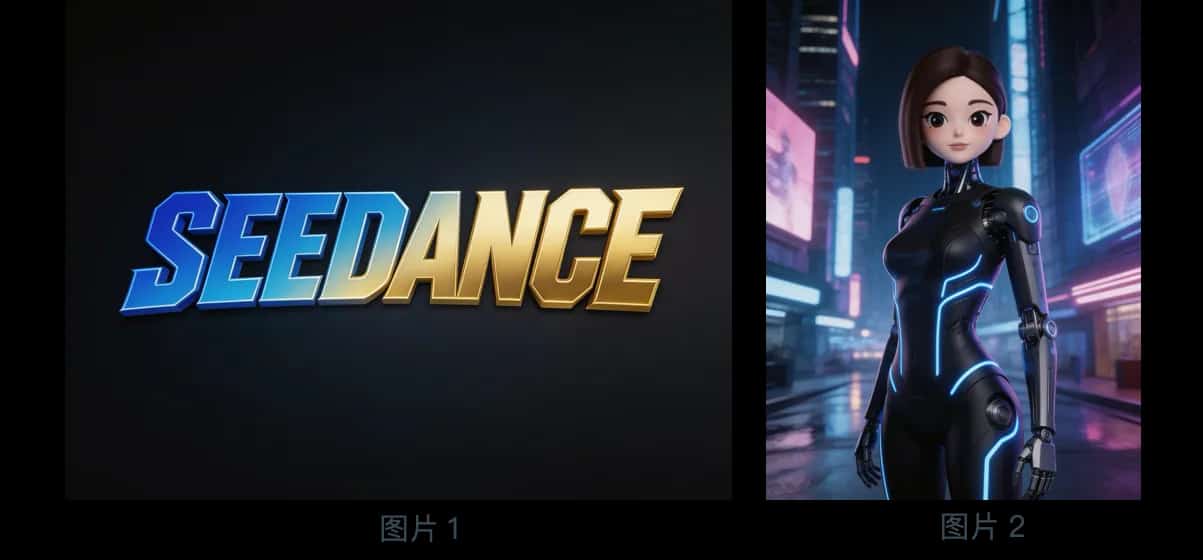
Logo & Reference
📝 Prompt
@Image 2, first show a mid-shot of her releasing silver floating lanterns with holographic projections, then pull back to reveal floating lanterns filling the sky. The image gradually blurs, then the Logo from @Image 1 appears. Overall style is 3D cyberpunk sci-fi animation.Final Result
References
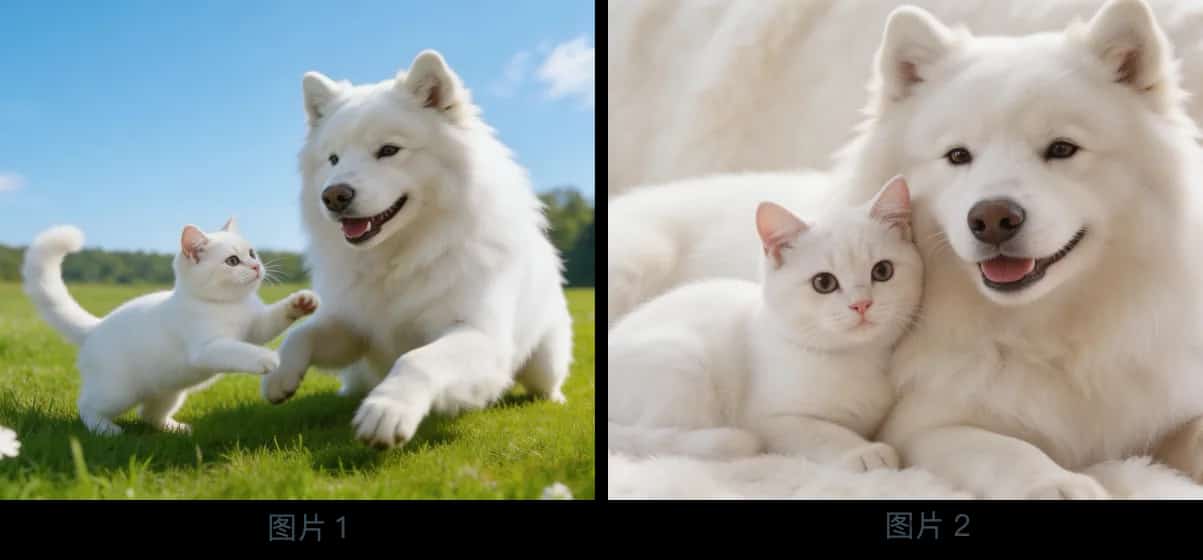
Multi-image Assets
📝 Prompt
Final Result
References
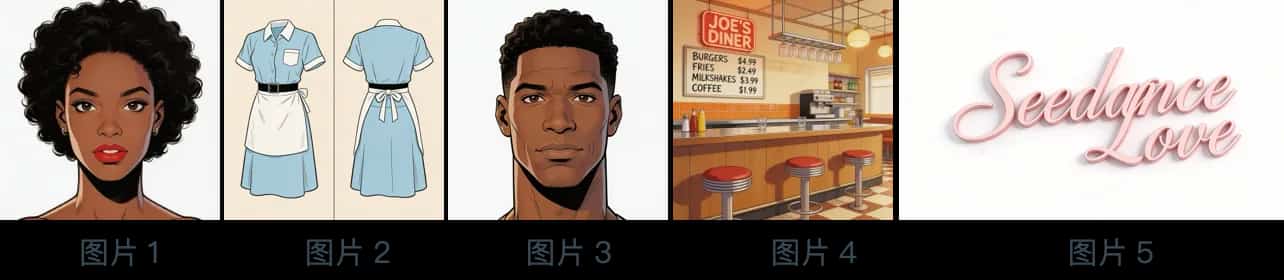
Five-image Combo
📝 Prompt
@Image 4, bustling with customers. The girl from @Image 1 is wearing the outfit from @Image 2, organizing items on the counter. The boy from @Image 3 is a customer who walks up, wanting to ask for her contact information. The logo from @Image 5 is always displayed in the bottom-right corner.Final Result
References
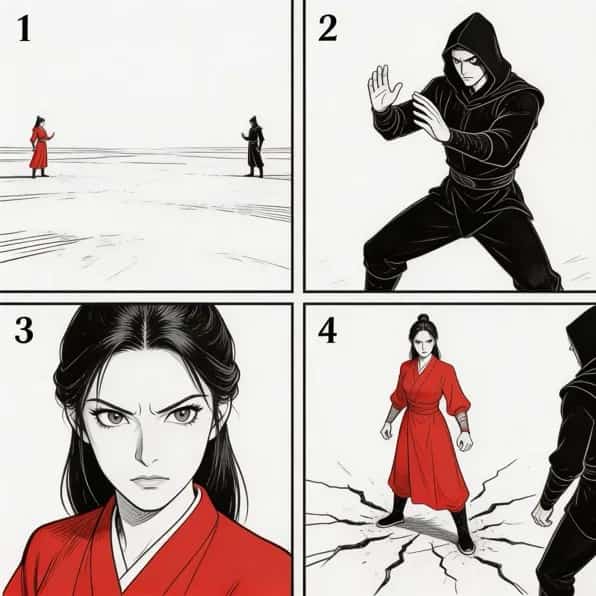
Storyboard
📝 Prompt
Final Result
References
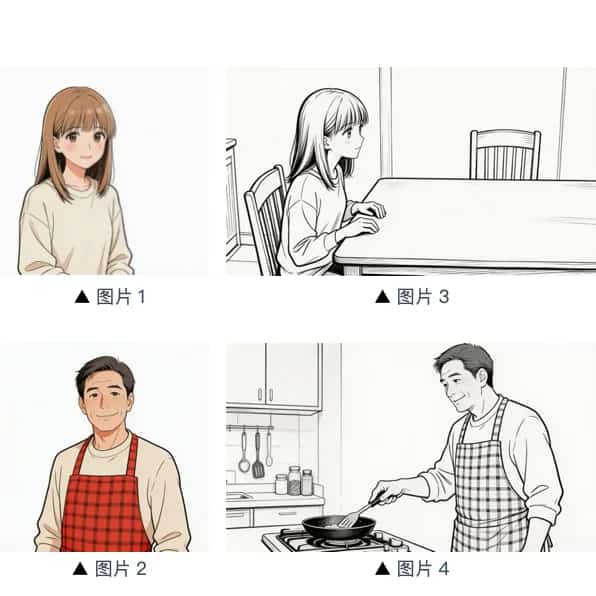
Character Storyboard
📝 Prompt
@Image 3. The girl is waiting for dad to finish cooking. She says: "아빠, 배고파요! 밥 다 됐어요?" Her appearance references @Image 1. Then the camera pans right to @Image 4's composition. Dad's appearance references @Image 2. Dad replies: "거의 다 됐어, 조금만 기다려!" Then cut back to a close-up of the daughter's slightly disappointed expression: "아직 멀었어요? 맛있는 냄새 나는데..." Then cut to dad's close-up: "이제 진짜 금방이야. “빨리빨리” 하지 말고 손부터 씬고 와!"Video Ref
4.1 Action Reference
✨Prompt Template
Final Result
References
Video 1
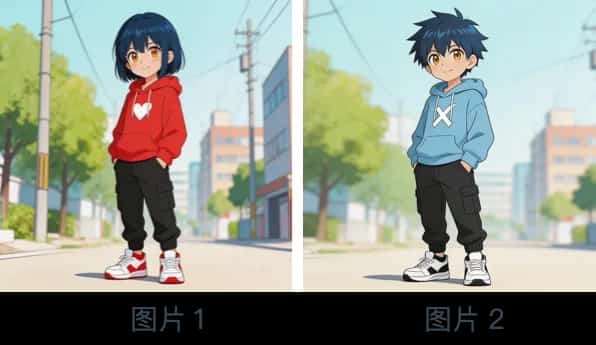
Character Image
📝 Prompt
@Video 1, generate a fight scene with @Image 2 and @Image 1. @Image 2 is the left character, @Image 1 is the right character. With intense background music.Final Result
References
Video 1
📝 Prompt
@Video 1, generate a golden stallion galloping on a grassland, then freeze its magnificent running pose, transforming into a horse-shaped gold pendant.4.2 Camera Reference
✨Prompt Template
Final Result
References
Video 1
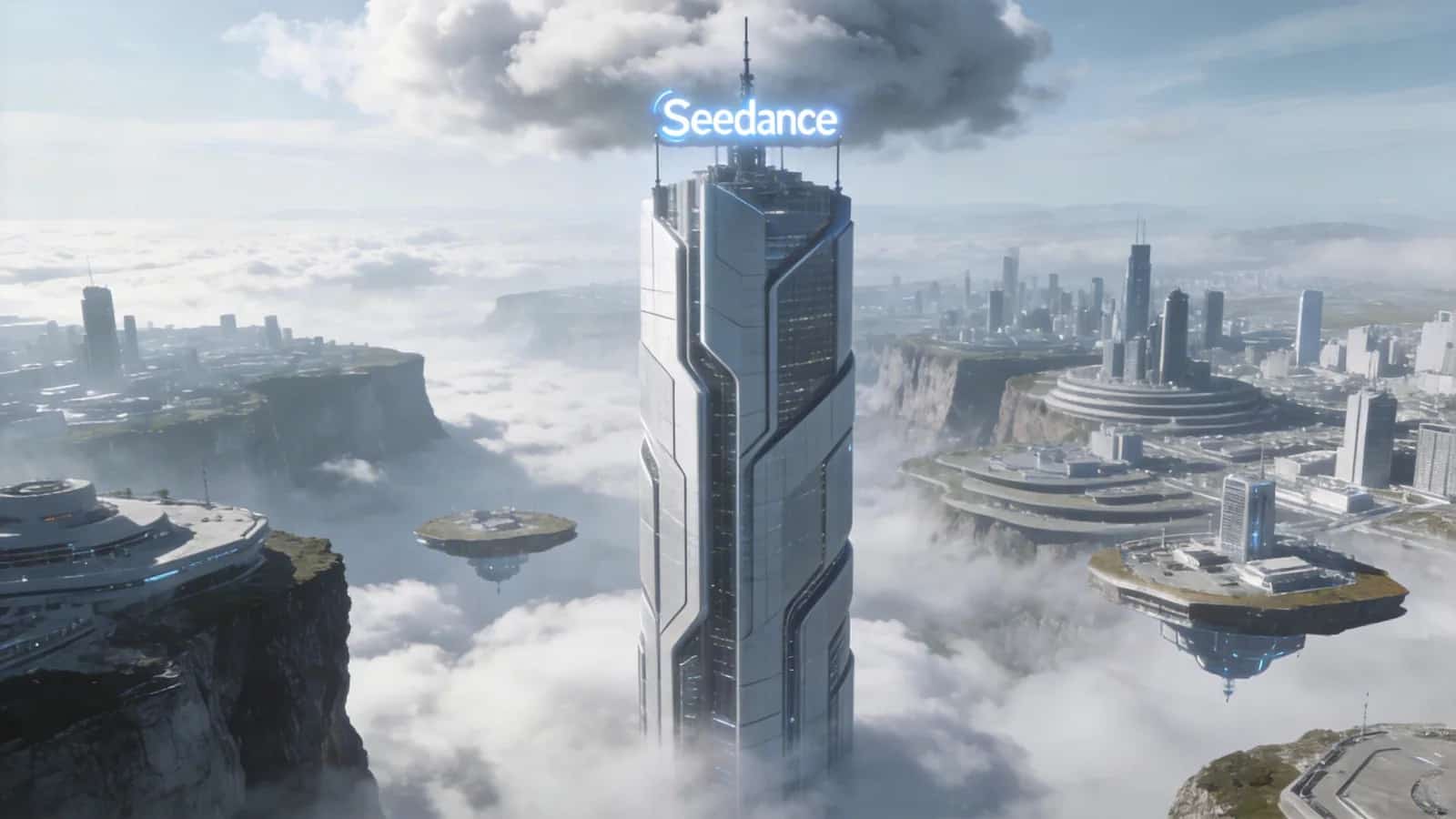
Image 1
📝 Prompt
@Video 1, create a concept video of a tech park with the high-rise from @Image 1 as the visual center, also using a first-person diving perspective, highlighting the tech feel of the park in @Image 1.4.3 VFX Reference
✨Prompt Template
Final Result
References
Video 1
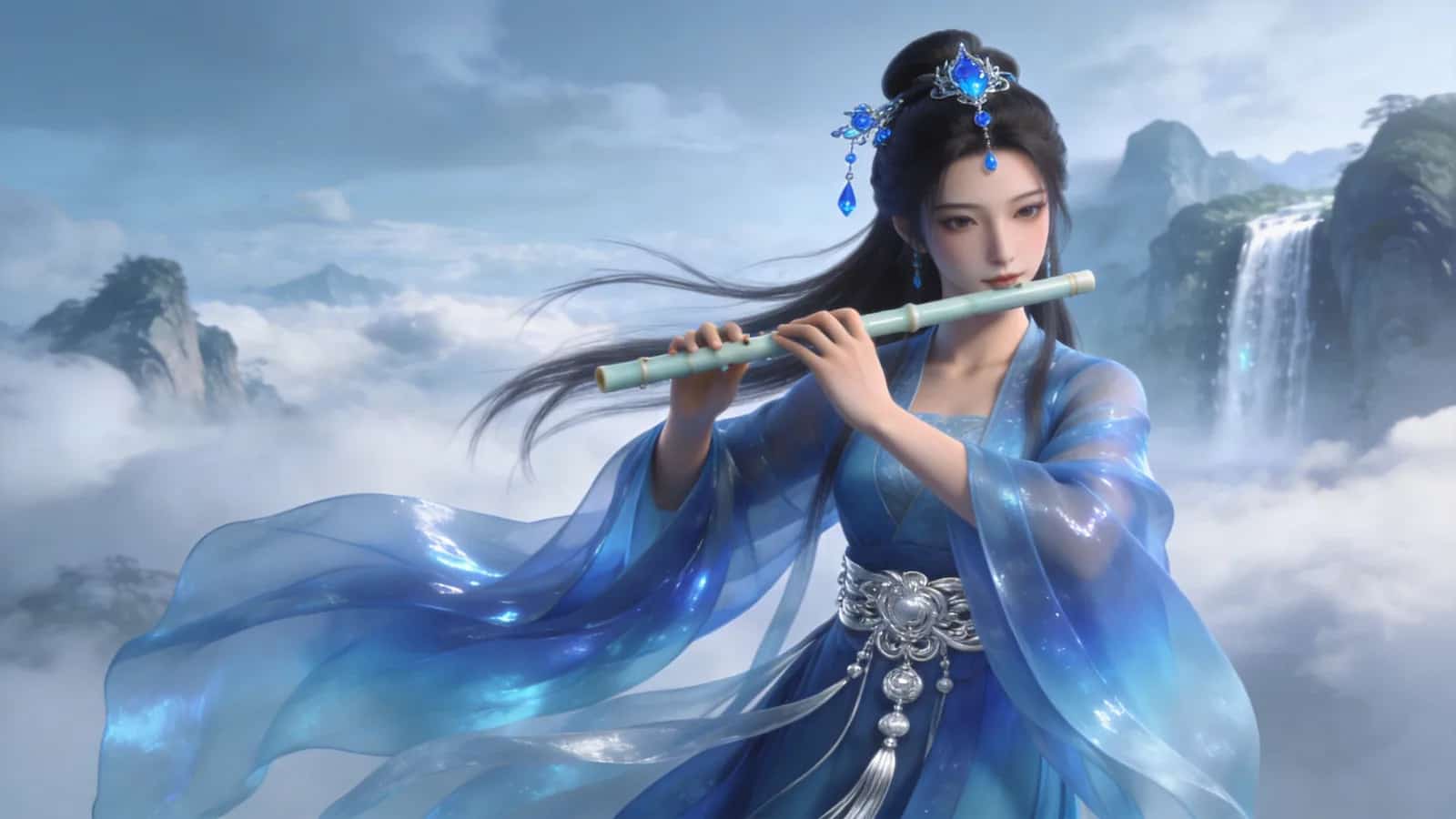
Image 1
📝 Prompt
@Video 1, have the character in @Image 2 playing the flute while surrounded by the same particle effects.Final Result
References
Video 1
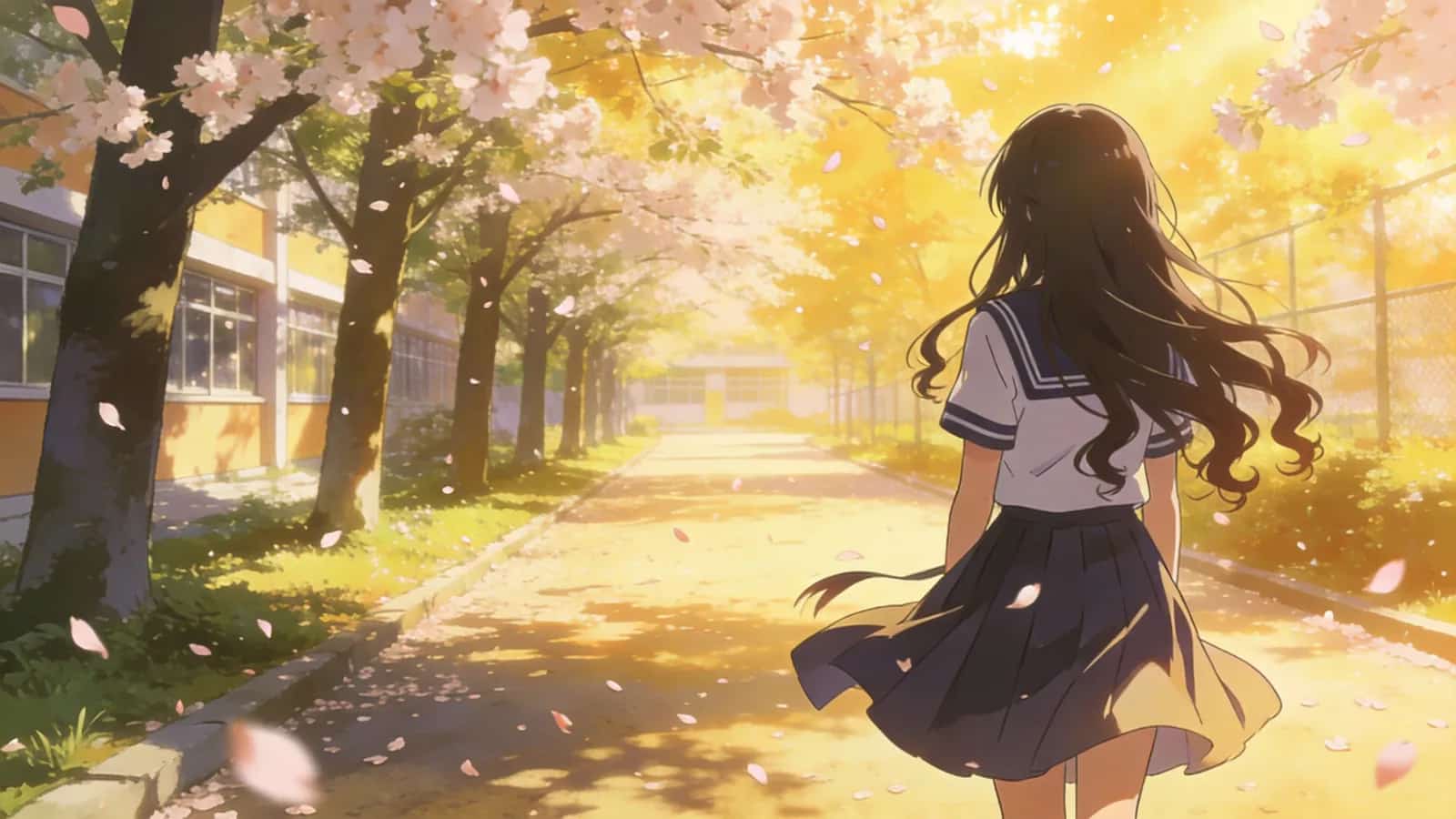
Image 1
📝 Prompt
@Video 1, have the girl in @Image 1 grow the same wings, with the wing generation trajectory matching.Video Edit
5.1 Modify Elements
✨Prompt Template
Remove elements: Remove "element to delete" from "Video n", keep other content unchanged.
Modify elements: Replace "element to replace" in "Video n" with "ideal element description".
Final Result
References
Original Video 1
📝 Prompt
@Video 1.Final Result
References
Original Video 1
📝 Prompt
@Video 1, keep the desktop clean and tidy, leaving only what they're holding.Final Result
References
Original Video 1
Replacement Asset 1
📝 Prompt
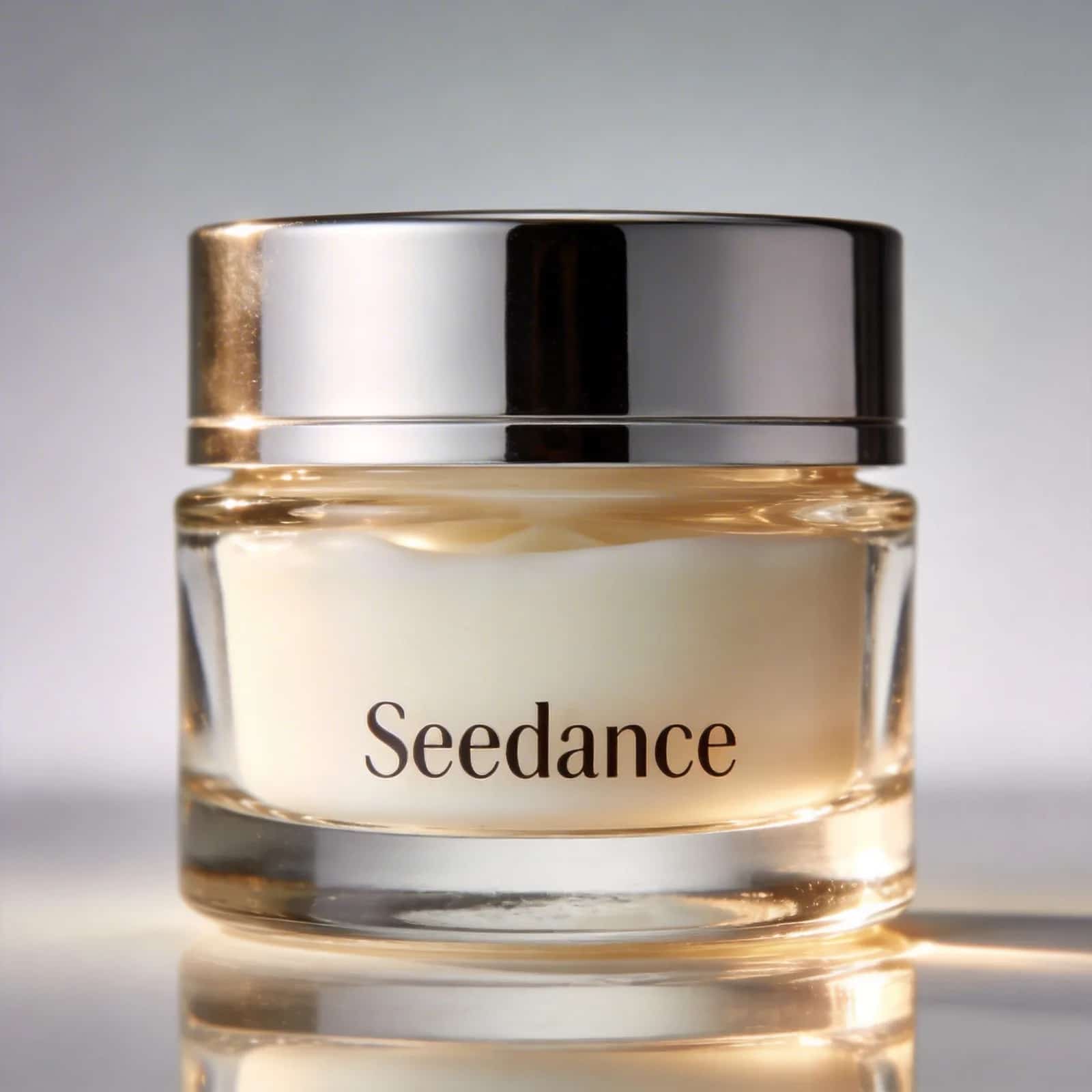
@Video 1 with the face cream from @Image 1, keeping the motion and camera movement unchanged.5.2 Extend Video
✨Prompt Template
- Generate content before/after "Video n" + "description of extended video"
Final Result
References
Video 1
📝 Prompt
@Video 1: two late-arriving men run towards them, the five finally meet and chat happily.Final Result
References
Video 1
📝 Prompt
@Video 1 forward, give the man in white an over-the-shoulder shot. He says: "It's not that bad. You're just stressed. Everyone goes through this, you just need to keep going."5.3 Splice Tracks
✨Prompt Template
Final Result
References
Video 1
Video 2
📝 Prompt
@Video 1, the moment the leaf touches the ground, golden particle effects burst out, a breeze blows through, cut to @Video 2.Best Practices
Core Principles
1. Be Specific: The clearer and more precise your prompt, the less likely you'll get unpredictable or bizarre results.
2. Less is More: Don't overload subjects or actions with too many modifiers — it blurs the focus.
3. Leverage References: When text alone can't describe a complex composition, camera movement, or effect, find suitable image and video assets to assist.
4. Physical Plausibility: Avoid describing physically impossible scenarios — the model relies on real-world physics to some extent.
💡 Universal Starter Formula
[Scene type] + [Subject 1][State 1] + [Subject 2][State 2] + [Environment] + [Lighting & Mood] + [Camera Movement]