Kling 4 Image(Kling Image 4.0)로 텍스트에서 이미지를 만들고, 참조 사진을 편집·합성하고, 일관된 이미지 세트를 생성하세요.

생성함으로써 귀하는 당사의 콘텐츠 정책에 동의하게 됩니다.
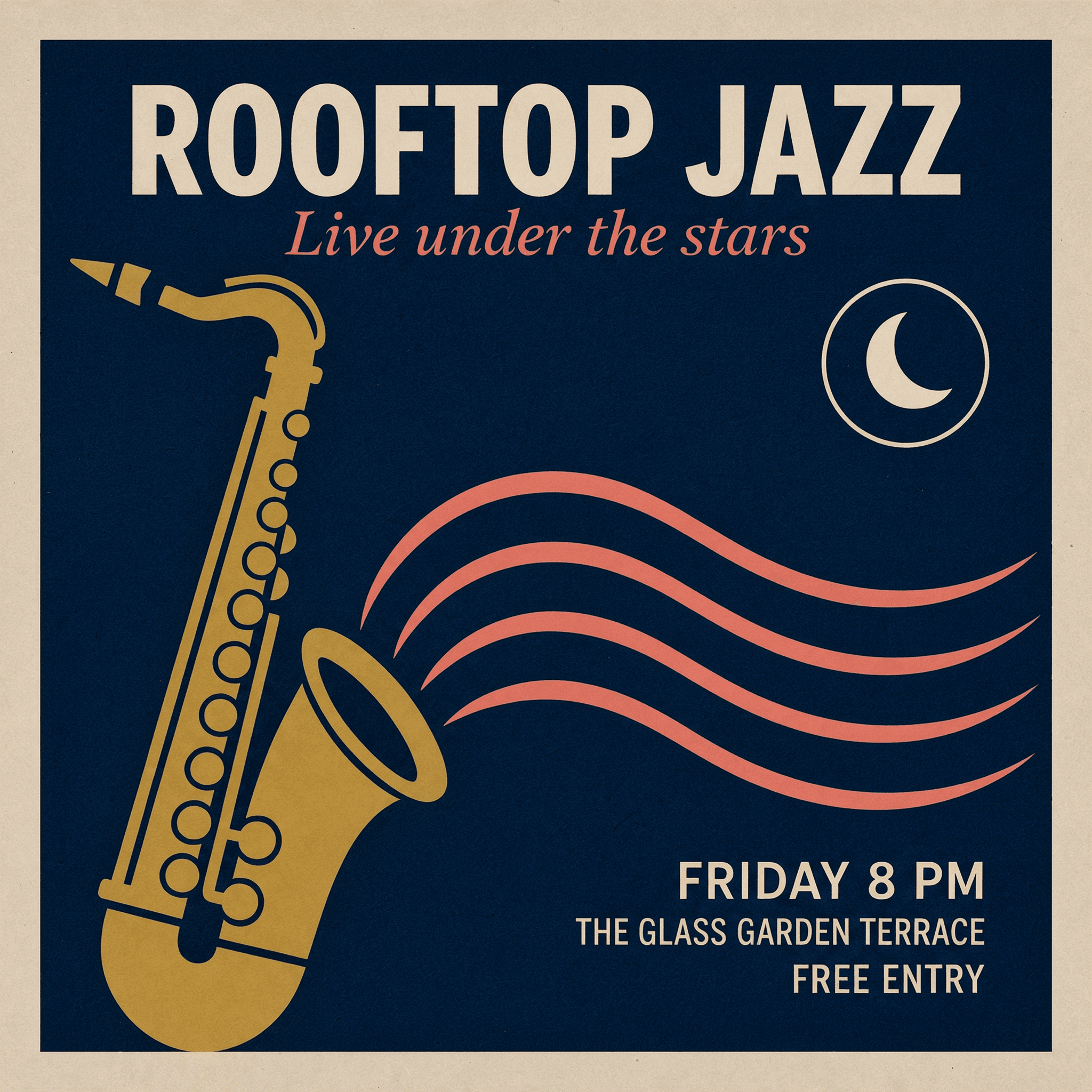
Square graphic design poster for a fictional rooftop jazz evening, in a bold mid-century modern style. Deep midnight-navy background with a fine paper grain texture. On the left half, a large stylized flat illustration of a golden saxophone built from simple geometric shapes, with three curving coral-pink sound-wave lines flowing out of its bell across the middle of the poster. At the top, a huge heavy condensed sans-serif headline in warm cream capitals reads "ROOFTOP JAZZ" on a single line. Directly under it, a second line in coral-pink italic serif reads "Live under the stars". In the lower right corner, three short lines are stacked in small cream capitals: "FRIDAY 8 PM", "THE GLASS GARDEN TERRACE" and "FREE ENTRY". In the upper right corner, a thin cream circle frames a small crescent moon. Flat print-ready colors limited to navy, cream, gold and coral, strict grid alignment, generous margins, and all text kept well inside the square frame. Every word spelled exactly as written, sharp and legible. No people, no logos, no other text.
Kling 4 Image(Kling Image 4.0)는 Kuaishou Kling 4.0 세대의 이미지 모델입니다. Seedance 2.0에서는 설치나 API 키 없이 브라우저에서 바로 사용할 수 있습니다.
별도 업스케일 없이 인쇄 수준의 디테일.
모든 이미지에서 같은 캐릭터, 제품, 스타일 유지.
프롬프트에서 @image_1, @image_2처럼 하나씩 지정.
이커머스 상세페이지나 웹페이지 디자인을 한 장으로 생성.
Kling Image 4.0이 가장 잘하는 것을 Seedance 2.0에서 생성한 이미지와 함께 소개합니다.
헤드라인, 작은 글씨, 여러 섹션으로 된 레이아웃도 깔끔하고 정확하게 표현되며, Kling Image 4.0은 이미지 한 장에 최대 2,000자의 텍스트를 넣을 수 있습니다. 넣을 문구를 따옴표 안에 그대로 쓰고 스타일과 위치를 설명하세요.
롱 이미지 모드는 하나의 긴 페이지를 섹션별로 구성합니다. 제품 사진 1~3장을 올리면 메인 비주얼, 셀링 포인트, 사용 장면, 사양을 담은 이커머스 상세페이지가, 사이트를 설명하면 완성된 웹페이지 디자인이 만들어집니다. 길이와 1K 또는 2K를 선택하면 전체 페이지가 한 장의 이미지로 생성됩니다.
이미지 세트 모드는 하나의 아이디어를 중심으로 최대 10장을 구성합니다. 각 컷마다 고유한 샷과 초점이 있으면서도 캐릭터, 배경, 스타일은 그대로 유지되어, 프롬프트 하나로 스토리보드, 단계별 가이드, 캐러셀을 만들 수 있습니다.







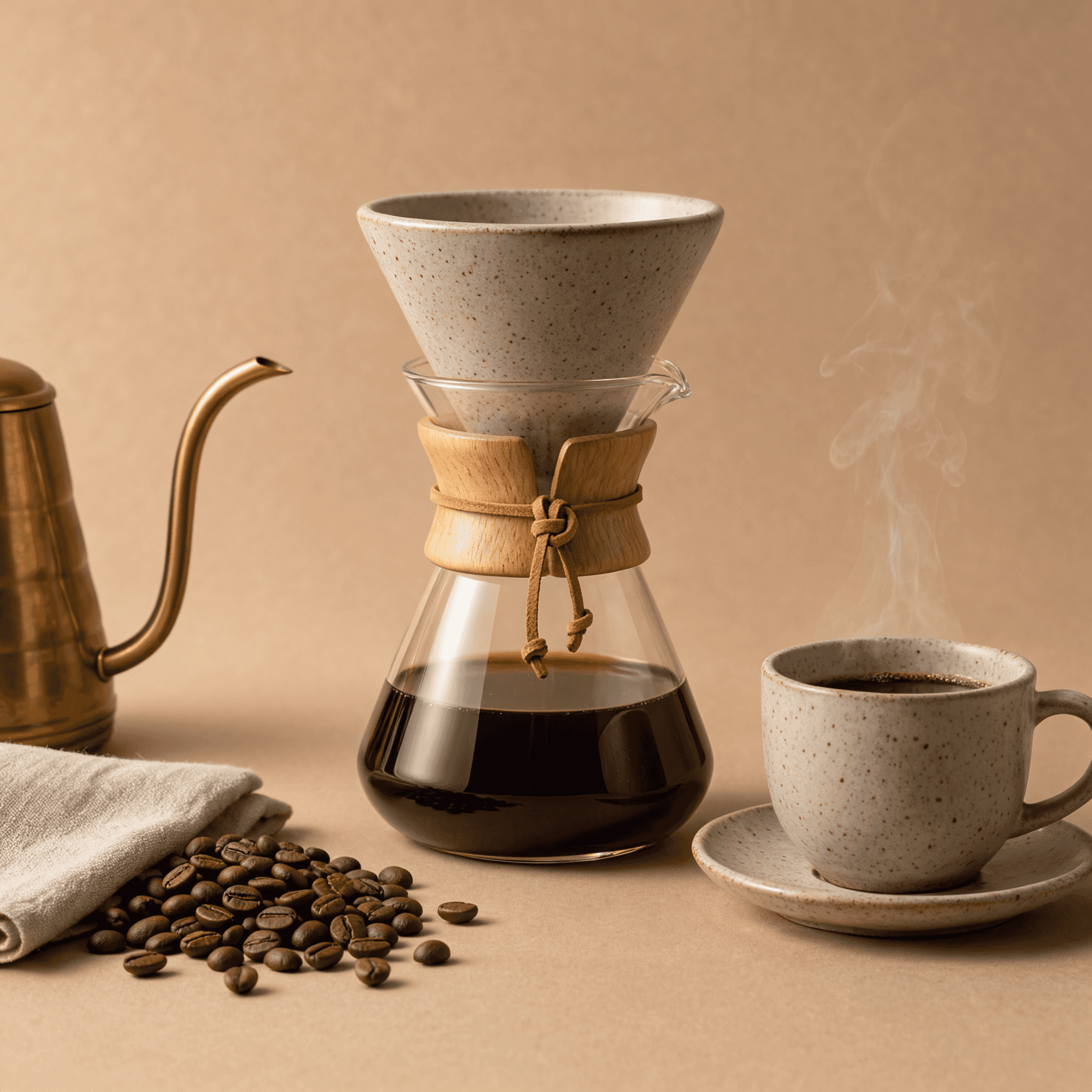
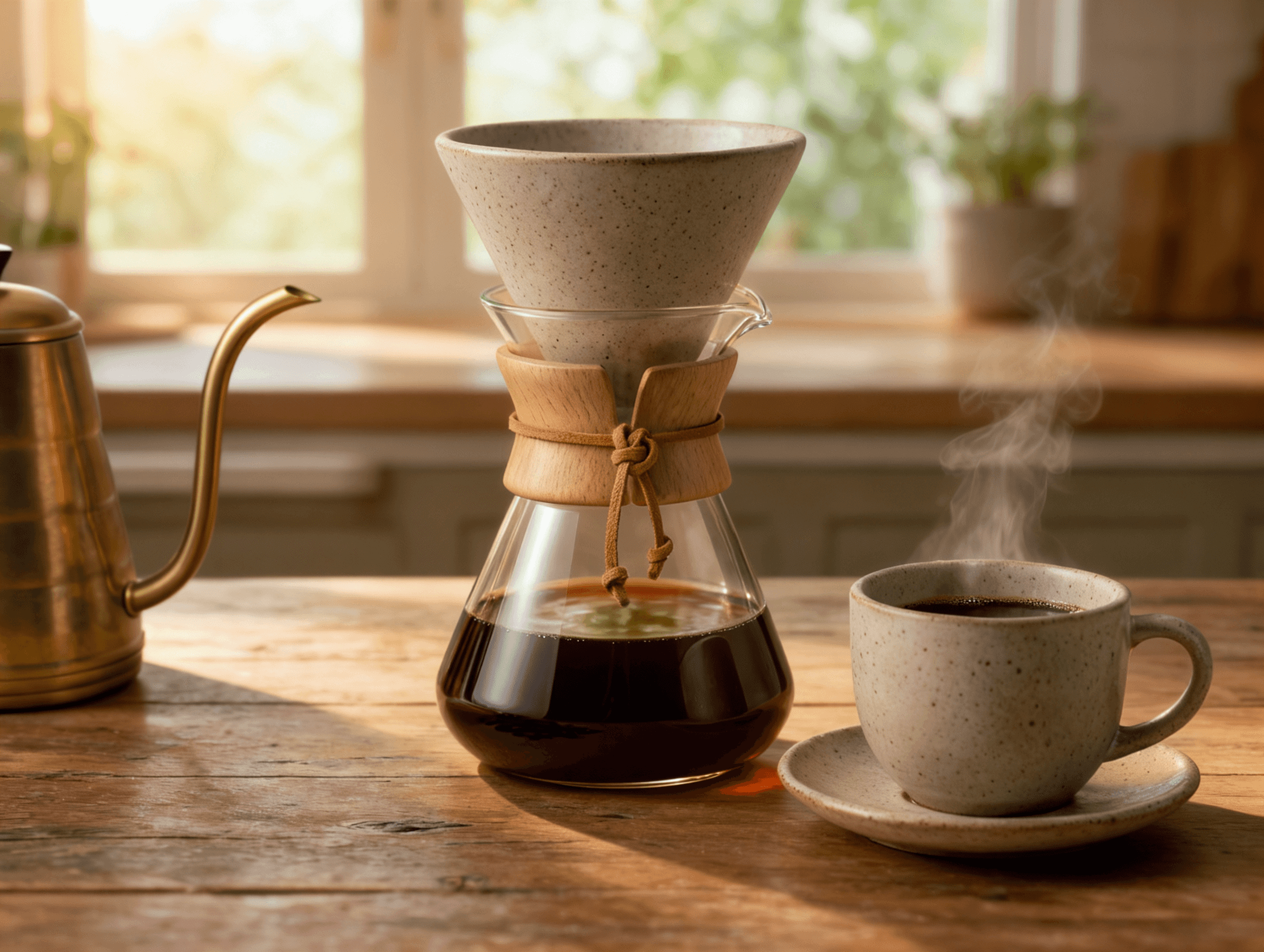
제품 사진을 참조 이미지로 추가하고 새로운 장면 세트를 요청하세요. 제품의 형태, 유약, 색상, 비율이 모든 이미지에서 동일하게 유지되어 스튜디오 사진 한 장이 완전한 카탈로그나 캠페인으로 확장됩니다.
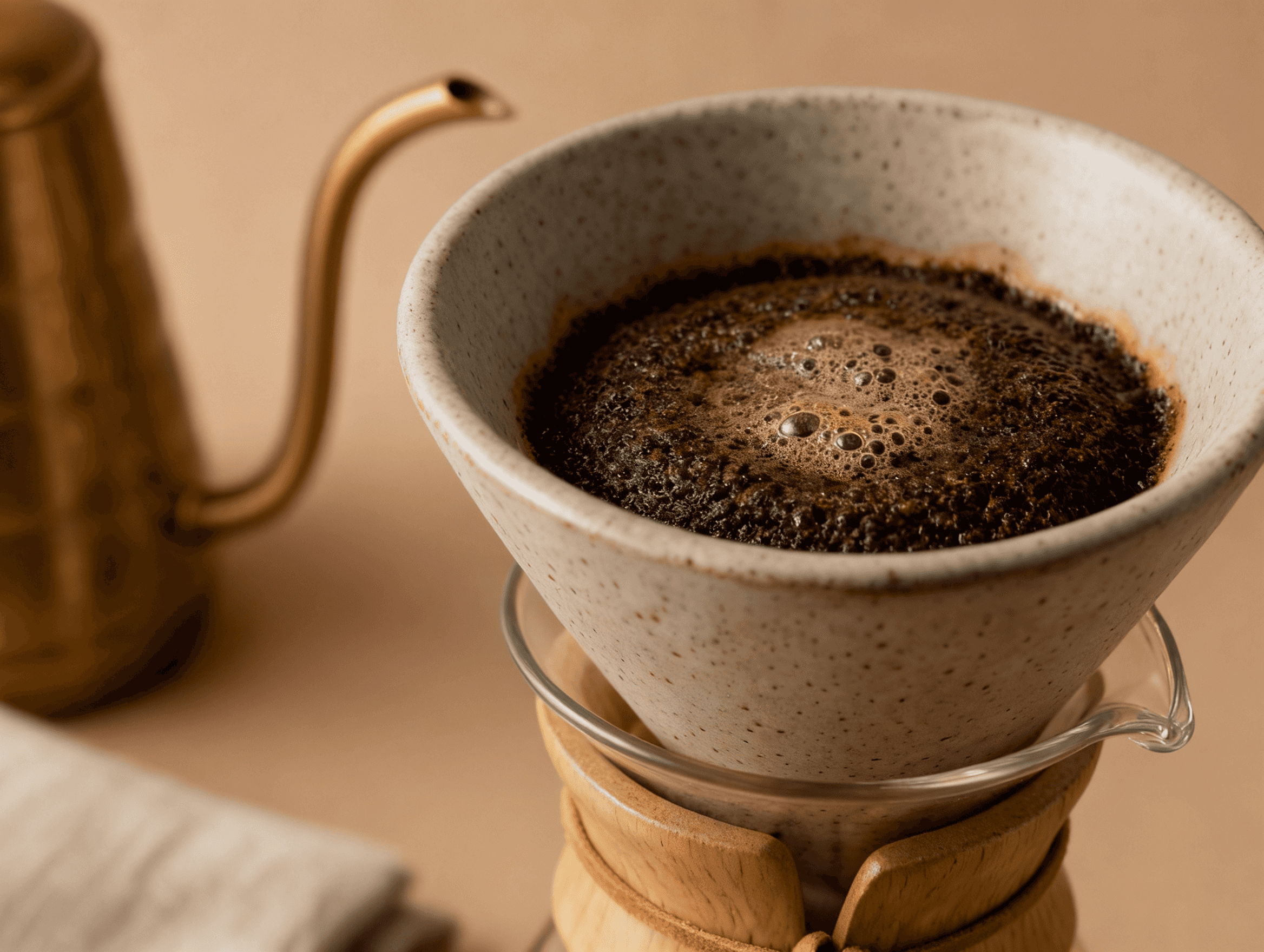
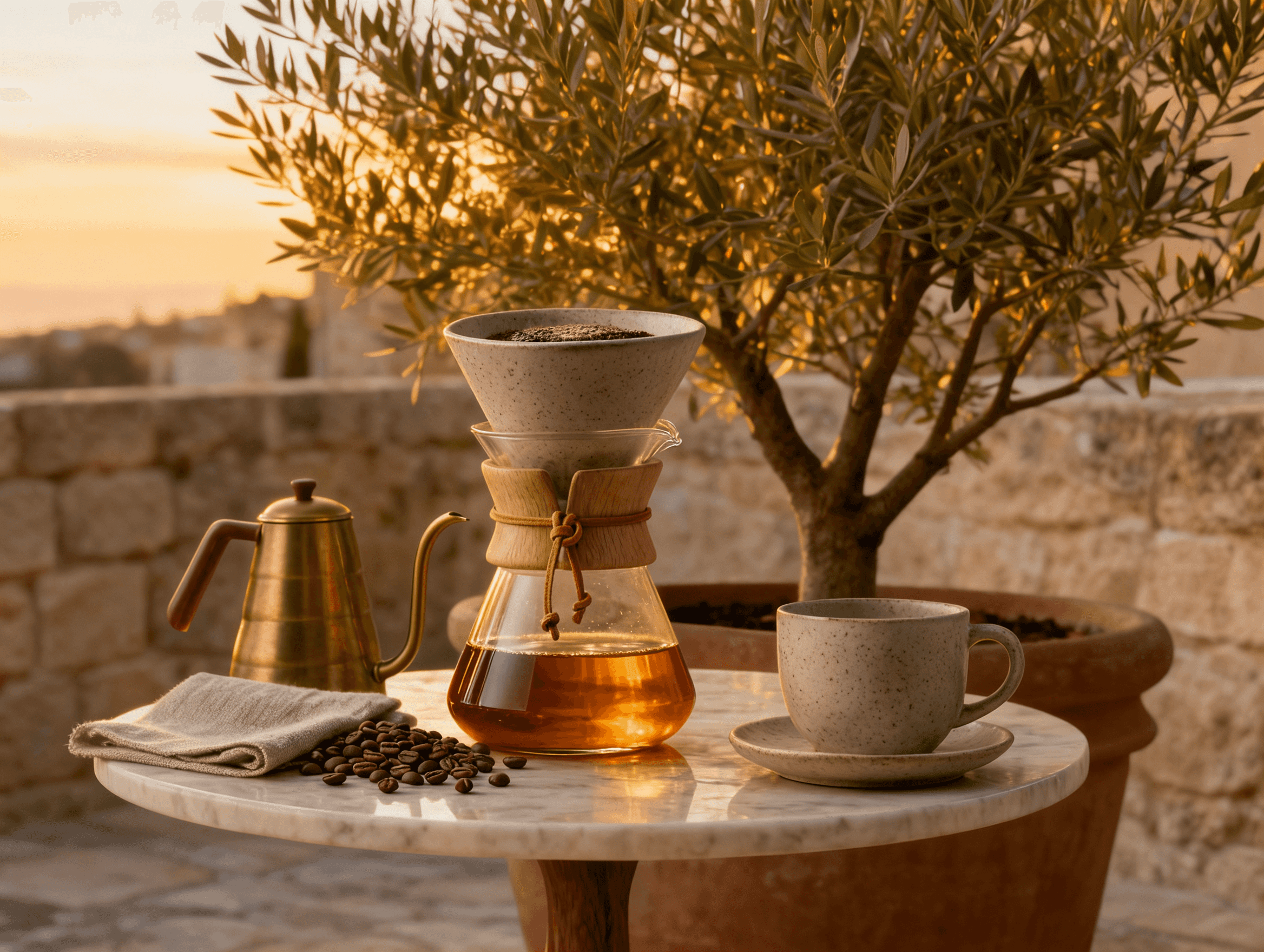
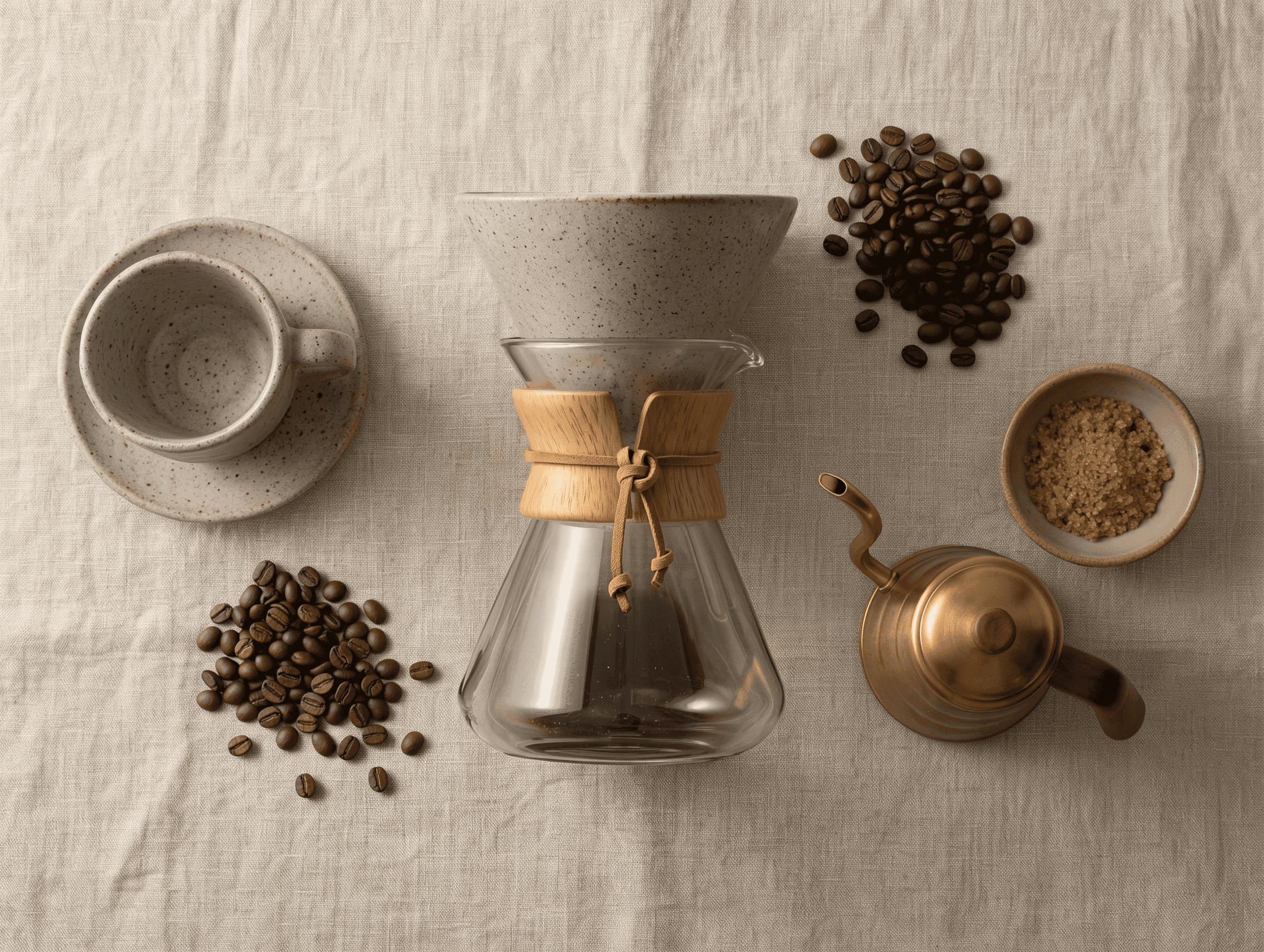
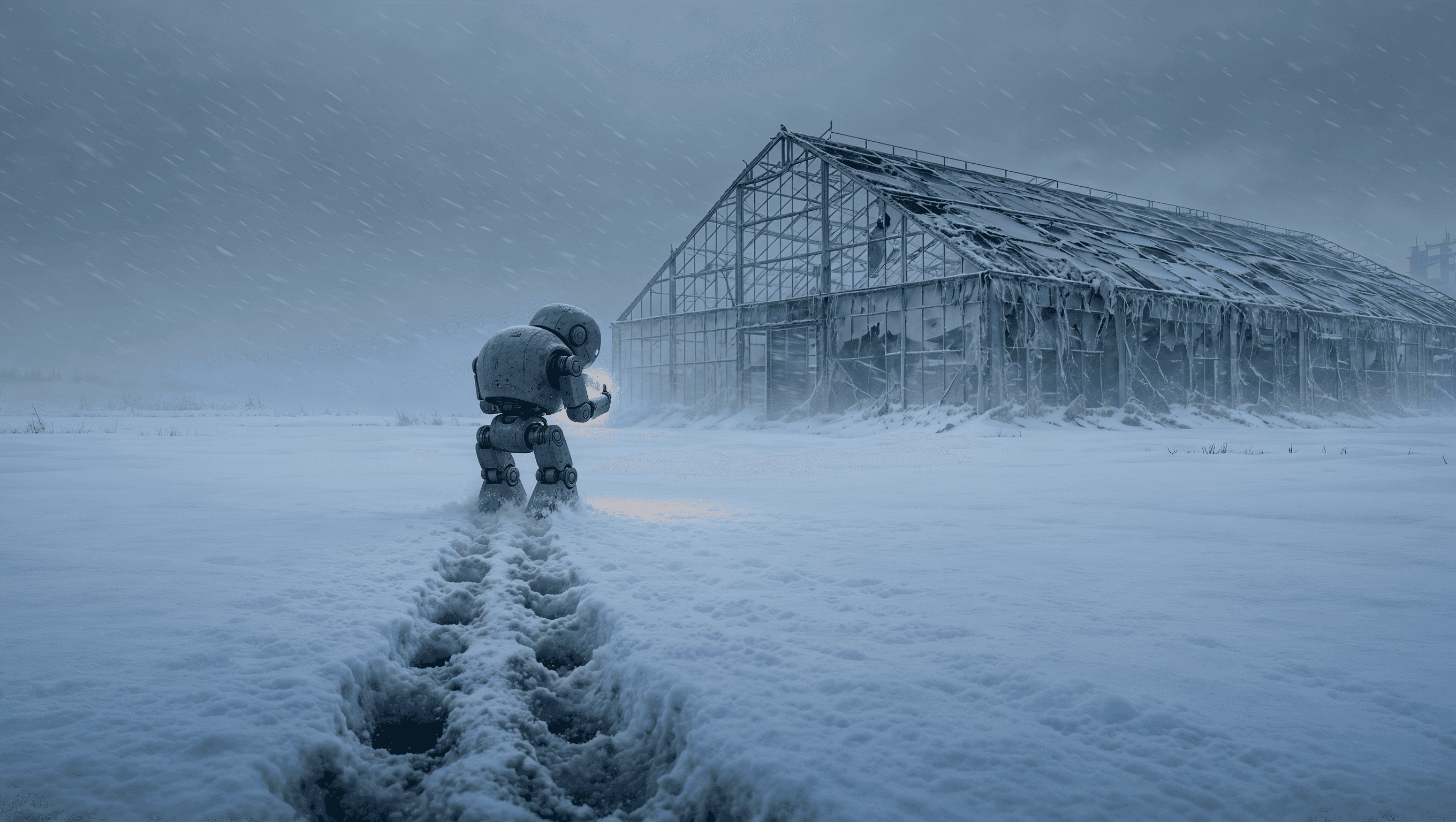
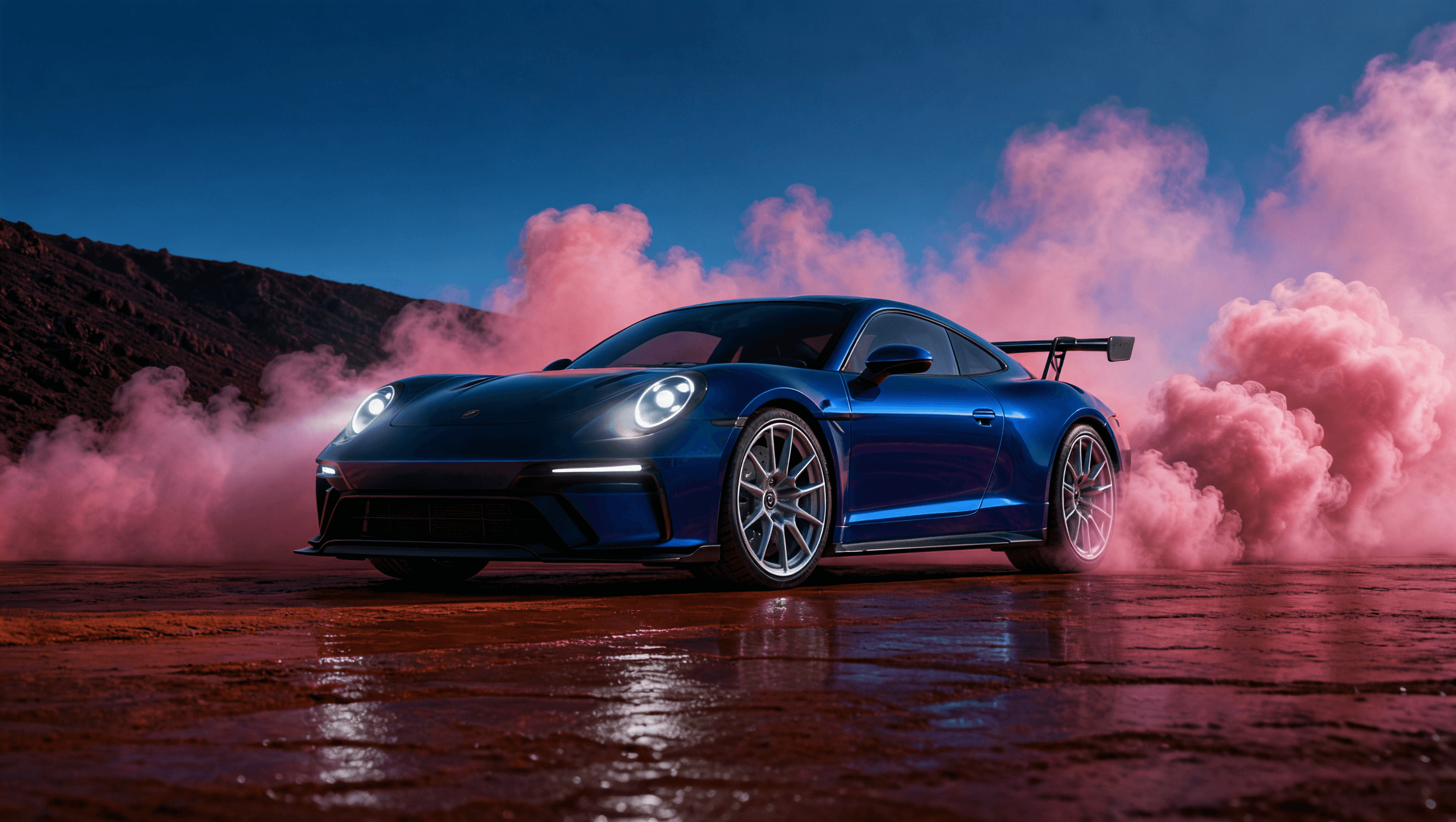
광택 나는 도장, 젖은 바닥, 흩날리는 연기와 림 라이트가 영화 같은 차가운 톤과 따뜻한 톤의 대비로 표현됩니다. Kling 4 Image는 세밀한 조명과 카메라 지시를 그대로 따르며, 같은 프롬프트를 4K 또는 네이티브 8K(3:4 기준 최대 7040 × 9344픽셀)로 렌더링해 완성된 캠페인 비주얼로 쓸 수 있습니다.
Seedance 2.0에서 사용할 수 있는 Kling 4 Image 설정입니다.
| 사양 | Kling 4 Image |
|---|---|
| 모드 | 텍스트-이미지, 이미지-이미지, 롱 이미지 |
| 출력 유형 | 개별 이미지(작업당 1~9장) 또는 일관된 이미지 세트(작업당 2~10장) |
| 롱 이미지 | 상품 사진 1~3장으로 만드는 이커머스 상세페이지(짧게·보통·길게) 또는 전체 웹페이지 디자인, 1K 또는 2K |
| 해상도 | 2K, 4K, 네이티브 8K |
| 화면비 | 자동, 1:1, 16:9, 9:16, 4:3, 3:4, 3:2, 2:3, 21:9 |
| 참조 이미지 | JPG 또는 PNG 이미지 최대 10장, @image_1~@image_10으로 지정 |
| 프롬프트 길이 | 최대 5,000자 |
| 파일 형식 | 2K·4K는 PNG, 8K는 JPEG |
| 가격 | 출력 이미지당 크레딧, 생성 전에 표시 |
Kling 4 Image는 하나의 프롬프트를 완성된 결과물로 만드는 세 가지 방법을 제공합니다. 원하는 결과에 맞게 선택하세요.
같은 프롬프트와 설정으로 서로 독립적인 이미지를 1~9장 생성합니다. 각 결과가 별도의 테이크이므로 구도를 탐색하고 변형을 비교해 마음에 드는 것을 고른 뒤 다듬을 때 사용하세요.
서로 어울리는 이미지를 2~10장 생성합니다. 모델이 캐릭터, 제품, 시각 스타일을 세트 전체에서 일관되게 유지하고 설명한 순서를 따르므로 스토리보드, 단계별 가이드, 제품 다각도 이미지, 여러 장짜리 게시물에 적합합니다.
섹션별로 구성된 세로형 이미지 한 장을 생성합니다. '이커머스 상세페이지'를 선택하고 상품 사진 1~3장을 추가하면 메인 비주얼, 셀링 포인트, 클로즈업, 사양을 갖춘 상품 상세페이지가 완성되며, 길이는 짧게·보통·길게 중에서 고를 수 있습니다. '웹페이지'를 선택하면 설명을 전체 웹사이트 디자인으로 바꾸며, 스타일 참고 이미지와 주제 이미지를 선택적으로 추가할 수 있습니다.
네 단계로 첫 Kling 4 Image 결과를 만들어 보세요.
프롬프트만으로 시작하거나, 이미지-이미지로 전환해 기기나 에셋 라이브러리에서 참조 사진을 최대 10장 추가하세요.
피사체, 배경, 조명, 스타일을 설명하세요. 각 참조 이미지는 @image_1, @image_2처럼 지정하고, 그림에 들어갈 텍스트는 따옴표로 묶으세요.
개별 이미지 또는 이미지 세트, 이미지 수, 화면비, 2K·4K·8K 해상도를 선택하세요. 생성 버튼에 이 설정의 크레딧 비용이 표시됩니다.
생성을 선택하세요. 결과는 미리보기와 기록에 표시되며, 다운로드하거나 설정을 재사용하거나 결과를 새 참조 이미지로 삼아 계속 편집할 수 있습니다.
각 예시에는 실제로 사용한 프롬프트와 설정, 그리고 Kling 4 Image가 Seedance 2.0에서 생성한 이미지가 그대로 담겨 있습니다.

개별 이미지 · 3:4 · 4K
A casual snapshot of an orange tabby cat in a cozy living room. A moderately built adult orange tabby sits upright on a dark gray fabric sofa, facing the camera with its head tilted slightly to one side and curious green eyes looking at the photographer. The cat has short, dense fur, round cheeks, a pink nose, and clearly visible whiskers. A cream-colored plush cushion sits beside it, while a soft blanket with yellow and dark blue patterns covers the foreground. In the background, a large bright window reveals neighboring houses and trees. A round wall mirror, green plants, and living room furniture are partially visible on the left. Natural daylight streams in through the window, creating a soft rim light around the cat. Vertical medium shot, authentic indoor iPhone photography, warm everyday atmosphere, realistic fur texture.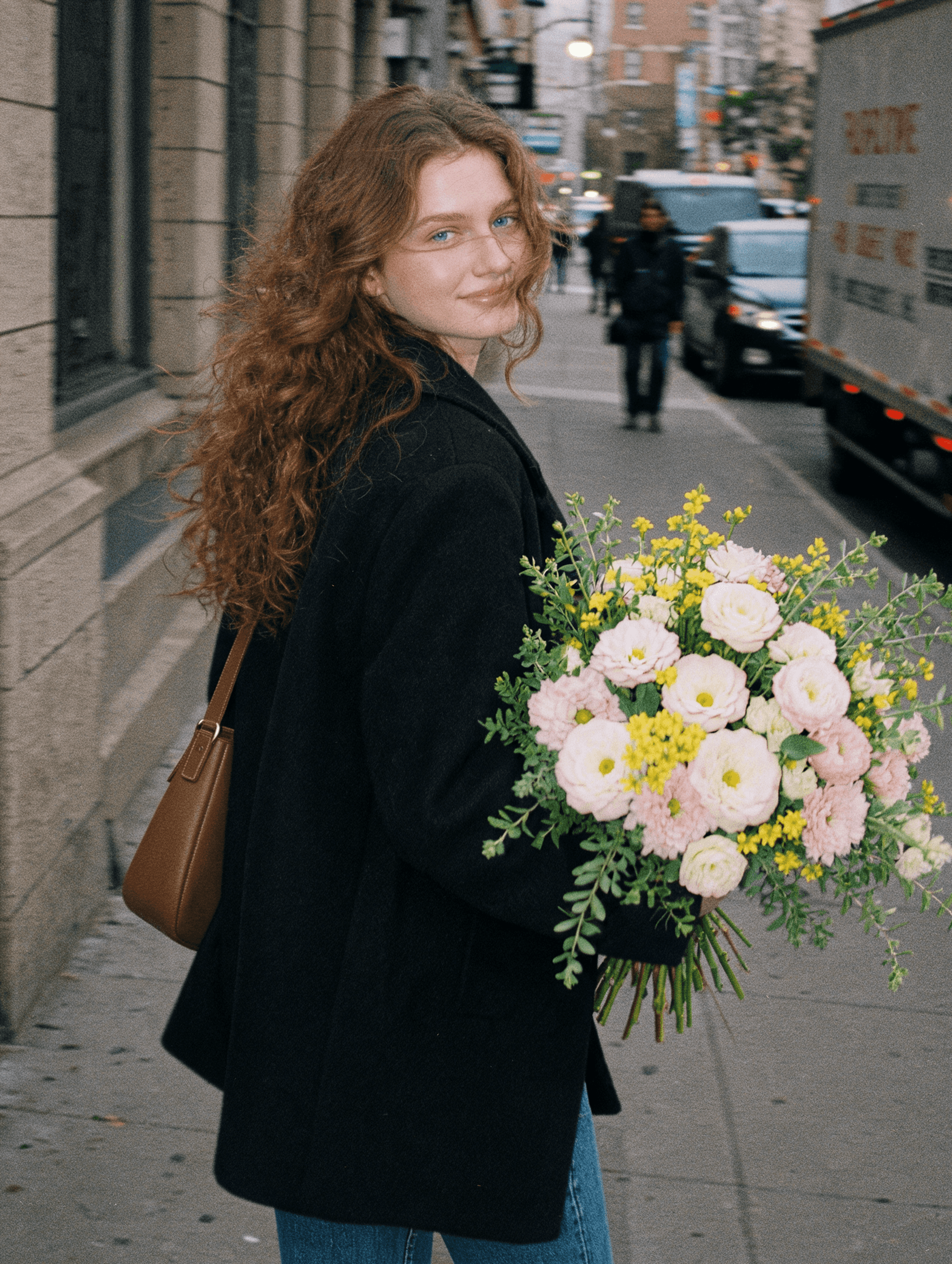
이미지-이미지 · 개별 이미지 · 3:4 · 2K
A grainy, slightly motion-softened 35mm snapshot catches the person from the uploaded identity photograph halfway through turning back while walking along a busy city sidewalk with a bouquet. Preserve their recognizable facial features, age, skin tone, and individual character. The photograph feels taken quickly by a friend walking a step behind, before the person has settled into a pose. Their hips and shoulders continue moving forward as their head turns toward the camera. Their expression is a small, fleeting smile, with relaxed eyes and softly closed lips. A few loose strands sweep across the cheek and mouth. The bouquet shifts slightly in their bent arms, its outer leaves and fine stems trailing with the movement. A soft brown shoulder bag swings gently against the hip, pulling the coat into uneven folds. Keep these movements subtle and consistent with an ordinary walking pace. They wear a roomy black wool coat and blue jeans, carrying an abundant, loosely gathered bouquet of pale pink and ivory flowers, small yellow blossoms, and irregular green foliage. The bouquet fills part of the lower-right frame and is cropped slightly at the edge. Render clothing, hair, and flowers with broad natural detail rather than individually sharpened fibers, strands, and petal veins. The street behind contains stone facades, a dark vehicle, part of a white delivery truck, and a passing pedestrian. Their shapes remain recognizable, but edges show a short, uneven directional smear from handheld movement. Use moderate depth of field with imperfect focus rather than creamy portrait-lens bokeh. Cool daylight mixes with a modest direct on-camera flash. The brief flash gives the eyes, nose, and central face a comparatively stable impression, while ambient exposure leaves faint movement around loose hair, the shoulder outline, bouquet tips, and background traffic. Suggest a handheld exposure around 1/30 second: a small amount of directional softness, with no long light trails or obvious duplicate face. Flash creates simple, slightly uneven highlights across the forehead, cheeks, and nearby flowers. The black coat falls into broad dark areas with limited fine detail. Keep the skin gently warm and the street muted gray-green, avoiding a strong blue or teal grade. The lighting feels immediate and imperfect. Give the entire photograph the texture of a modest-resolution scan from a high-speed consumer color-negative film. Clearly visible, irregular grain breaks up skin, sky, clothing, and shadow areas; grain becomes coarser and more chromatic in the darker regions. Fine detail is partially lost through the combination of grain, slight focus error, and handheld movement. Keep facial identity readable without crisp eyelashes, sharply separated hair strands, or detailed leather pores. Edges are soft before grain is applied, so the result feels genuinely photographic rather than a sharp digital portrait covered in noise. Photograph at close conversational distance with a slightly tilted handheld camera, framing vertically from above the head to the hips. Preserve the spontaneous crop and mild imbalance of a passing moment. Output a single photograph with no added typography or interface graphics.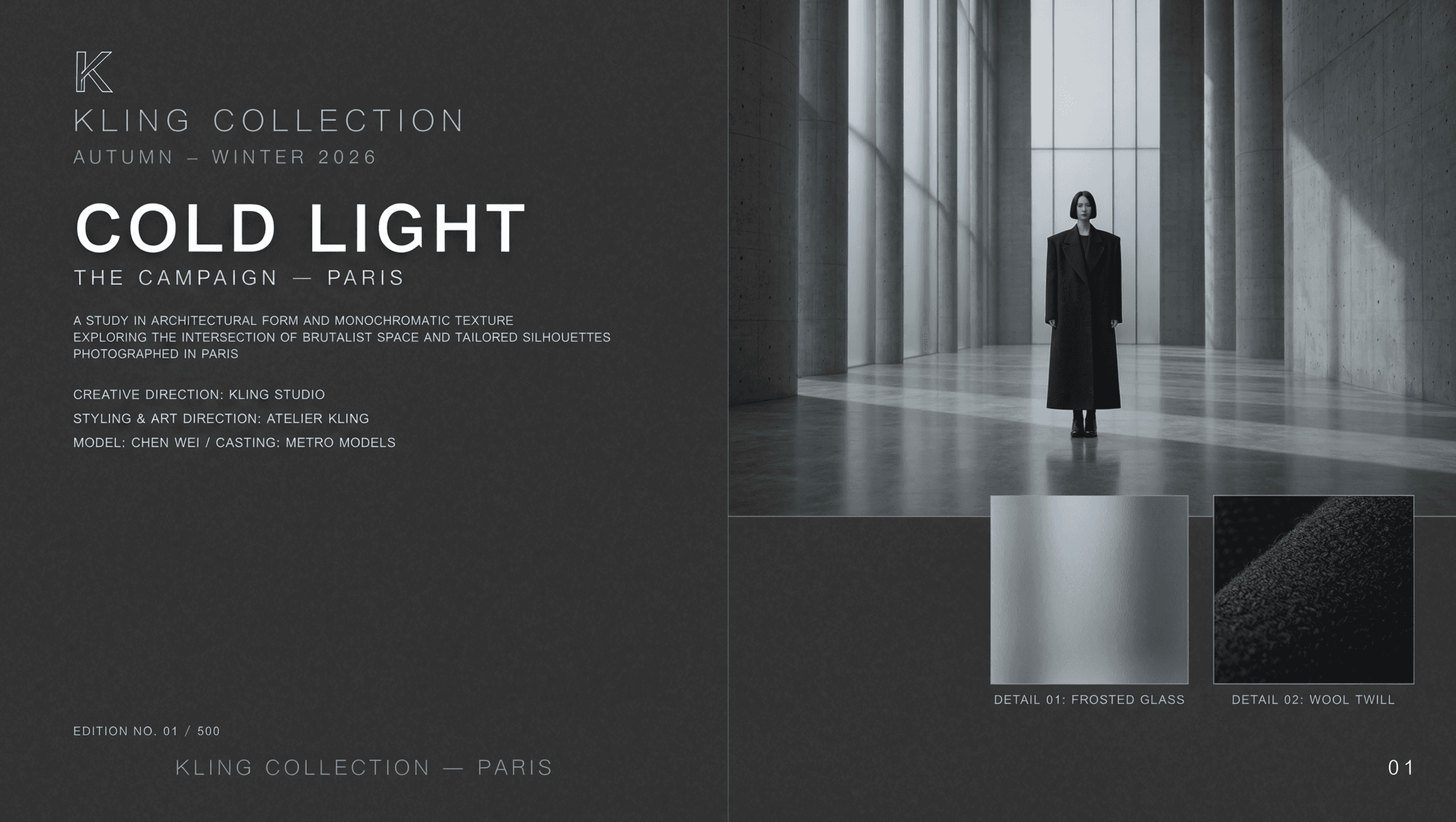
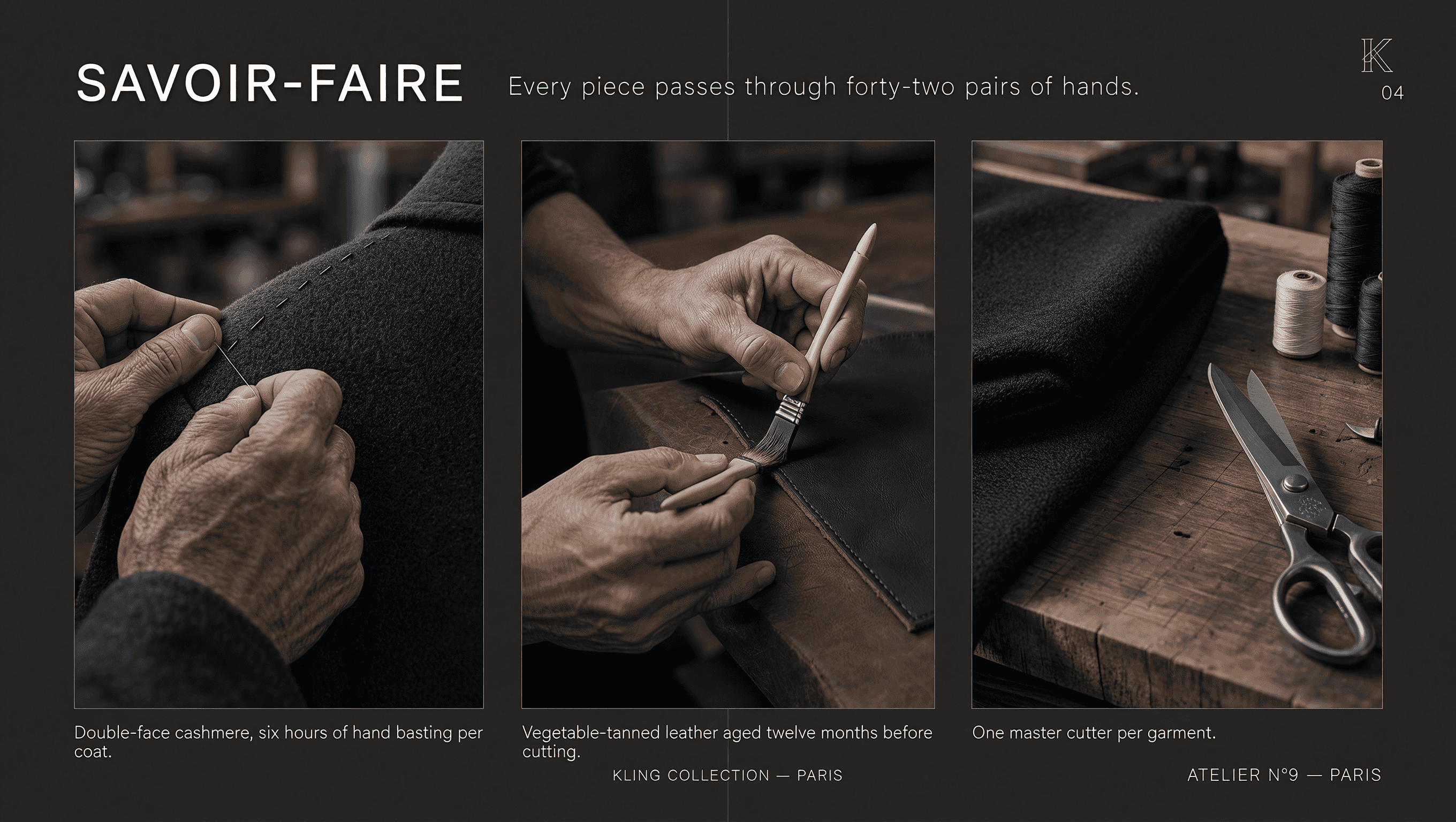
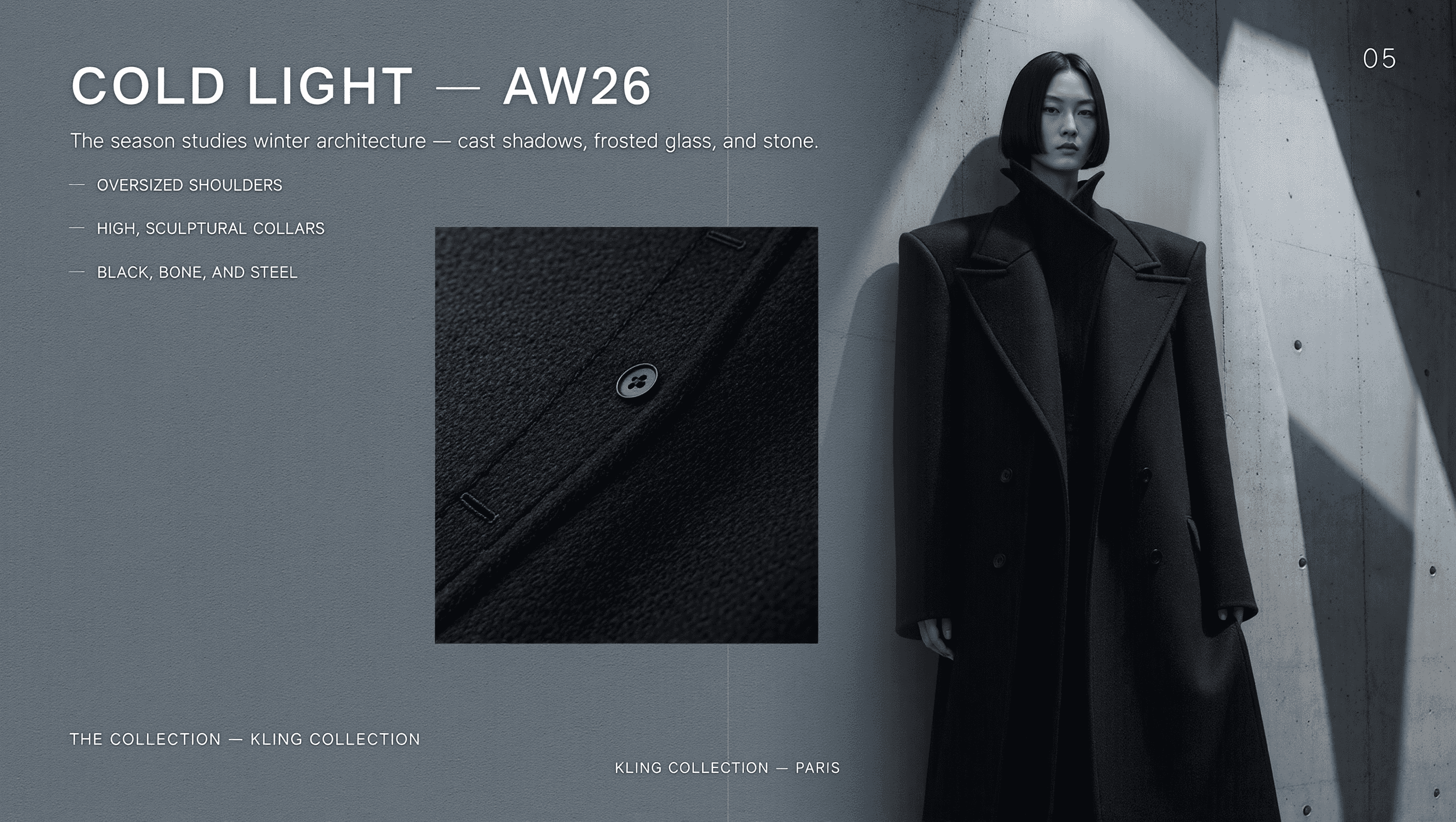
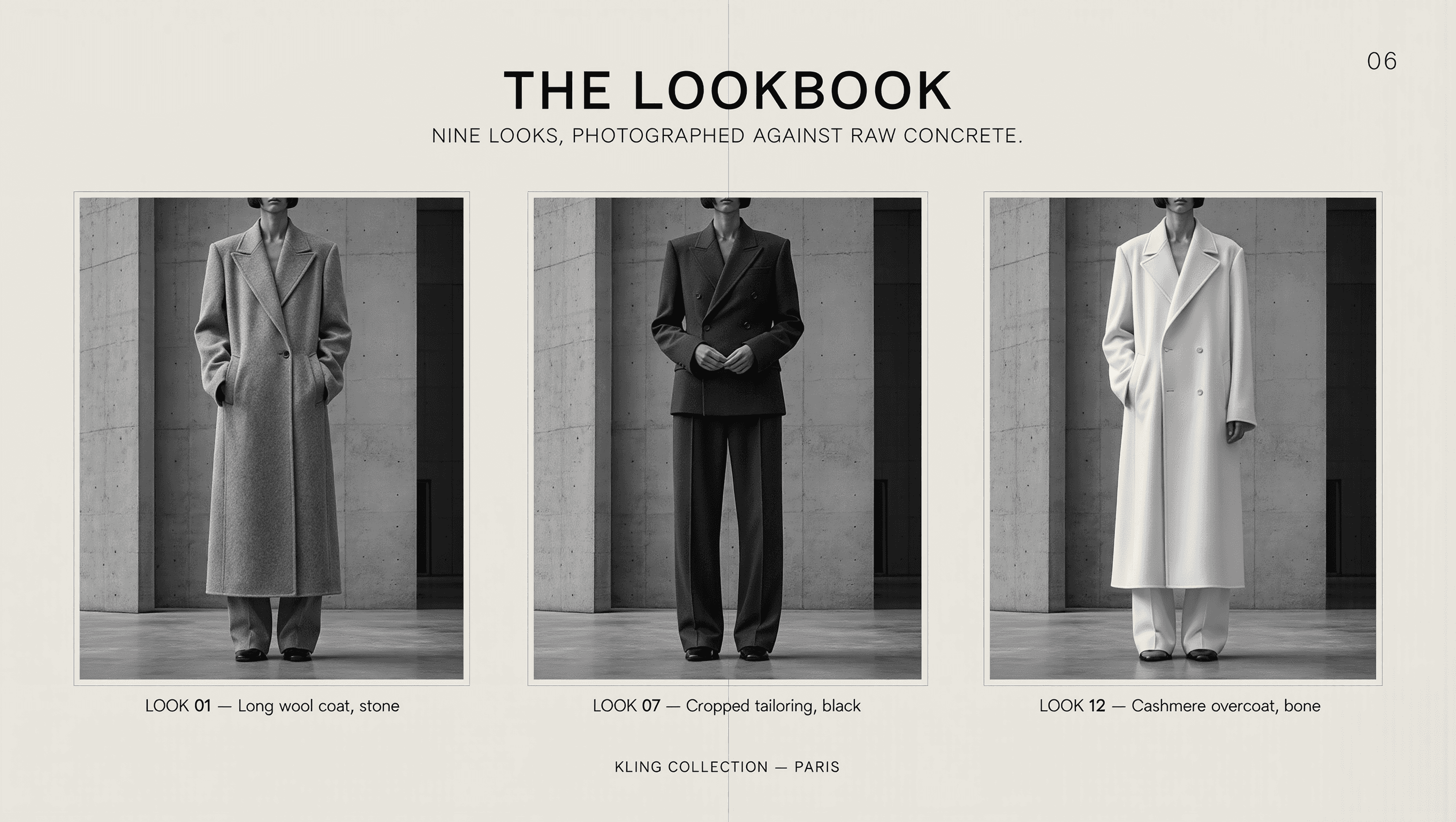
이미지 세트 × 6 · 16:9 · 2K
Create a 6-slide 16:9 luxury fashion brand presentation for the fictional Parisian fashion house “Kling Collection.” All visible slide text must be in English.
Brand theme: Autumn–Winter 2026 campaign, “COLD LIGHT.” The brand represents architectural tailoring, quiet power, refined materials, Parisian heritage, and international high fashion.
Overall visual style: high-end global luxury fashion campaign, cold and cinematic, elegant editorial photography, sophisticated magazine layout, architectural spaces, black wool, leather, concrete, marble, frosted glass, brushed metal, archival paper. Use black, paper white, charcoal, cold grey, muted steel blue, and subtle warm skin tones. Strong fashion photography, refined typography, material close-ups, balanced full-page compositions, rich visual layers, and controlled negative space. Avoid generic corporate PPT style, colorful gradients, neon colors, cartoon decoration, and overly empty layouts.
Keep the brand identity consistent across all slides: a thin-line “K” monogram, refined sans-serif typography, small slide numbers, and the footer “KLING COLLECTION — PARIS.” Create each slide as a complete designed presentation page, not a collage.
SLIDE 01 — COVER
A model in a long black coat stands in a monumental concrete hall under cold window light. Add architectural shadows and a close-up texture of black wool or frosted glass. Dramatic, restrained, expensive fashion campaign mood.
Text:
“KLING COLLECTION”
“AUTUMN – WINTER 2026”
“COLD LIGHT”
“THE CAMPAIGN — PARIS”
“KLING COLLECTION — PARIS”
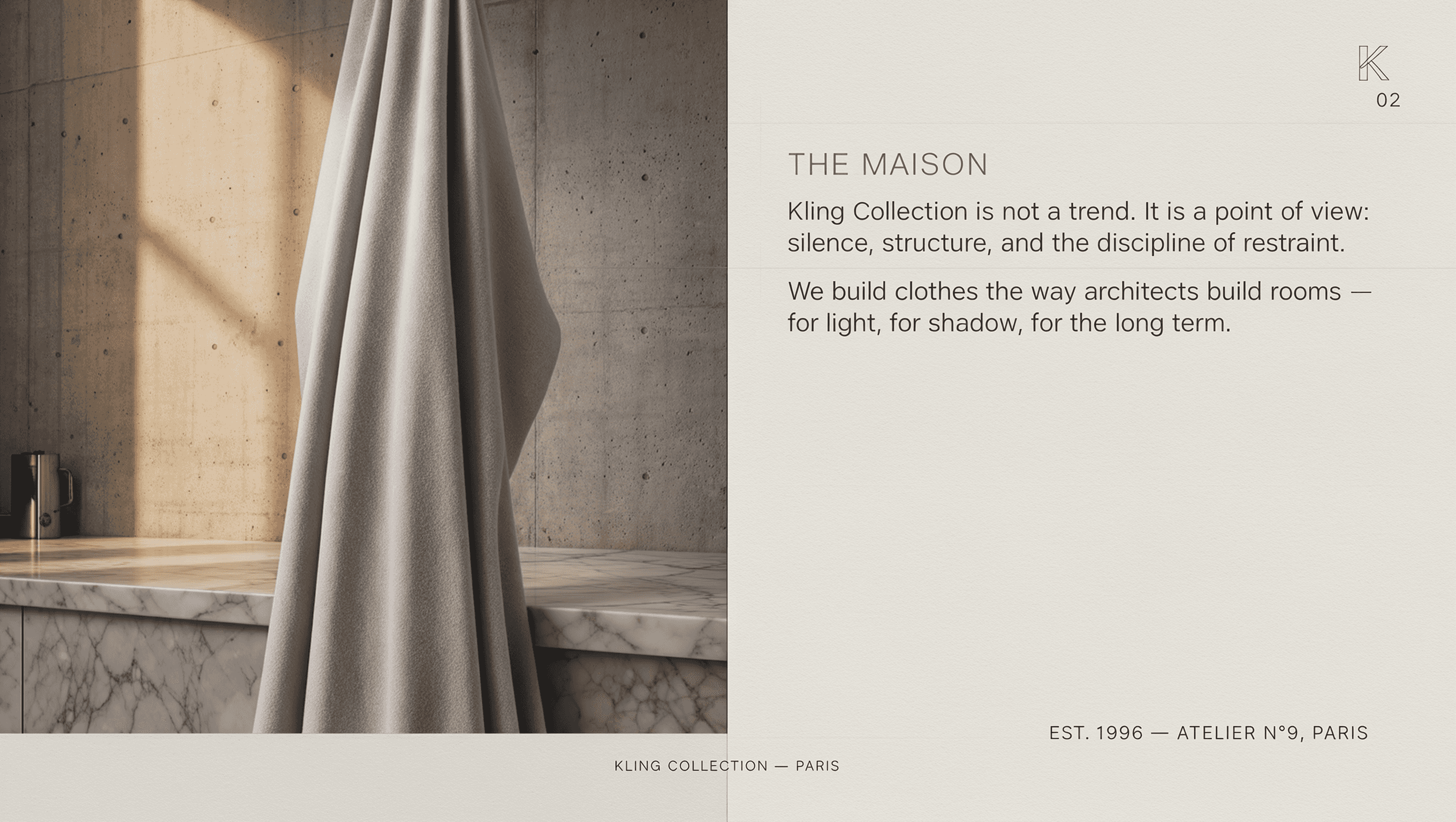
SLIDE 02 — THE MAISON
Editorial composition with a large sculptural grey fabric detail, a refined Parisian atelier interior, and a confident text block. Use concrete, fabric, and soft directional light.
Text:
“THE MAISON”
“Kling Collection is not a trend. It is a point of view: silence, structure, and the discipline of restraint.”
“We build clothes the way architects build rooms — for light, for shadow, for the long term.”
“EST. 1996 — ATELIER N°9, PARIS”
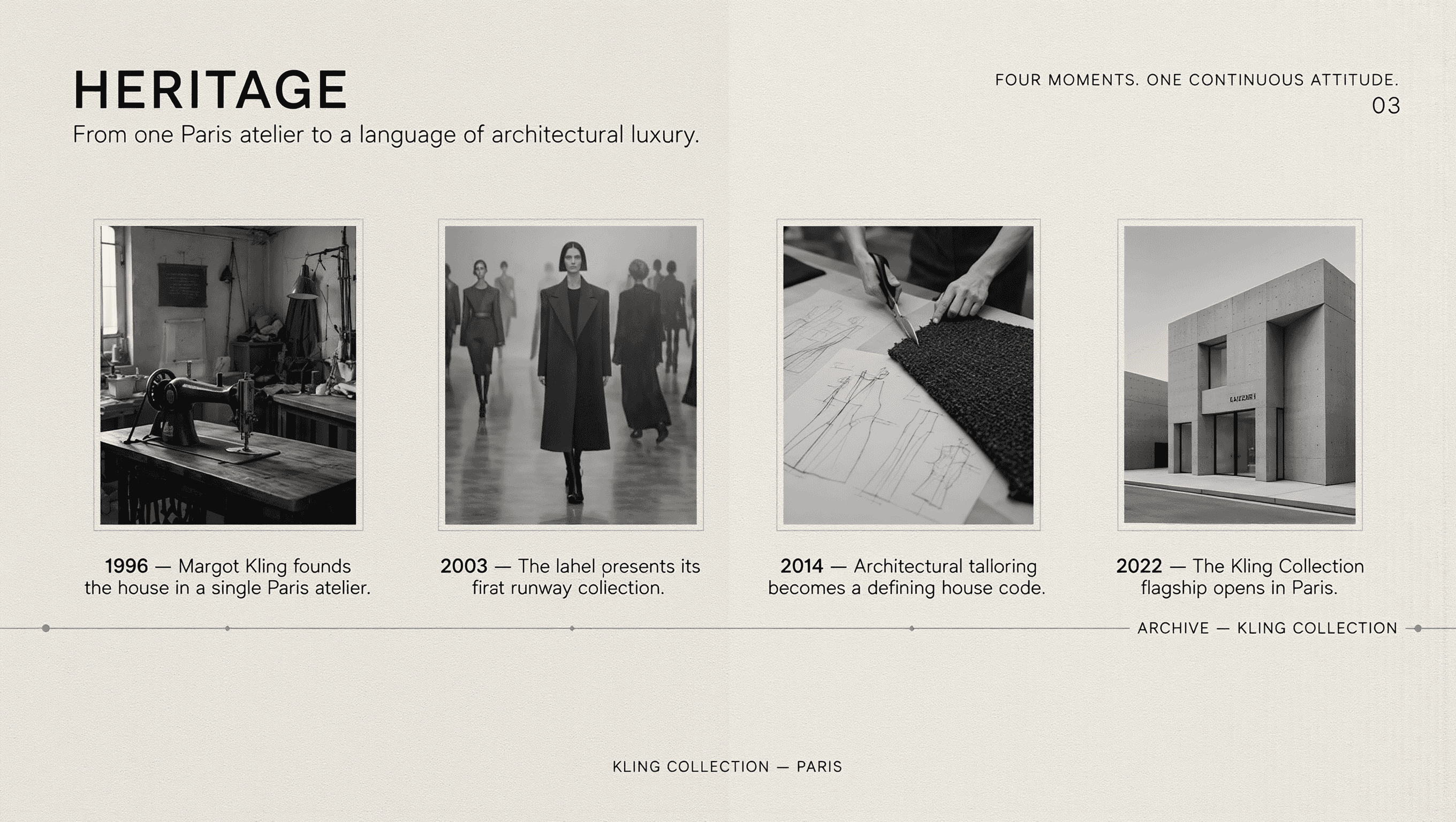
SLIDE 03 — HERITAGE
Create a visually rich fashion-house archive page. Use a horizontal timeline with four monochrome archive photographs: a Paris atelier, an early runway or sketch, a tailoring workbench, and a modern Paris flagship. Combine archival paper, subtle fabric details, fine lines, and elegant year markers.
Text:
“HERITAGE”
“From one Paris atelier to a language of architectural luxury.”
“1996 — Margot Kling founds the house in a single Paris atelier.”
“2003 — The label presents its first runway collection.”
“2014 — Architectural tailoring becomes a defining house code.”
“2022 — The Kling Collection flagship opens in Paris.”
“FOUR MOMENTS. ONE CONTINUOUS ATTITUDE.”
“ARCHIVE — KLING COLLECTION”
SLIDE 04 — SAVOIR-FAIRE
Luxury atelier close-ups: a tailor hand-basting a shoulder seam, black leather being hand-painted, wool fabric, scissors, thread, and a cutting table. Strong tactile details and deep shadows.
Text:
“SAVOIR-FAIRE”
“Every piece passes through forty-two pairs of hands.”
“Double-face cashmere, six hours of hand basting per coat.”
“Vegetable-tanned leather aged twelve months before cutting.”
“One master cutter per garment.”
“ATELIER N°9 — PARIS”
SLIDE 05 — THE COLLECTION
Show the AW26 collection through a sculptural black wool coat, oversized shoulders, high collar, frosted glass, cold concrete, and dramatic diagonal light. Add close-up details of fabric and tailoring.
Text:
“COLD LIGHT — AW26”
“The season studies winter architecture — cast shadows, frosted glass, and stone.”
“OVERSIZED SHOULDERS”
“HIGH, SCULPTURAL COLLARS”
“BLACK, BONE, AND STEEL”
“THE COLLECTION — KLING COLLECTION”
SLIDE 06 — THE LOOKBOOK
A striking black-and-white fashion editorial featuring three models in structured winter tailoring against raw concrete architecture. Show distinct silhouettes, strong posture, calm expressions, and refined garment details.
Text:
“THE LOOKBOOK”
“LOOK 01 — Long wool coat, stone”
“LOOK 07 — Cropped tailoring, black”
“LOOK 12 — Cashmere overcoat, bone”
“NINE LOOKS, PHOTOGRAPHED AGAINST RAW CONCRETE.”롱 이미지 · 웹페이지 · 2K
Subject: Ridgeline, a fictional mountain e-bike brand. Its flagship is the Ridgeline Summit, a matte forest-green full-suspension electric mountain bike with a slim battery built into the frame.
Website type: an English-language brand website shown as one long homepage, from top to bottom: a navigation bar with the "RIDGELINE" wordmark and the links "Bikes", "Trails", "Stories" and "Support"; a full-width hero photo of a rider descending a misty alpine trail at sunrise, with the headline "Ride Further Into the Wild" and a "Find Your Ride" button; three feature cards with simple line icons, titled "90 km Range", "Carbon Frame" and "Smart Assist"; a studio side view of the Summit with labeled callouts for the motor, the battery and the suspension; a lineup of three models named "Summit", "Trail" and "City", each with a photo and a one-line description; a photo gallery of riders on forest, desert and snowy mountain trails; a large customer quote; and a dark footer with link columns and a newsletter sign-up field.
Visual style: a modern premium outdoor brand with a clean grid, generous white space, deep forest green, warm sand and off-white with a bright orange accent, bold condensed sans-serif headlines, crisp studio product photography and cinematic landscape photography. All visible text in English only, spelled exactly as written and sharp. No prices, no other brands and no other languages.Kling 4 Image는 일관성, 해상도, 깔끔한 텍스트가 중요한 프로젝트에 적합합니다.
제품 사진 한 장을 같은 조명과 색감의 다양한 앵글, 라이프스타일 장면, 배너 이미지 세트로 바꿔 스토어나 마켓플레이스 상품 페이지에 바로 사용하세요.
영상이나 짧은 만화를 이미지 세트로 구상하세요. 캐릭터와 배경이 컷마다 일관되므로 촬영이나 애니메이션 작업 전에 이야기를 검토할 수 있습니다.
강렬한 이미지와 따옴표로 묶은 헤드라인을 결합해 글자가 잘 읽히는 포스터, 앨범 커버, 행사 전단, 영상 썸네일을 만드세요.
얼굴, 의상, 장소 참조 이미지로 룩북, 모델 사진, 에디토리얼 인물 사진을 촬영 없이 만들 수 있습니다.
월 아트, 전시회 그래픽, 옥외 광고판처럼 낮은 해상도로는 흐릿해 보이는 대형 포맷에는 8K로 생성하세요.
1:1, 4:3, 9:16로 여러 장짜리 게시물을 하나의 이미지 세트로 만들면 모든 슬라이드가 같은 비주얼 아이덴티티를 공유합니다.
두 모델 모두 Seedance 2.0에서 사용할 수 있습니다. 프로젝트마다 알맞은 모델을 고를 때 참고하세요.
| 기능 | Kling 4 Image | GPT Image 2.6 |
|---|---|---|
| 최고 해상도 | 네이티브 8K | 4K |
| 참조 이미지 | 최대 10장 | 최대 16장 |
| 작업당 이미지 수 | 개별 이미지 1~9장 또는 세트 2~10장 | 1장 |
| 일관된 이미지 세트 | 지원(최대 10장) | 미지원 |
| 화면비 | 자동 + 고정 비율 8가지 | 자동 + 고정 비율 15가지 |
| 출력 형식 | PNG, 8K는 JPEG | PNG, JPEG, WebP, GIF, SVG |
| 적합한 용도 | 고해상도 정지 이미지, 스토리보드, 제품 세트 | 빠른 편집, GIF, 투명 배경 |
프롬프트 작성 방식과 설정 선택을 조금만 바꿔도 결과가 눈에 띄게 달라집니다.
참조 이미지가 여러 장이면 각각 무엇을 담당하는지 쓰세요: "얼굴은 @image_1, 드레스는 @image_2, 방은 @image_3". 첨부한 이미지만 언급하세요.
이미지 세트에서는 컷에 번호를 붙이거나 앵글을 순서대로 나열하세요. 모델이 순서를 따르며 공통 요소를 일관되게 유지합니다.
생성이 빠르고 크레딧이 적게 드는 2K로 아이디어를 탐색하세요. 구도가 마음에 들면 같은 프롬프트를 4K나 8K로 다시 생성하세요.
따옴표로 묶은 짧은 제목과 라벨이 가장 안정적입니다. "상단 중앙의 굵은 흰색 제목"처럼 글꼴 스타일과 위치도 설명하세요.
편집할 때는 원하는 변경 사항과 함께 얼굴, 제품 라벨, 카메라 앵글처럼 그대로 유지해야 할 요소도 적어 주세요.
이미지를 사용할 곳에 맞춰 화면비를 고르세요. 스토리는 9:16, 피드는 1:1, 영상 썸네일은 16:9, 와이드 배너는 21:9입니다.
네. 대상 계정은 로그인하면 스타터 크레딧을 받아 플랜을 구매하지 않고도 첫 Kling 4 Image 결과를 만들 수 있습니다.
로그인한 뒤 이 페이지 상단의 생성기를 열면 됩니다. 첫 이미지에는 플랜이 필요 없습니다.
제출하기 전에 생성 버튼에 요청별 크레딧이 표시됩니다.
생성에 실패하면 해당 작업의 크레딧이 자동으로 반환됩니다.
작업 단위로 제출 시 한 번 차감됩니다. 참조 이미지나 제품 이미지는 장당 유료 플랜에서 최대 1크레딧, 무료 계정에서 최대 2크레딧이 추가됩니다.
| 옵션 | 유료 플랜 | 무료 계정 |
|---|---|---|
| 단일 이미지 · 2K | 12 | 24 |
| 단일 이미지 · 4K | 17 | 34 |
| 단일 이미지 · 8K | 29 | 58 |
| 이커머스 페이지 · 짧게 · 1K | 43 | 86 |
| 웹페이지 · 1K | 99 | 198 |
Seedance 2.0에서 Kling 4 Image를 사용할 때 자주 묻는 질문에 대한 답변입니다.
Kling 4 Image(Kling Image 4.0)는 Kuaishou의 Kling 4.0 세대 이미지 생성·편집 모델입니다. 텍스트로 이미지를 만들고, 최대 10장의 참조 이미지를 편집·결합하며, 2K, 4K, 네이티브 8K로 렌더링하고, 최대 10장의 일관된 이미지 세트를 생성할 수 있습니다.
이 페이지 상단의 워크스페이스를 열고 로그인하세요. 텍스트-이미지 또는 이미지-이미지를 선택하고 프롬프트를 작성한 뒤 필요하면 참조 이미지를 최대 10장 추가하세요. 그다음 개별 이미지 또는 이미지 세트, 이미지 수, 화면비, 해상도를 고르고 생성을 선택하세요. 제출 전에 버튼에 크레딧 비용이 표시됩니다.
대상 계정은 스타터 크레딧으로 Kling 4 Image를 무료로 사용해 볼 수 있습니다. 이후 생성에는 구독 또는 크레딧 팩의 크레딧이 사용됩니다. 같은 설정에서 유료 계정은 무료 계정의 절반 크레딧만 사용합니다.
네. 해상도 메뉴에서 8K를 선택하면 모델이 해당 크기로 직접 렌더링합니다. 8K 결과는 JPEG 파일로, 2K와 4K 결과는 PNG로 저장됩니다.
개별 이미지는 프롬프트에 대해 서로 독립적인 변형을 1~9장 만듭니다. 이미지 세트는 서로 어울리는 그림을 2~10장 만들며 세트 전체에서 캐릭터, 제품, 스타일을 일관되게 유지하므로 스토리보드, 제품 다각도 이미지, 캐러셀에 적합합니다.
네. '롱 이미지'로 전환하세요. '이커머스 상세페이지'는 상품 사진 1~3장으로 선택한 길이에 따라 2~18개 섹션의 세로형 상세페이지를 만듭니다. '웹페이지'는 설명을 전체 웹사이트 디자인으로 바꾸며, 스타일 참고 이미지를 @style, 주제 이미지를 @subject로 추가할 수 있습니다. 롱 이미지는 1K 또는 2K로 생성되며 페이지 단위로 과금됩니다.
요청당 JPG 또는 PNG 이미지를 최대 10장 사용할 수 있습니다. 프롬프트에서 순서대로 지정하세요. 첫 번째 이미지는 @image_1, 두 번째는 @image_2입니다. 첨부하지 않은 이미지를 지정하면 제출 전에 워크스페이스가 프롬프트 수정을 요청합니다.
네. 넣을 문구를 그대로 따옴표 안에 쓰고, 포스터 상단의 굵은 제목처럼 스타일과 위치를 설명하세요. 짧은 제목, 라벨, 슬로건이 가장 안정적인 결과를 냅니다.
자동, 1:1, 16:9, 9:16, 4:3, 3:4, 3:2, 2:3, 21:9입니다. 자동을 선택하면 프롬프트와 참조 이미지에 맞는 화면을 모델이 선택합니다.
아닙니다. Kling O1과 Kling 3.0 이미지 기능은 이전 Kling 릴리스입니다. 이 페이지는 Kling Image 4.0을 사용하며, 네이티브 8K 출력, 최대 10장의 일관된 이미지 세트, 요청당 최대 10장의 참조 이미지가 추가되었습니다.
네. 결과를 열고 계속 편집을 선택하면 해당 이미지가 이미지-이미지 모드의 참조 이미지로 추가됩니다. 배경 변경, 색상 조정, 텍스트 추가 등 다음 변경 사항을 설명하고 다시 생성하세요.
실패한 작업의 크레딧은 자동으로 환불됩니다. 모든 @image 태그에 해당하는 참조 이미지가 첨부되어 있는지, 프롬프트가 콘텐츠 정책을 따르는지 확인한 뒤 다시 시도하세요.


