使用 Kling 4 Image(可靈圖像 4.0)依文字生成圖片、編輯並融合參考圖,或一次生成風格一致的組圖。

通過生成內容,即表示您同意遵守我們的內容政策。
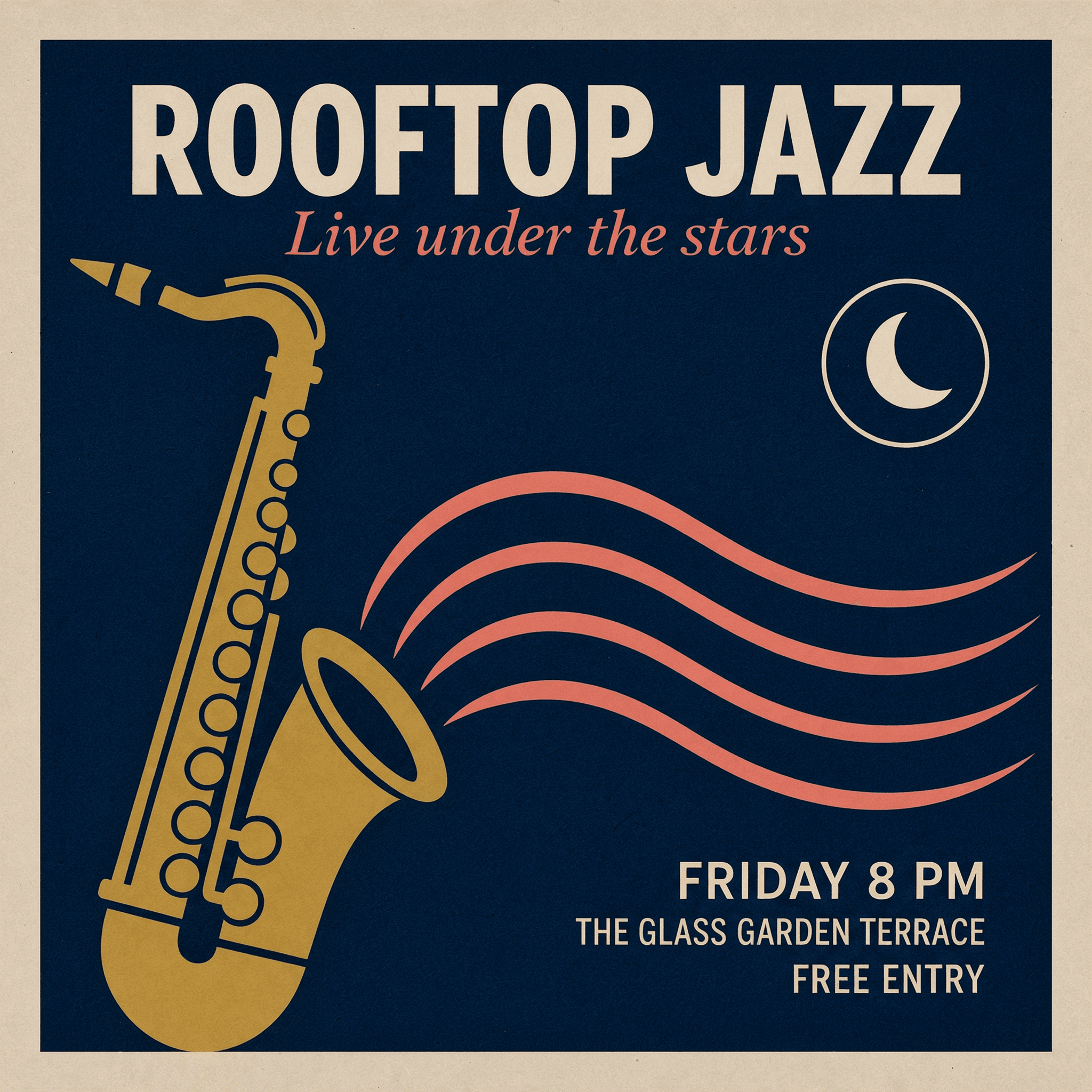
Square graphic design poster for a fictional rooftop jazz evening, in a bold mid-century modern style. Deep midnight-navy background with a fine paper grain texture. On the left half, a large stylized flat illustration of a golden saxophone built from simple geometric shapes, with three curving coral-pink sound-wave lines flowing out of its bell across the middle of the poster. At the top, a huge heavy condensed sans-serif headline in warm cream capitals reads "ROOFTOP JAZZ" on a single line. Directly under it, a second line in coral-pink italic serif reads "Live under the stars". In the lower right corner, three short lines are stacked in small cream capitals: "FRIDAY 8 PM", "THE GLASS GARDEN TERRACE" and "FREE ENTRY". In the upper right corner, a thin cream circle frames a small crescent moon. Flat print-ready colors limited to navy, cream, gold and coral, strict grid alignment, generous margins, and all text kept well inside the square frame. Every word spelled exactly as written, sharp and legible. No people, no logos, no other text.
Kling 4 Image(Kling Image 4.0)是快手可靈 4.0 系列的圖像模型。在 Seedance 2.0 的瀏覽器中直接使用,無需安裝,也不用 API 金鑰。
細節直接達到印刷級,無需另行放大。
每張圖保持同一角色、商品與風格。
在提示詞中以 @image_1、@image_2 等逐一指代。
一張圖生成完整的電商詳情頁或網頁設計。
可靈圖像 4.0 最擅長的能力,配圖皆由 Seedance 2.0 生成。
標題、小字與多段式版面都能乾淨準確地呈現,可靈圖像 4.0 單張圖片最多可容納 2,000 個字元的文字。把需要的文字原樣寫在引號內,並描述字體風格與位置。
長圖模式依版塊逐段生成一張完整的長圖。上傳 1–3 張商品圖即可得到包含首屏、賣點、情境與規格的電商詳情頁;也可以描述一個網站,生成完整的網頁設計。選好篇幅與 1K 或 2K,整頁一次生成為一張圖片。
組圖模式圍繞一個創意規劃最多 10 張圖。每一格都有自己的鏡頭與重點,人物、場景與風格保持一致,一個提示詞就能生成分鏡、分步教學或輪播圖。







加入一張產品照片作為參考,再要求生成一組新場景。產品的造型、釉色、顏色與比例在每張圖中保持一致,一張棚拍圖就能延伸成完整的商品圖或廣告素材。
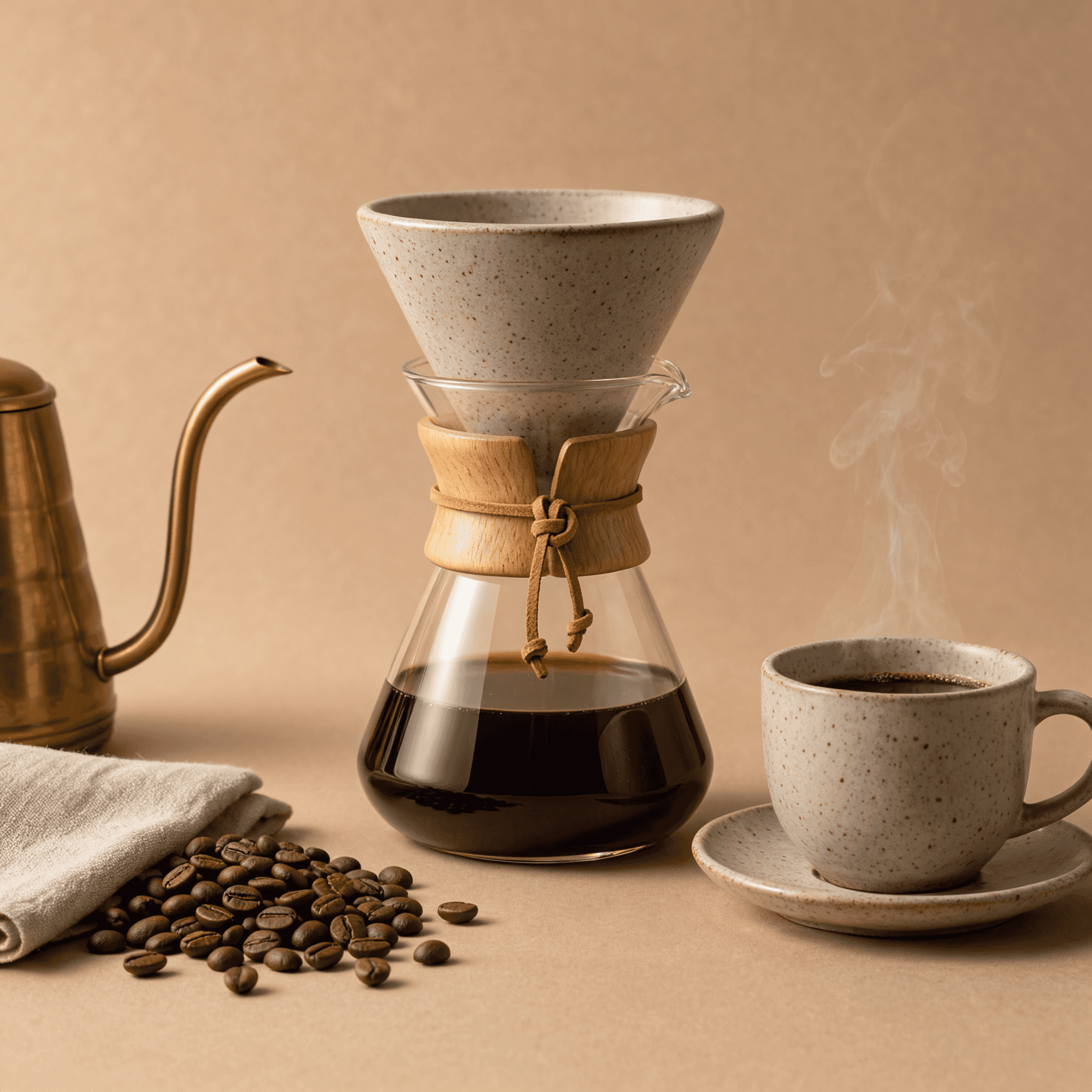
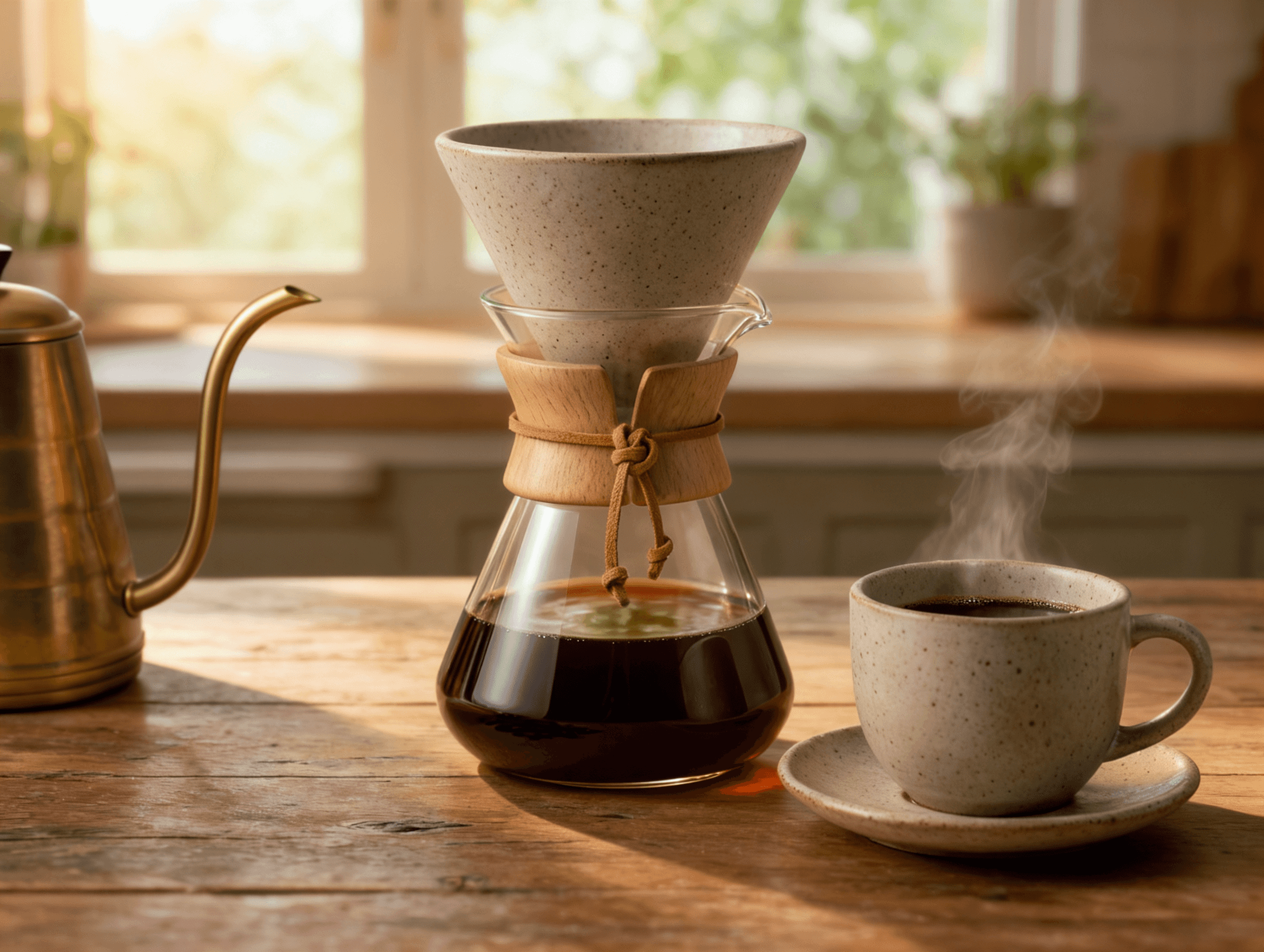
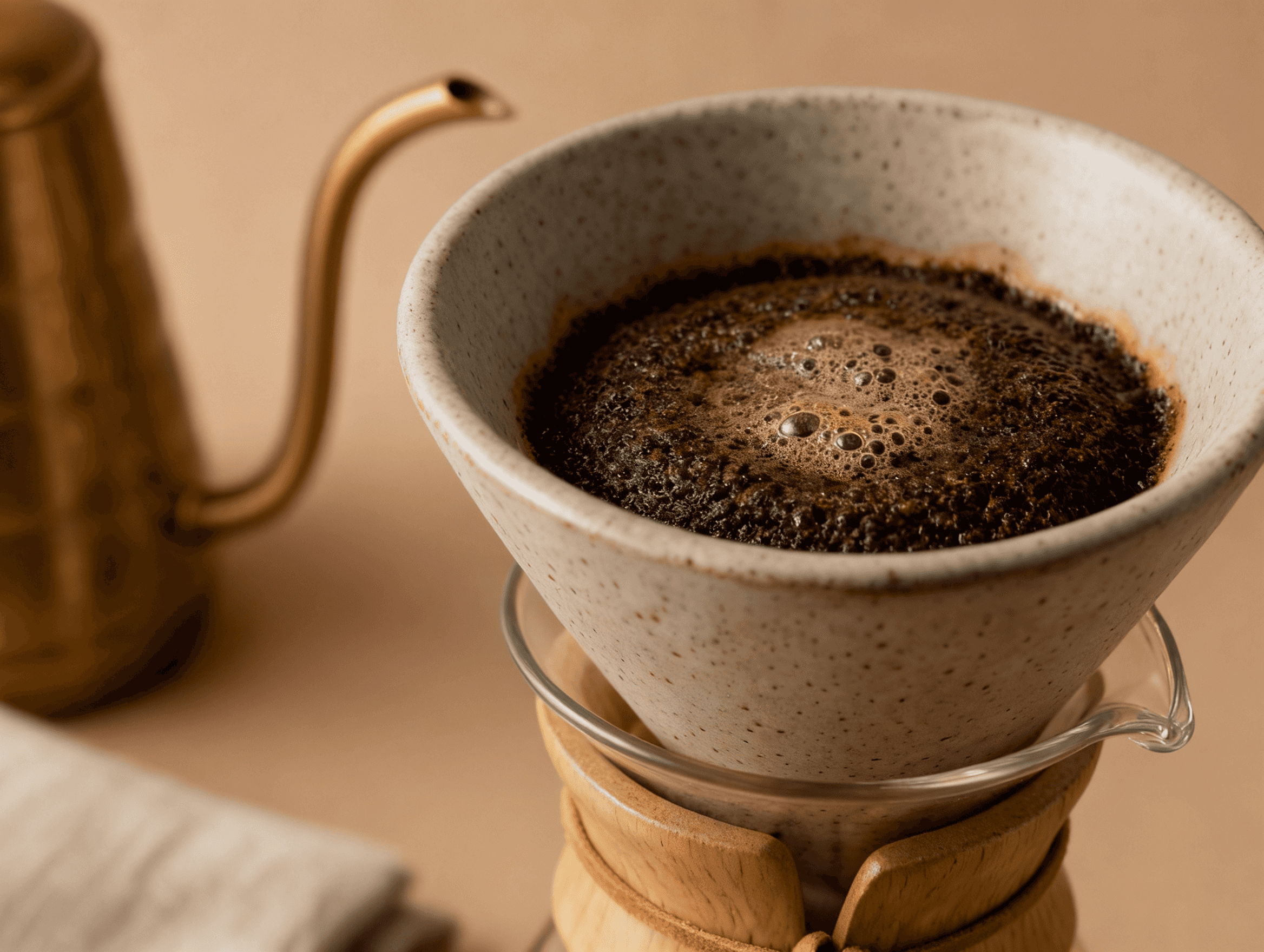
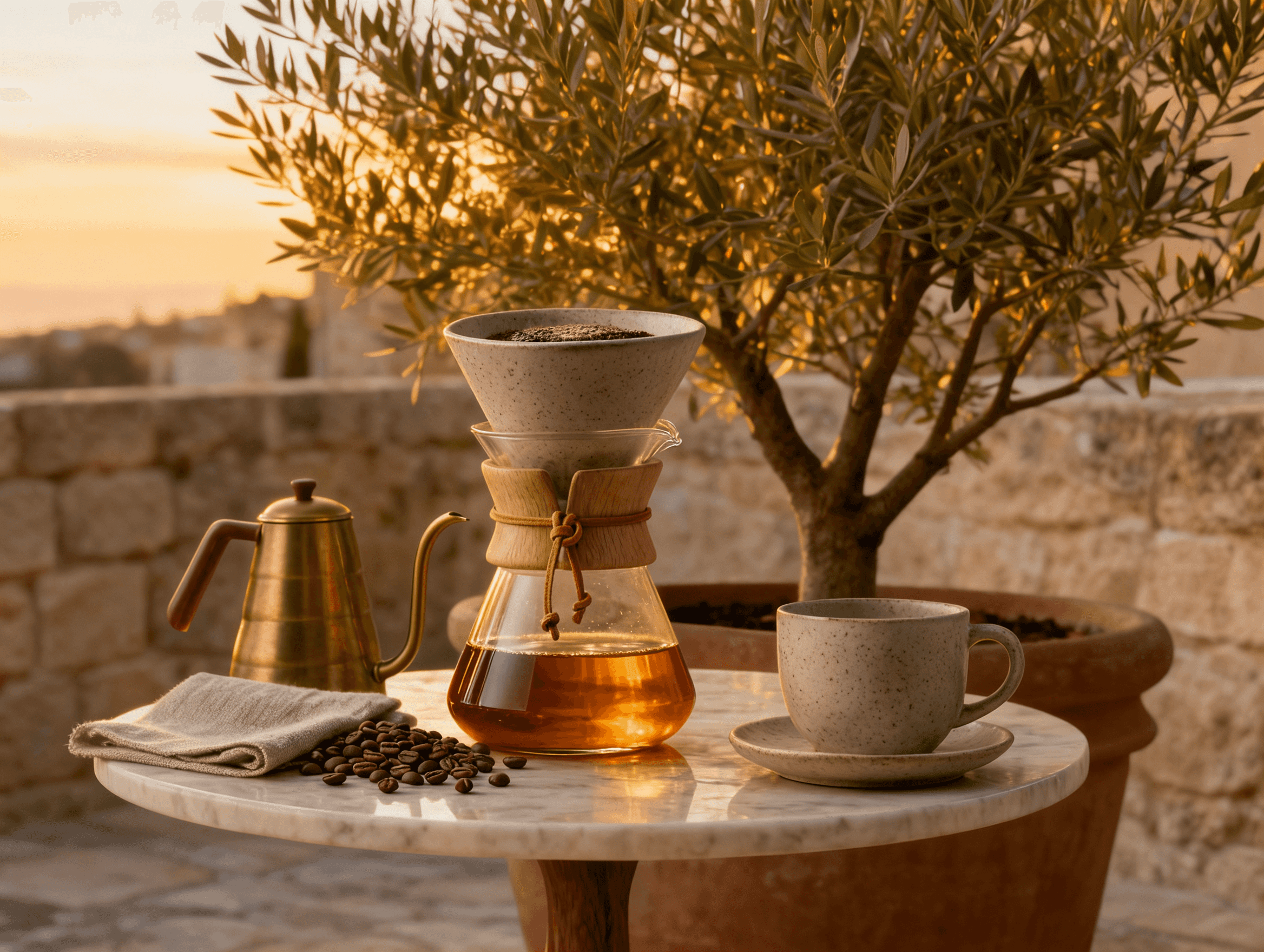
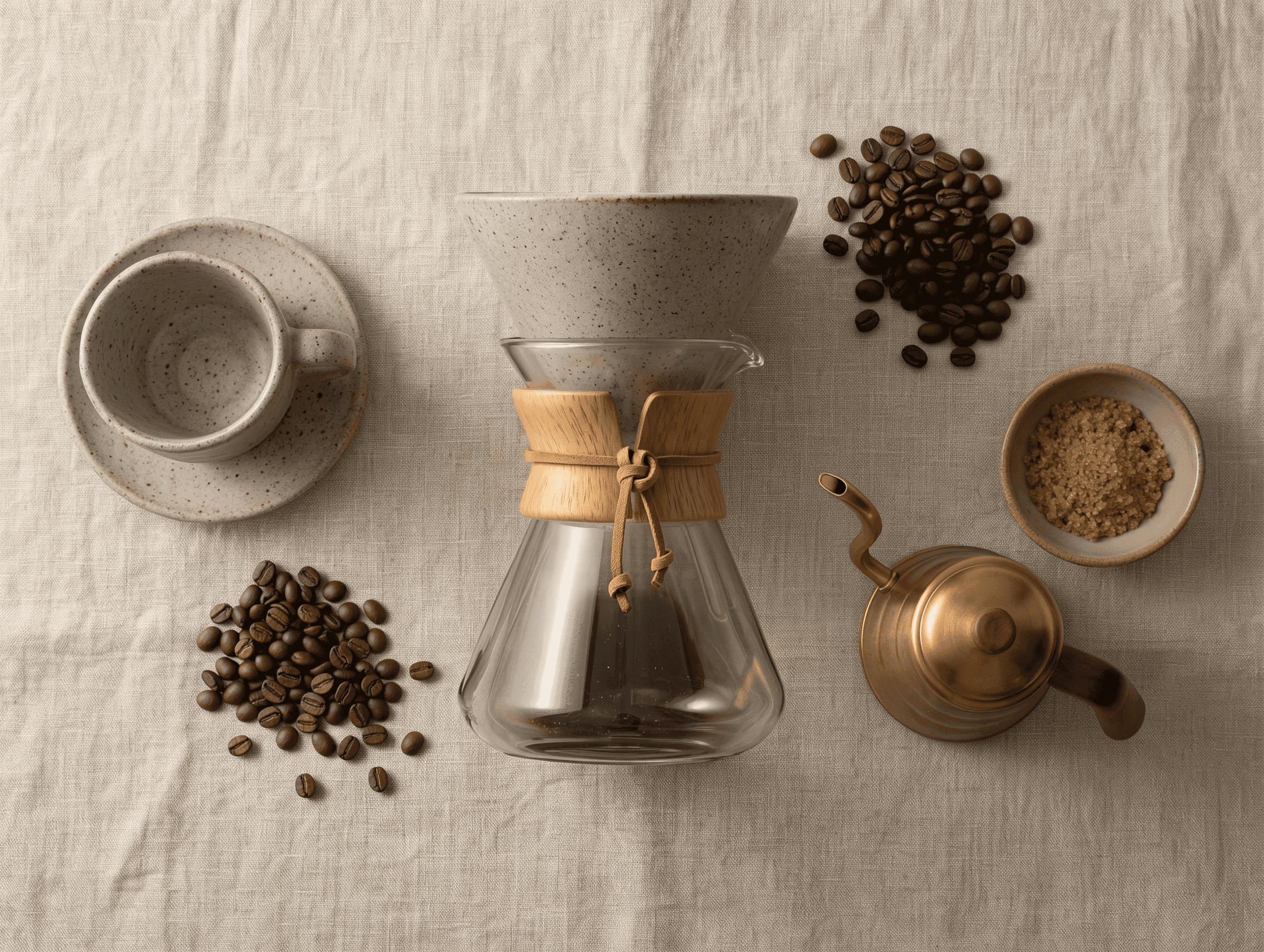
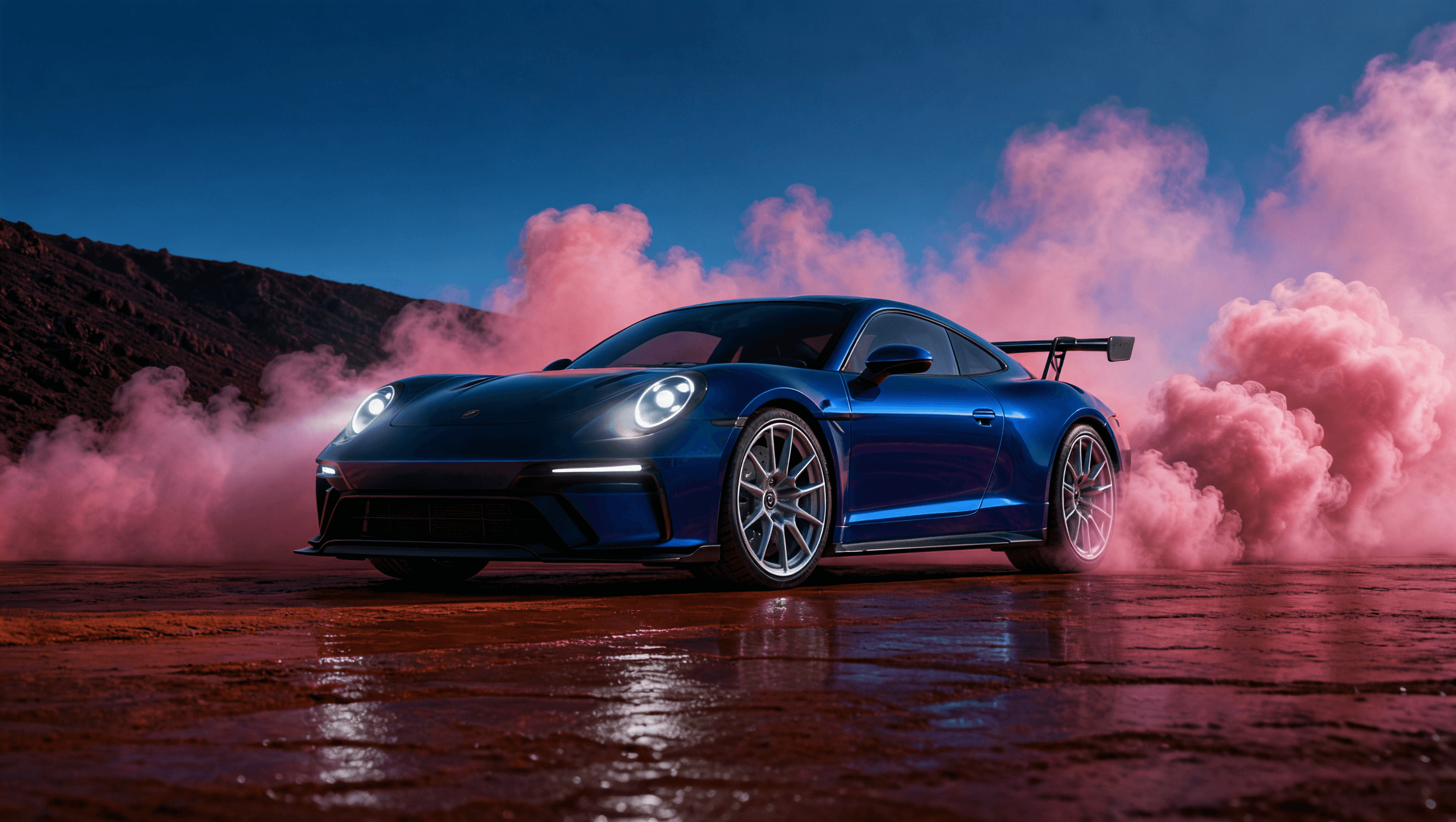
光亮的車漆、濕潤的地面、飄散的煙霧與輪廓光,呈現出電影般的冷暖對比。Kling 4 Image 能準確執行細緻的光線與鏡頭描述,同一個提示詞還能以 4K 或原生 8K(3:4 時最高 7040 × 9344 像素)輸出,直接作為廣告成品圖。
Kling 4 Image 在 Seedance 2.0 上可用的設定。
| 規格 | Kling 4 Image |
|---|---|
| 生成模式 | 文生圖、圖生圖與長圖 |
| 輸出類型 | 單張圖片(每個任務 1–9 張)或風格一致的組圖(每個任務 2–10 張) |
| 長圖 | 由 1–3 張商品圖生成電商詳情頁(短、中、長三檔),或生成整頁網頁設計稿,解析度 1K 或 2K |
| 解析度 | 2K、4K 與原生 8K |
| 畫面比例 | 自動、1:1、16:9、9:16、4:3、3:4、3:2、2:3 和 21:9 |
| 參考圖 | 最多 10 張 JPG 或 PNG 圖片,以 @image_1 至 @image_10 引用 |
| 提示詞長度 | 最多 5,000 個字元 |
| 檔案格式 | 2K 與 4K 為 PNG,8K 為 JPEG |
| 計費 | 依輸出圖片張數計算點數,生成前即可看到價格 |
Kling 4 Image 提供三種方式,把一則提示詞變成完整作品。依所需結果選擇。
以相同的提示詞和設定生成 1 到 9 張彼此獨立的圖片。每張都是一次單獨的嘗試,適合探索構圖、比較變化,先挑出最滿意的一張再繼續調整。
生成 2 到 10 張彼此關聯的圖片。模型會讓人物、產品和視覺風格在整組中保持一致,並依你描述的順序生成,是製作分鏡、分步教學、產品多角度圖和多頁貼文的理想選擇。
一次生成一張按屏排布的長圖。選擇「電商詳情頁」並上傳 1–3 張商品圖,即可得到包含主視覺、賣點、細節特寫與規格的完整詳情頁,篇幅可選短、中、長。選擇「網頁」則把文字描述變成整頁網站設計稿,可選上傳風格參考圖與主體圖。
四個步驟生成你的第一張 Kling 4 Image 作品。
只用提示詞開始創作,或切換到圖生圖,從裝置或素材庫加入最多十張參考照片。
描述主體、場景、光線和風格。依 @image_1、@image_2 等順序標記每張參考圖,需要出現在畫面中的文字放在引號內。
選擇單張圖片或組圖、圖片數量、畫面比例以及 2K、4K 或 8K 解析度。生成按鈕會顯示這些設定對應的點數。
點選生成。結果會顯示在預覽區和歷史紀錄中,你可以下載、重複使用設定,或把結果當作新的參考圖繼續編輯。
每個範例都展示了我們使用的完整提示詞與設定,以及 Kling 4 Image 在 Seedance 2.0 上生成的圖片。

單張圖片 · 3:4 · 4K
A casual snapshot of an orange tabby cat in a cozy living room. A moderately built adult orange tabby sits upright on a dark gray fabric sofa, facing the camera with its head tilted slightly to one side and curious green eyes looking at the photographer. The cat has short, dense fur, round cheeks, a pink nose, and clearly visible whiskers. A cream-colored plush cushion sits beside it, while a soft blanket with yellow and dark blue patterns covers the foreground. In the background, a large bright window reveals neighboring houses and trees. A round wall mirror, green plants, and living room furniture are partially visible on the left. Natural daylight streams in through the window, creating a soft rim light around the cat. Vertical medium shot, authentic indoor iPhone photography, warm everyday atmosphere, realistic fur texture.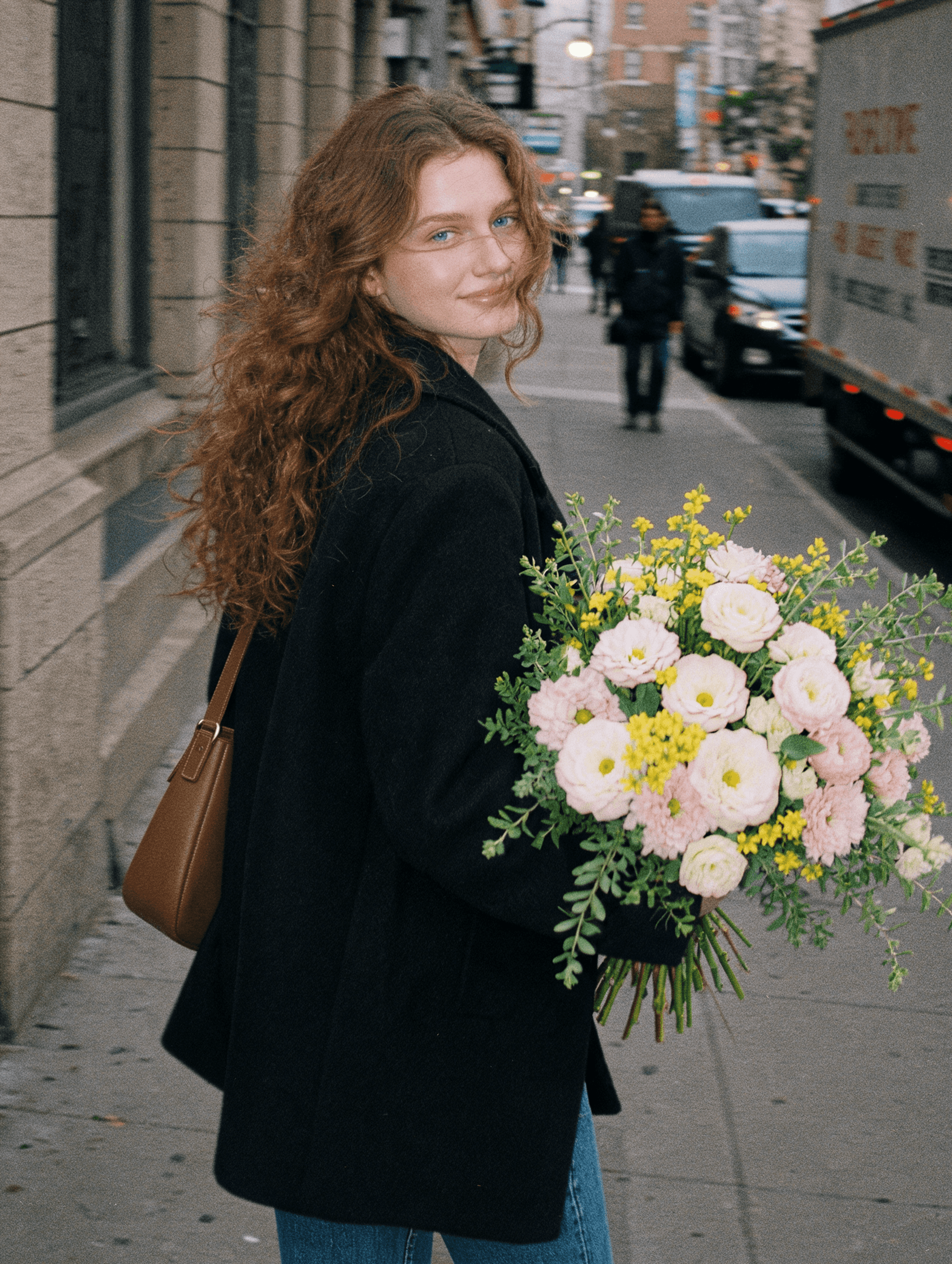
圖生圖 · 單張圖片 · 3:4 · 2K
A grainy, slightly motion-softened 35mm snapshot catches the person from the uploaded identity photograph halfway through turning back while walking along a busy city sidewalk with a bouquet. Preserve their recognizable facial features, age, skin tone, and individual character. The photograph feels taken quickly by a friend walking a step behind, before the person has settled into a pose. Their hips and shoulders continue moving forward as their head turns toward the camera. Their expression is a small, fleeting smile, with relaxed eyes and softly closed lips. A few loose strands sweep across the cheek and mouth. The bouquet shifts slightly in their bent arms, its outer leaves and fine stems trailing with the movement. A soft brown shoulder bag swings gently against the hip, pulling the coat into uneven folds. Keep these movements subtle and consistent with an ordinary walking pace. They wear a roomy black wool coat and blue jeans, carrying an abundant, loosely gathered bouquet of pale pink and ivory flowers, small yellow blossoms, and irregular green foliage. The bouquet fills part of the lower-right frame and is cropped slightly at the edge. Render clothing, hair, and flowers with broad natural detail rather than individually sharpened fibers, strands, and petal veins. The street behind contains stone facades, a dark vehicle, part of a white delivery truck, and a passing pedestrian. Their shapes remain recognizable, but edges show a short, uneven directional smear from handheld movement. Use moderate depth of field with imperfect focus rather than creamy portrait-lens bokeh. Cool daylight mixes with a modest direct on-camera flash. The brief flash gives the eyes, nose, and central face a comparatively stable impression, while ambient exposure leaves faint movement around loose hair, the shoulder outline, bouquet tips, and background traffic. Suggest a handheld exposure around 1/30 second: a small amount of directional softness, with no long light trails or obvious duplicate face. Flash creates simple, slightly uneven highlights across the forehead, cheeks, and nearby flowers. The black coat falls into broad dark areas with limited fine detail. Keep the skin gently warm and the street muted gray-green, avoiding a strong blue or teal grade. The lighting feels immediate and imperfect. Give the entire photograph the texture of a modest-resolution scan from a high-speed consumer color-negative film. Clearly visible, irregular grain breaks up skin, sky, clothing, and shadow areas; grain becomes coarser and more chromatic in the darker regions. Fine detail is partially lost through the combination of grain, slight focus error, and handheld movement. Keep facial identity readable without crisp eyelashes, sharply separated hair strands, or detailed leather pores. Edges are soft before grain is applied, so the result feels genuinely photographic rather than a sharp digital portrait covered in noise. Photograph at close conversational distance with a slightly tilted handheld camera, framing vertically from above the head to the hips. Preserve the spontaneous crop and mild imbalance of a passing moment. Output a single photograph with no added typography or interface graphics.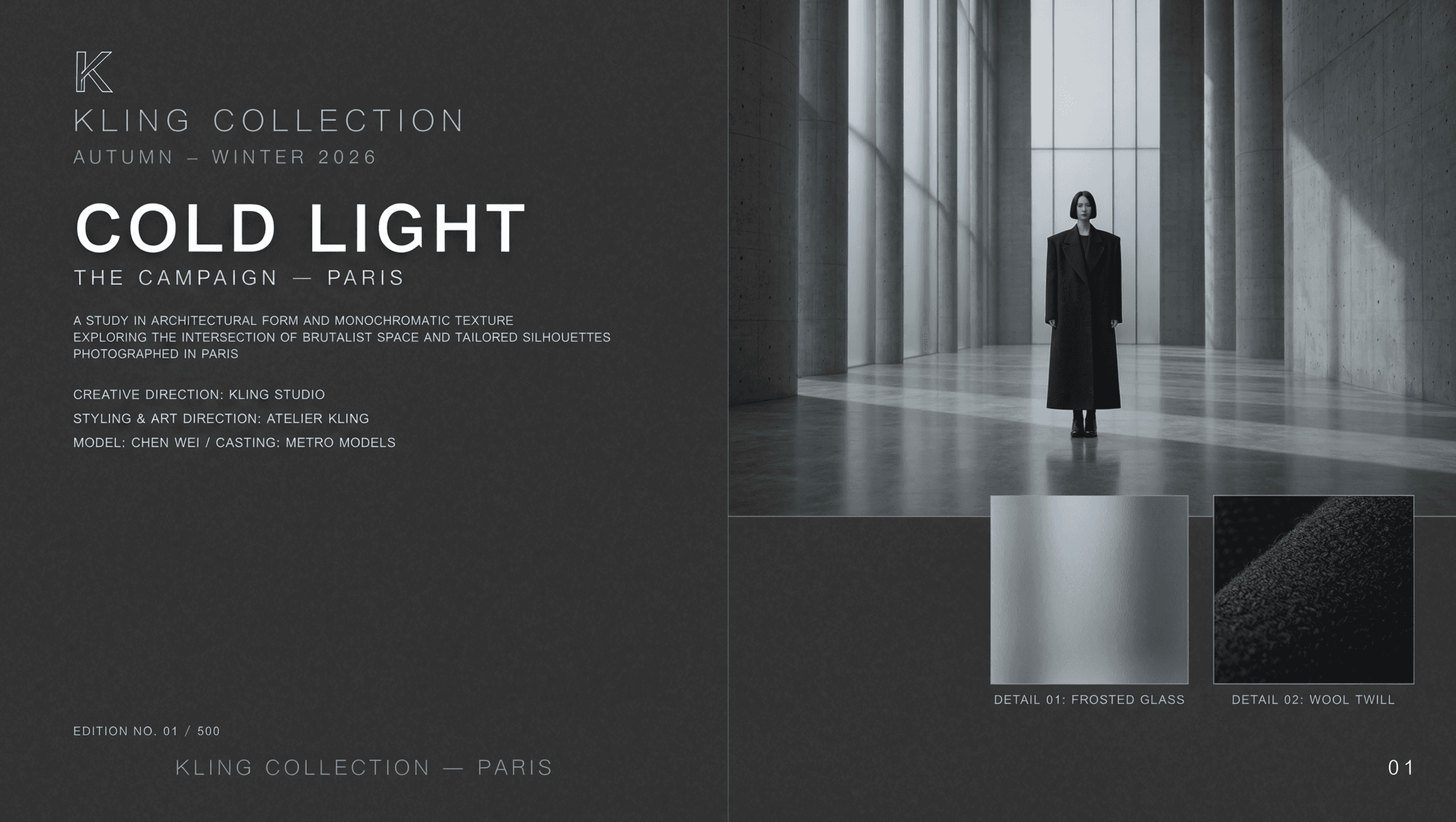
組圖 × 6 · 16:9 · 2K
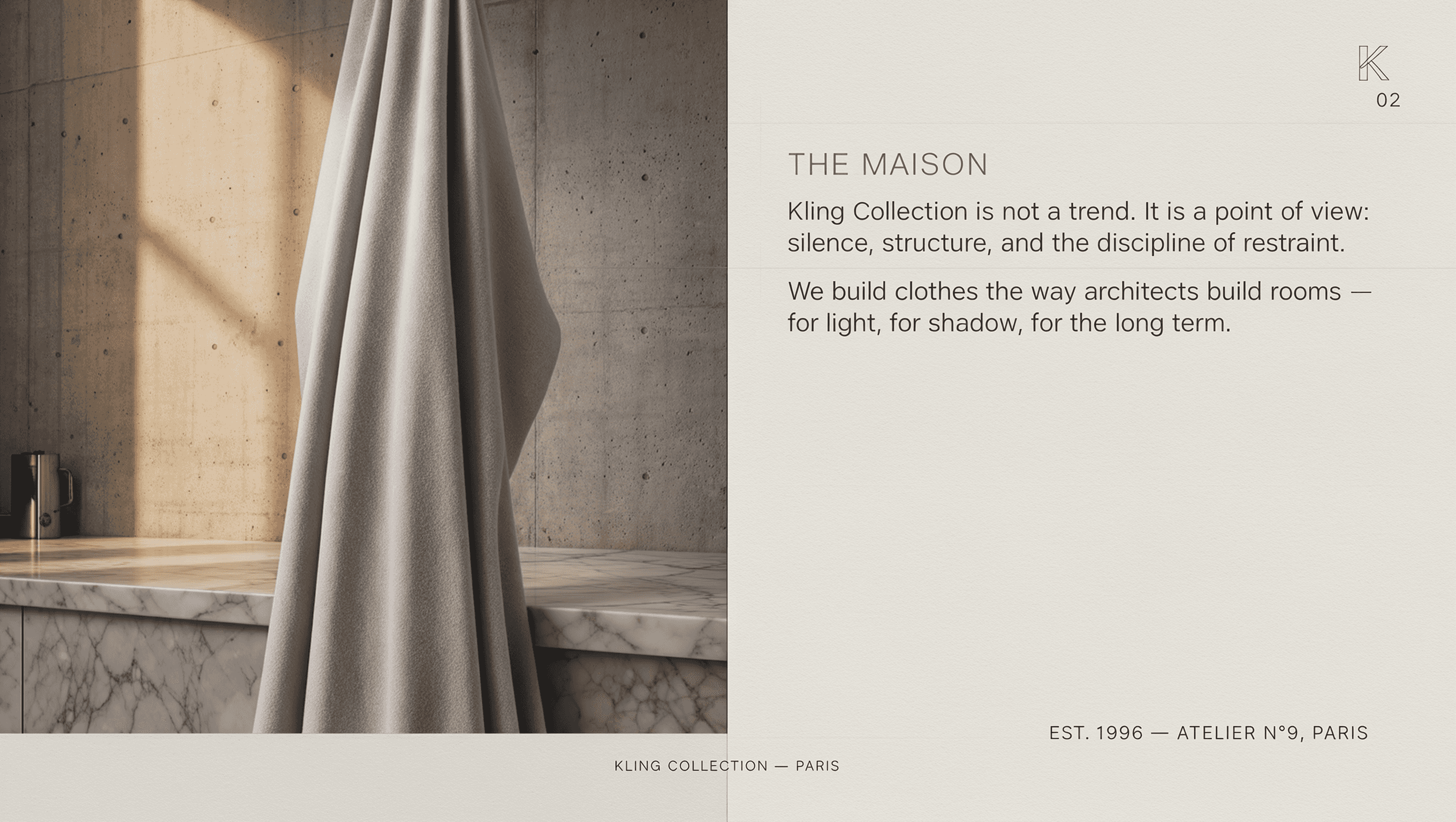
Create a 6-slide 16:9 luxury fashion brand presentation for the fictional Parisian fashion house “Kling Collection.” All visible slide text must be in English.
Brand theme: Autumn–Winter 2026 campaign, “COLD LIGHT.” The brand represents architectural tailoring, quiet power, refined materials, Parisian heritage, and international high fashion.
Overall visual style: high-end global luxury fashion campaign, cold and cinematic, elegant editorial photography, sophisticated magazine layout, architectural spaces, black wool, leather, concrete, marble, frosted glass, brushed metal, archival paper. Use black, paper white, charcoal, cold grey, muted steel blue, and subtle warm skin tones. Strong fashion photography, refined typography, material close-ups, balanced full-page compositions, rich visual layers, and controlled negative space. Avoid generic corporate PPT style, colorful gradients, neon colors, cartoon decoration, and overly empty layouts.
Keep the brand identity consistent across all slides: a thin-line “K” monogram, refined sans-serif typography, small slide numbers, and the footer “KLING COLLECTION — PARIS.” Create each slide as a complete designed presentation page, not a collage.
SLIDE 01 — COVER
A model in a long black coat stands in a monumental concrete hall under cold window light. Add architectural shadows and a close-up texture of black wool or frosted glass. Dramatic, restrained, expensive fashion campaign mood.
Text:
“KLING COLLECTION”
“AUTUMN – WINTER 2026”
“COLD LIGHT”
“THE CAMPAIGN — PARIS”
“KLING COLLECTION — PARIS”
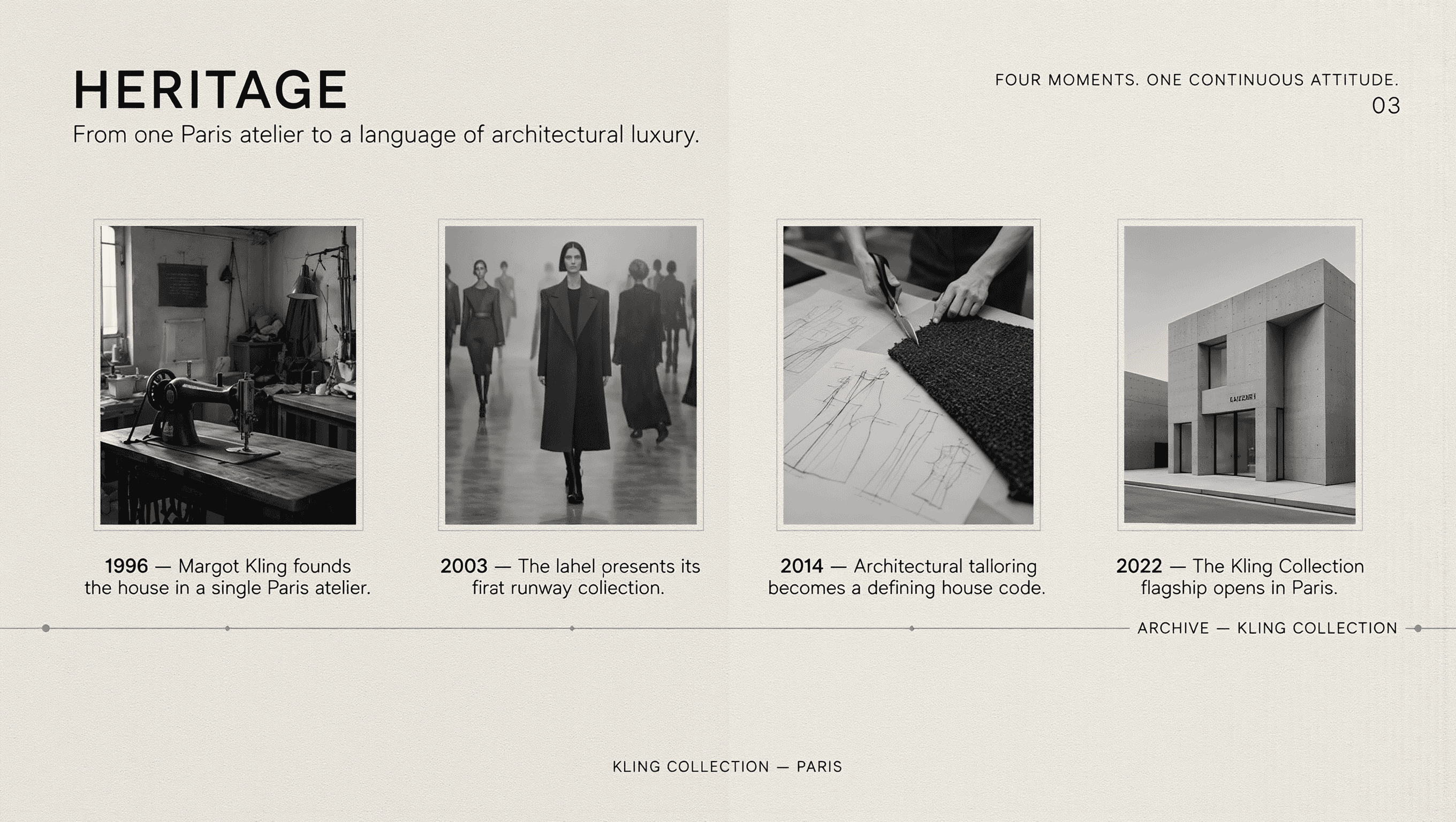
SLIDE 02 — THE MAISON
Editorial composition with a large sculptural grey fabric detail, a refined Parisian atelier interior, and a confident text block. Use concrete, fabric, and soft directional light.
Text:
“THE MAISON”
“Kling Collection is not a trend. It is a point of view: silence, structure, and the discipline of restraint.”
“We build clothes the way architects build rooms — for light, for shadow, for the long term.”
“EST. 1996 — ATELIER N°9, PARIS”
SLIDE 03 — HERITAGE
Create a visually rich fashion-house archive page. Use a horizontal timeline with four monochrome archive photographs: a Paris atelier, an early runway or sketch, a tailoring workbench, and a modern Paris flagship. Combine archival paper, subtle fabric details, fine lines, and elegant year markers.
Text:
“HERITAGE”
“From one Paris atelier to a language of architectural luxury.”
“1996 — Margot Kling founds the house in a single Paris atelier.”
“2003 — The label presents its first runway collection.”
“2014 — Architectural tailoring becomes a defining house code.”
“2022 — The Kling Collection flagship opens in Paris.”
“FOUR MOMENTS. ONE CONTINUOUS ATTITUDE.”
“ARCHIVE — KLING COLLECTION”
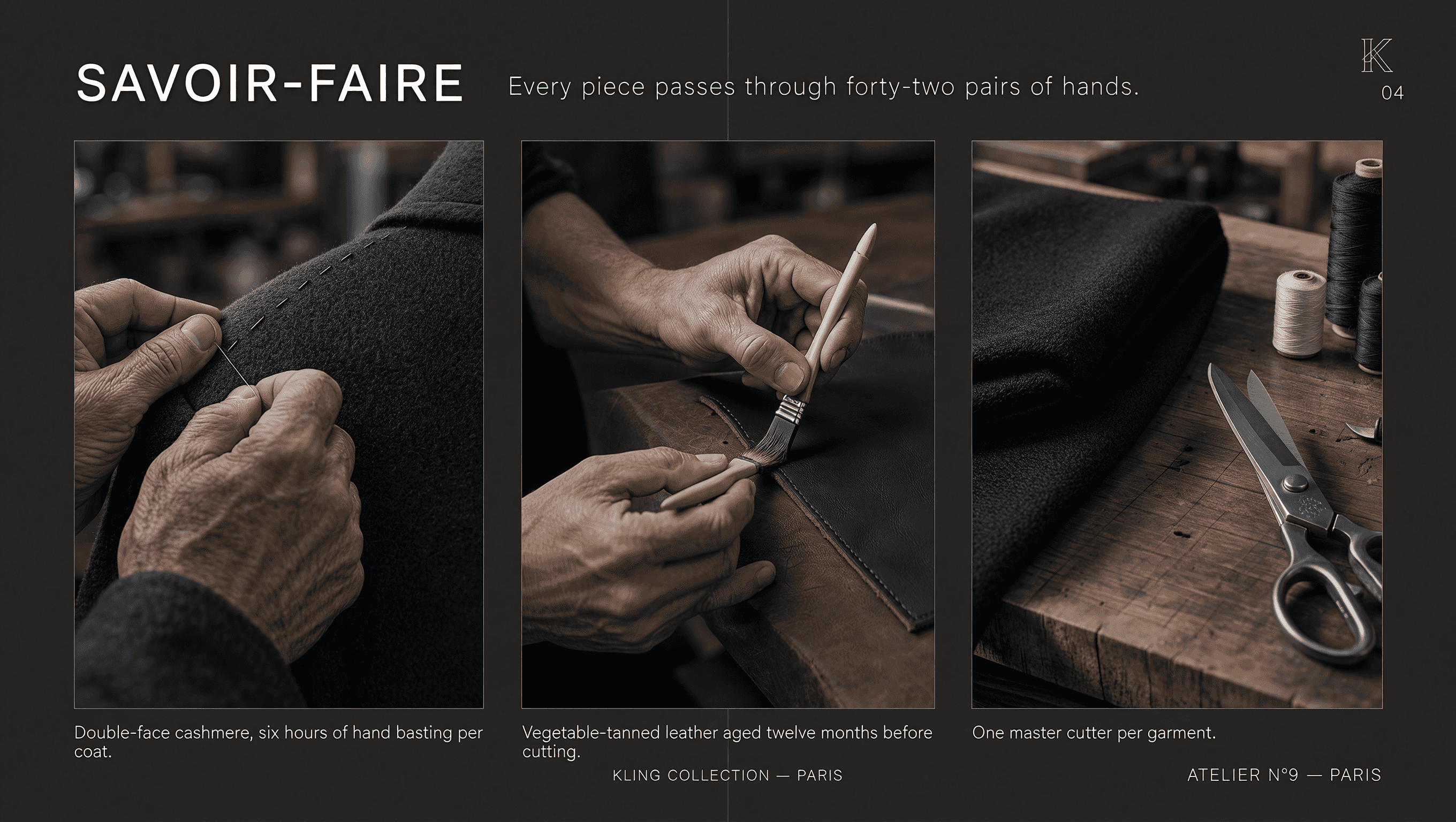
SLIDE 04 — SAVOIR-FAIRE
Luxury atelier close-ups: a tailor hand-basting a shoulder seam, black leather being hand-painted, wool fabric, scissors, thread, and a cutting table. Strong tactile details and deep shadows.
Text:
“SAVOIR-FAIRE”
“Every piece passes through forty-two pairs of hands.”
“Double-face cashmere, six hours of hand basting per coat.”
“Vegetable-tanned leather aged twelve months before cutting.”
“One master cutter per garment.”
“ATELIER N°9 — PARIS”
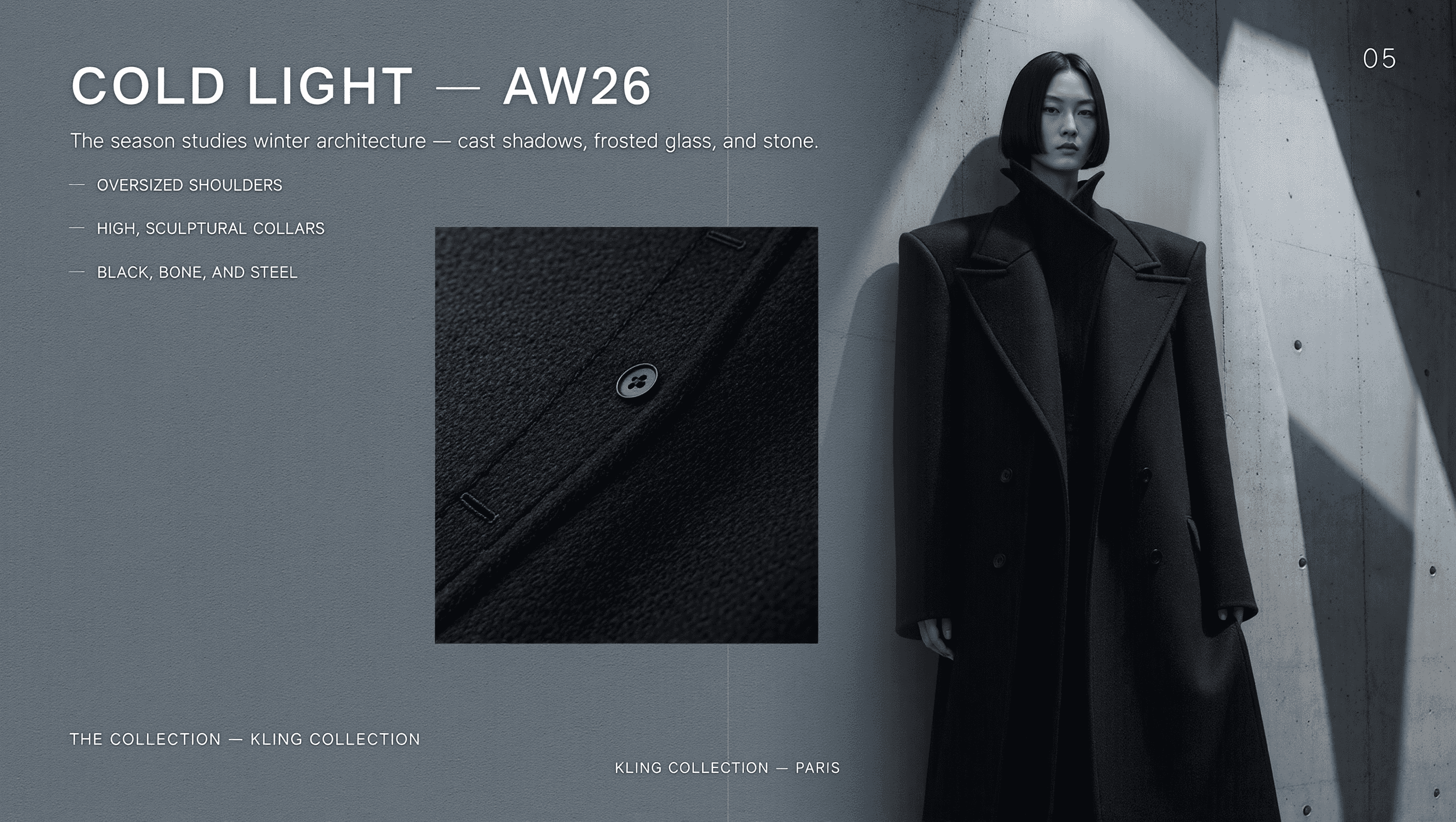
SLIDE 05 — THE COLLECTION
Show the AW26 collection through a sculptural black wool coat, oversized shoulders, high collar, frosted glass, cold concrete, and dramatic diagonal light. Add close-up details of fabric and tailoring.
Text:
“COLD LIGHT — AW26”
“The season studies winter architecture — cast shadows, frosted glass, and stone.”
“OVERSIZED SHOULDERS”
“HIGH, SCULPTURAL COLLARS”
“BLACK, BONE, AND STEEL”
“THE COLLECTION — KLING COLLECTION”
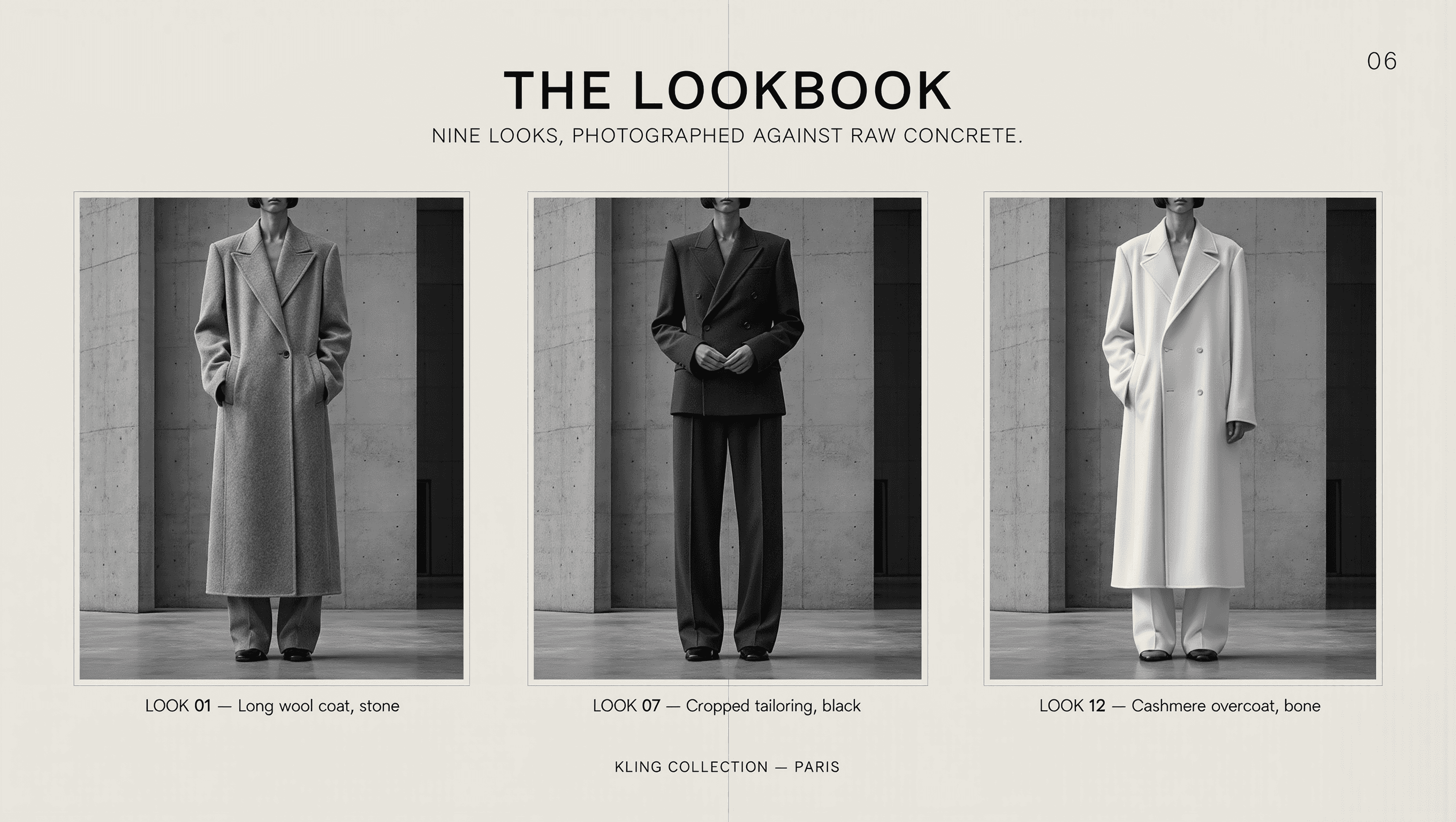
SLIDE 06 — THE LOOKBOOK
A striking black-and-white fashion editorial featuring three models in structured winter tailoring against raw concrete architecture. Show distinct silhouettes, strong posture, calm expressions, and refined garment details.
Text:
“THE LOOKBOOK”
“LOOK 01 — Long wool coat, stone”
“LOOK 07 — Cropped tailoring, black”
“LOOK 12 — Cashmere overcoat, bone”
“NINE LOOKS, PHOTOGRAPHED AGAINST RAW CONCRETE.”長圖 · 網頁 · 2K
Subject: Ridgeline, a fictional mountain e-bike brand. Its flagship is the Ridgeline Summit, a matte forest-green full-suspension electric mountain bike with a slim battery built into the frame.
Website type: an English-language brand website shown as one long homepage, from top to bottom: a navigation bar with the "RIDGELINE" wordmark and the links "Bikes", "Trails", "Stories" and "Support"; a full-width hero photo of a rider descending a misty alpine trail at sunrise, with the headline "Ride Further Into the Wild" and a "Find Your Ride" button; three feature cards with simple line icons, titled "90 km Range", "Carbon Frame" and "Smart Assist"; a studio side view of the Summit with labeled callouts for the motor, the battery and the suspension; a lineup of three models named "Summit", "Trail" and "City", each with a photo and a one-line description; a photo gallery of riders on forest, desert and snowy mountain trails; a large customer quote; and a dark footer with link columns and a newsletter sign-up field.
Visual style: a modern premium outdoor brand with a clean grid, generous white space, deep forest green, warm sand and off-white with a bright orange accent, bold condensed sans-serif headlines, crisp studio product photography and cinematic landscape photography. All visible text in English only, spelled exactly as written and sharp. No prices, no other brands and no other languages.Kling 4 Image 適合重視一致性、解析度和清晰文字的專案。
把一張產品照片變成一組乾淨的多角度圖、生活情境圖和橫幅圖,光線和色彩保持一致,可直接用於商店商品頁或電商平台。
用組圖規劃一段影片或一部短篇漫畫。人物和場景在每一格中保持一致,開拍或製作動畫前就能先審閱故事。
把有張力的畫面和放在引號中的標題結合起來,製作文字清晰的海報、專輯封面、活動傳單和影片縮圖。
用臉部、服裝和地點的參考圖製作服裝型錄、模特兒照和雜誌風人像,無需實地拍攝。
用 8K 生成裝飾畫、展覽物料、廣告看板等大幅面作品,避免低解析度在大尺寸下顯得模糊。
以 1:1、4:3 或 9:16 生成一組多頁貼文,讓每一頁都保持相同的視覺風格。
兩個模型都可以在 Seedance 2.0 上使用。參考下表為每個專案選擇合適的模型。
| 功能 | Kling 4 Image | GPT Image 2.6 |
|---|---|---|
| 最高解析度 | 原生 8K | 4K |
| 參考圖 | 最多 10 張 | 最多 16 張 |
| 每個任務的圖片數 | 1–9 張單圖或 2–10 張組圖 | 1 張 |
| 風格一致的組圖 | 支援,最多 10 張 | 不支援 |
| 畫面比例 | 自動加 8 種固定比例 | 自動加 15 種固定比例 |
| 輸出格式 | PNG,8K 為 JPEG | PNG、JPEG、WebP、GIF、SVG |
| 適合 | 高解析度靜態圖、分鏡和產品組圖 | 快速編輯、GIF 和透明背景 |
提示詞寫法和設定上的小調整,會帶來明顯不同的結果。
使用多張參考圖時,寫明每張負責什麼:"臉部來自 @image_1,洋裝來自 @image_2,房間來自 @image_3"。只引用已經加入的圖片。
生成組圖時,為每一格編號或依序列出角度。模型會依序生成,並讓共同元素保持一致。
先用生成更快、點數更少的 2K 探索創意。構圖滿意後,再用相同的提示詞以 4K 或 8K 重新生成。
放在引號內的短標題和標籤最穩定。同時描述字體風格和位置,例如"頂部置中的白色粗體標題"。
編輯圖片時,除了寫明想要的修改,也要列出需要保持不變的內容,例如臉部、產品標籤或拍攝角度。
依圖片的使用場景選擇比例:限時動態用 9:16,動態消息用 1:1,影片縮圖用 16:9,寬橫幅用 21:9。
可以。符合資格的帳戶登入後會獲得新用戶點數,不購買方案也能生成第一批 Kling 4 Image 作品。
登入後開啟本頁頂部的生成器,生成第一批圖片無需購買方案。
每次提交前,生成按鈕都會顯示本次請求的點數。
生成失敗時,該任務的點數會自動退還。
依任務計費,提交時一次扣除。每張參考圖或商品圖,付費帳戶最多增加 1 點,免費帳戶最多增加 2 點。
| 選項 | 付費帳戶 | 免費帳戶 |
|---|---|---|
| 單張圖片 · 2K | 12 | 24 |
| 單張圖片 · 4K | 17 | 34 |
| 單張圖片 · 8K | 29 | 58 |
| 電商詳情頁 · 短 · 1K | 43 | 86 |
| 網頁 · 1K | 99 | 198 |
關於在 Seedance 2.0 上使用 Kling 4 Image 的常見問題解答。
Kling 4 Image 也稱 Kling Image 4.0(可靈圖像 4.0),是快手可靈 4.0 系列的圖像生成與編輯模型。它可以依文字生成圖片,編輯並融合最多十張參考圖,以 2K、4K 或原生 8K 輸出,還能生成最多十張風格一致的組圖。
開啟本頁頂部的工作台並登入。選擇文生圖或圖生圖,寫好提示詞,需要時加入最多十張參考圖。接著選擇單張圖片或組圖、圖片數量、畫面比例和解析度,點選生成。送出前按鈕上會顯示點數消耗。
符合資格的帳戶可以使用新用戶點數免費試用 Kling 4 Image。之後的生成會使用訂閱或點數包中的點數。在相同設定下,付費帳戶只需消耗免費帳戶一半的點數。
可以。在解析度選單中選擇 8K,模型會直接依該尺寸算圖。8K 結果儲存為 JPEG 檔,2K 和 4K 結果儲存為 PNG。
單張圖片會為提示詞生成 1 到 9 個彼此獨立的變體。組圖會生成 2 到 10 張彼此關聯的圖片,整組中的人物、產品和風格保持一致,非常適合分鏡、產品多角度圖和輪播圖。
可以。切換到「長圖」模式。「電商詳情頁」根據 1–3 張商品圖生成一張長詳情頁,依所選篇幅包含 2 到 18 屏內容;「網頁」把文字描述變成整頁網站設計稿,可用 @style 指代風格參考圖、@subject 指代主體圖。長圖支援 1K 與 2K,按每張頁面計費。
每次請求最多十張 JPG 或 PNG 圖片。在提示詞中依順序引用它們,例如用 @image_1 表示第一張,用 @image_2 表示第二張。如果引用了尚未加入的圖片,工作台會在送出前提醒你修改提示詞。
可以。把需要的文字原樣寫在引號內,並描述樣式和位置,例如海報頂部的粗體標題。簡短的標題、標籤和標語效果最穩定。
自動、1:1、16:9、9:16、4:3、3:4、3:2、2:3 和 21:9。選擇自動時,模型會依提示詞和參考圖選擇合適的畫幅。
不是。可靈 O1 和可靈 3.0 的圖片功能是較早的可靈版本。本頁使用的是可靈圖像 4.0,新增了原生 8K 輸出、最多十張的一致性組圖,以及單次請求最多十張參考圖。
可以。開啟結果並選擇繼續編輯,該圖片會以參考圖的形式加入圖生圖模式,你可以描述下一步修改,例如更換背景、調整顏色或加入文字,然後再次生成。
失敗任務的點數會自動退回。請檢查每個 @image 標記是否都有對應的參考圖,以及提示詞是否符合我們的內容政策,然後重試。


