Create images from text, edit and combine reference photos and generate consistent image sets with Kling 4 Image (Kling Image 4.0).

By generating, you agree to our Content Policy.
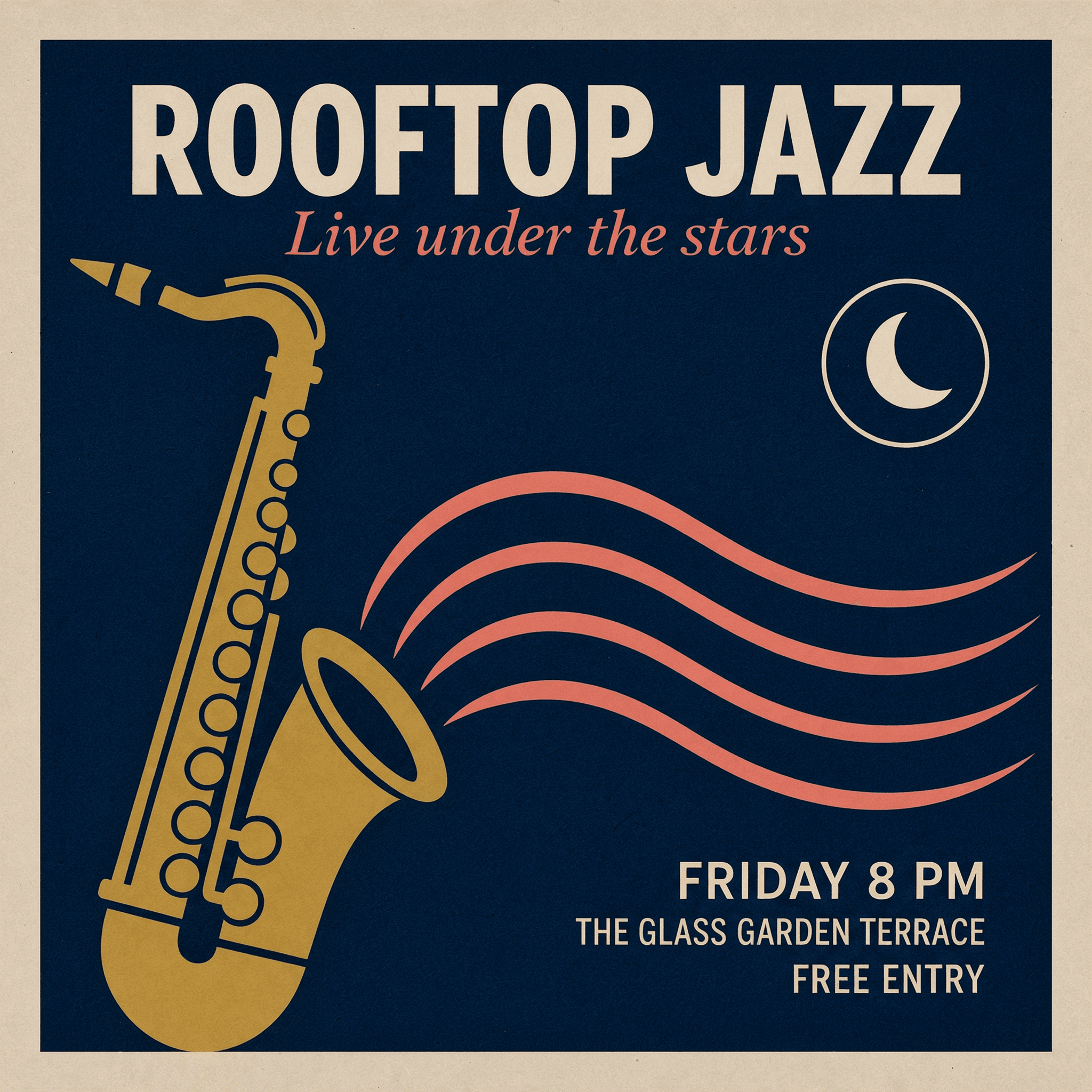
Square graphic design poster for a fictional rooftop jazz evening, in a bold mid-century modern style. Deep midnight-navy background with a fine paper grain texture. On the left half, a large stylized flat illustration of a golden saxophone built from simple geometric shapes, with three curving coral-pink sound-wave lines flowing out of its bell across the middle of the poster. At the top, a huge heavy condensed sans-serif headline in warm cream capitals reads "ROOFTOP JAZZ" on a single line. Directly under it, a second line in coral-pink italic serif reads "Live under the stars". In the lower right corner, three short lines are stacked in small cream capitals: "FRIDAY 8 PM", "THE GLASS GARDEN TERRACE" and "FREE ENTRY". In the upper right corner, a thin cream circle frames a small crescent moon. Flat print-ready colors limited to navy, cream, gold and coral, strict grid alignment, generous margins, and all text kept well inside the square frame. Every word spelled exactly as written, sharp and legible. No people, no logos, no other text.
Kling 4 Image (Kling Image 4.0) is the image model of the Kling 4.0 generation from Kuaishou. Use it in the browser on Seedance 2.0, with nothing to install and no API key.
Print-ready detail with no separate upscaling pass.
One character, product and style across every picture.
Point at each one in the prompt as @image_1, @image_2 and so on.
A full e-commerce detail page or web page design in one image.
What Kling Image 4.0 does best, shown with images generated on Seedance 2.0.
Headlines, small print and multi-section layouts come out clean and correctly spelled, and Kling Image 4.0 can place up to 2,000 characters of text in a single image. Write the exact words in quotation marks and describe their style and position.
Long image mode builds one tall page section by section. Upload one to three product photos for an e-commerce detail page with a hero, selling points, scenes and specs, or describe a site for a complete web page design. Choose the length and 1K or 2K, and the whole page comes back as a single image.
Image set mode plans up to 10 pictures around one idea. Each frame gets its own shot and focus while the character, setting and style stay the same, so a storyboard, a step-by-step guide or a carousel comes from a single prompt.







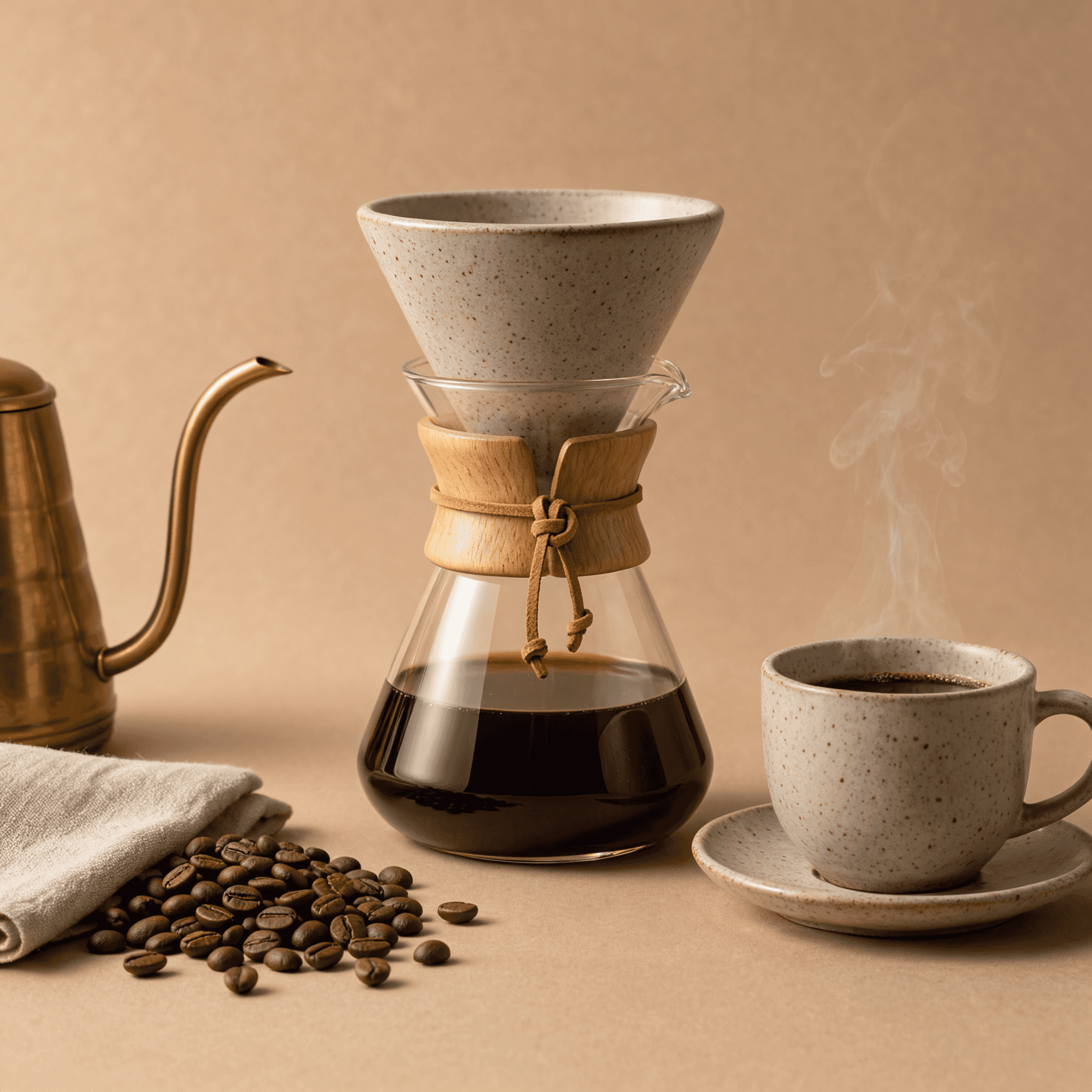
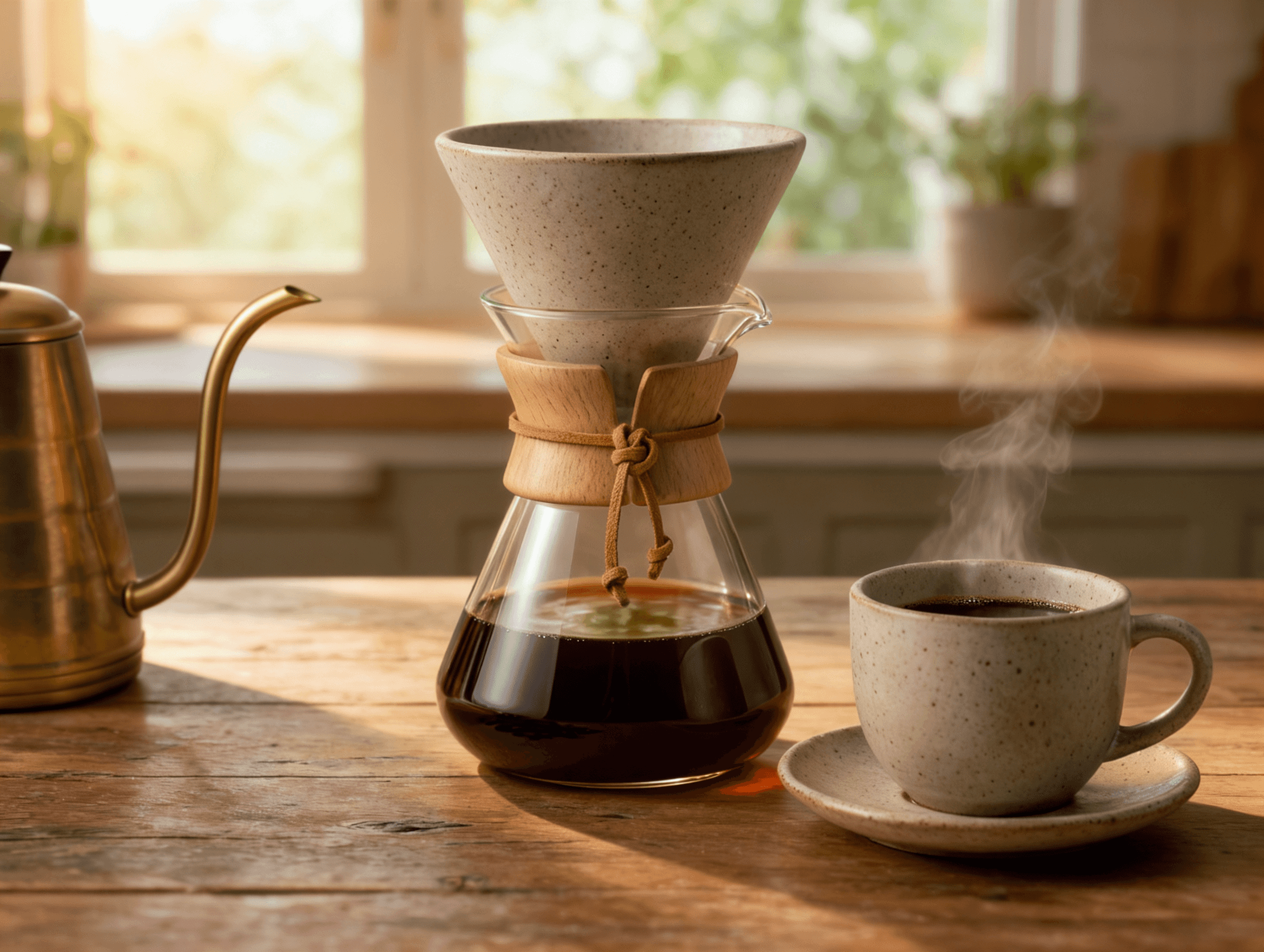
Add a product photo as a reference and ask for a set of new scenes. The shape, glaze, colours and proportions of the product stay identical from image to image, which turns one studio shot into a complete catalog or campaign.
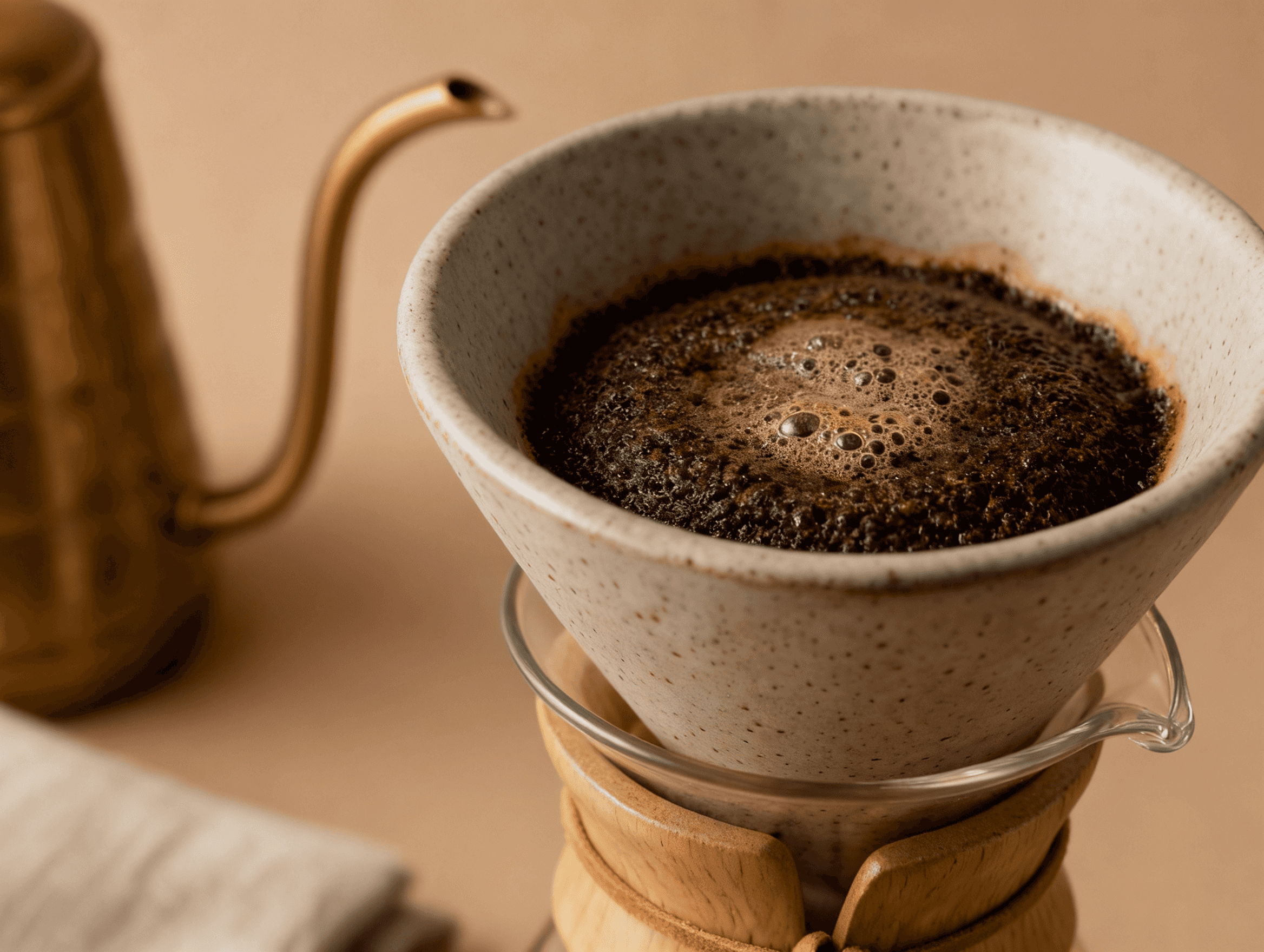
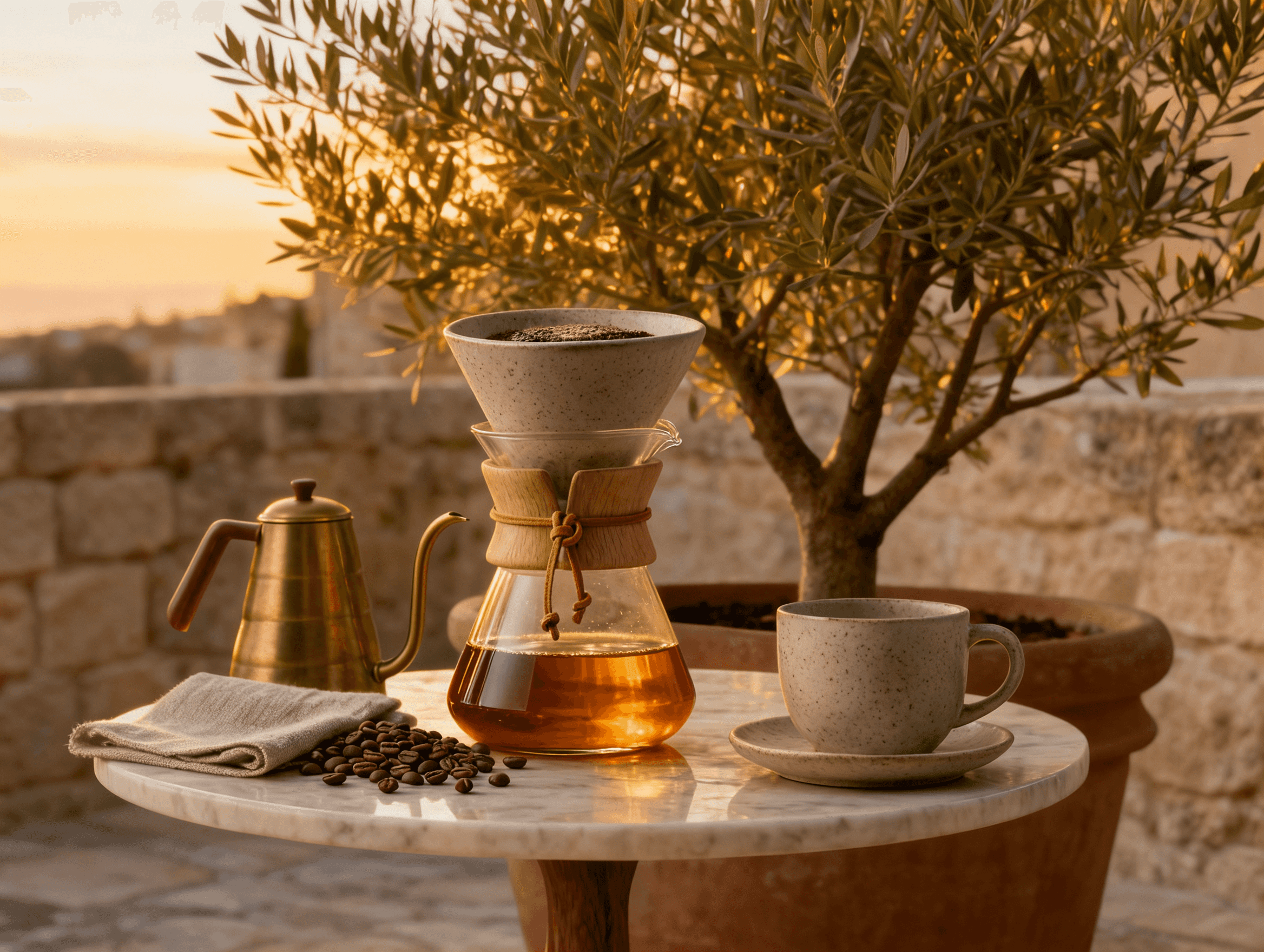
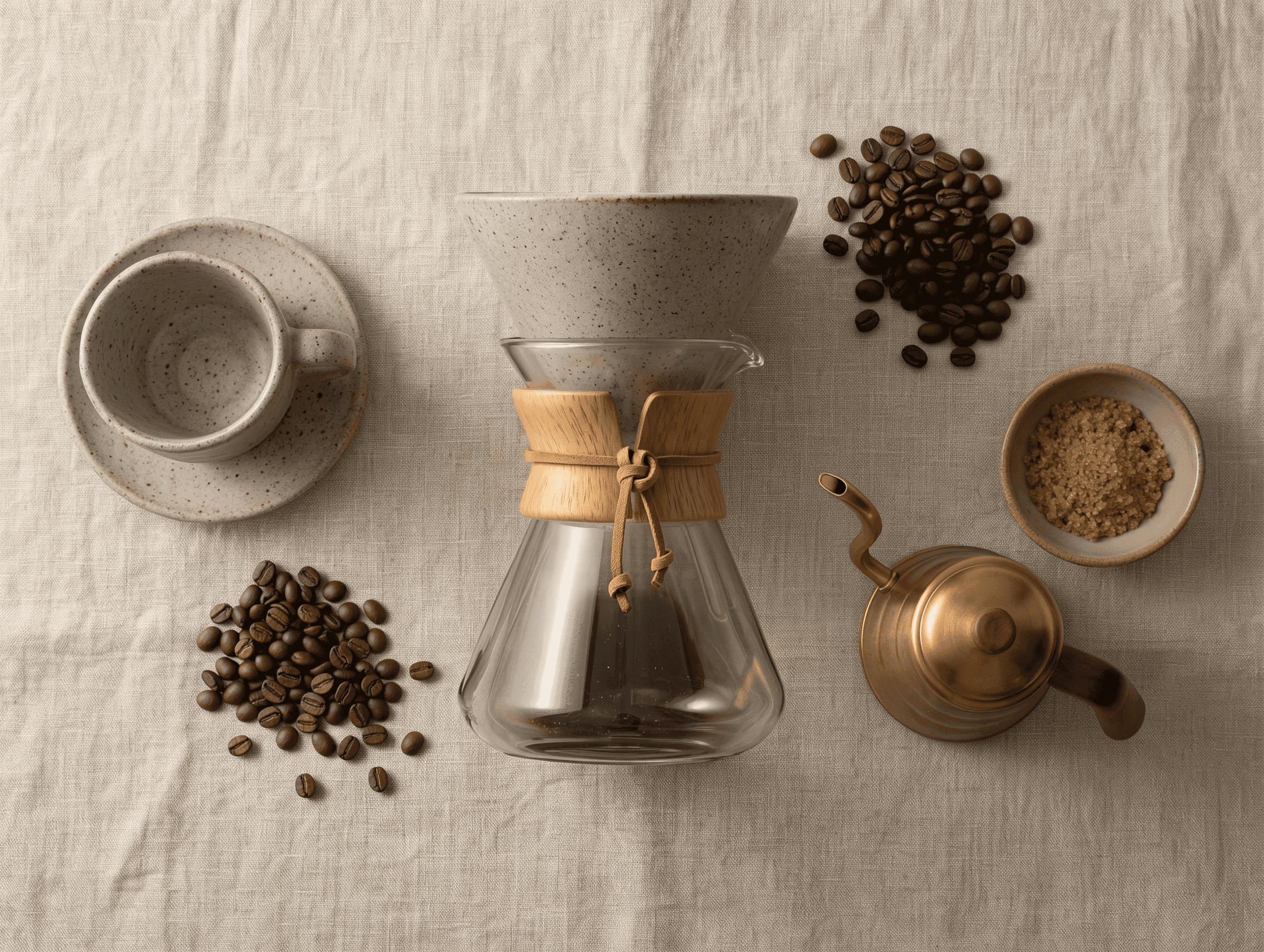
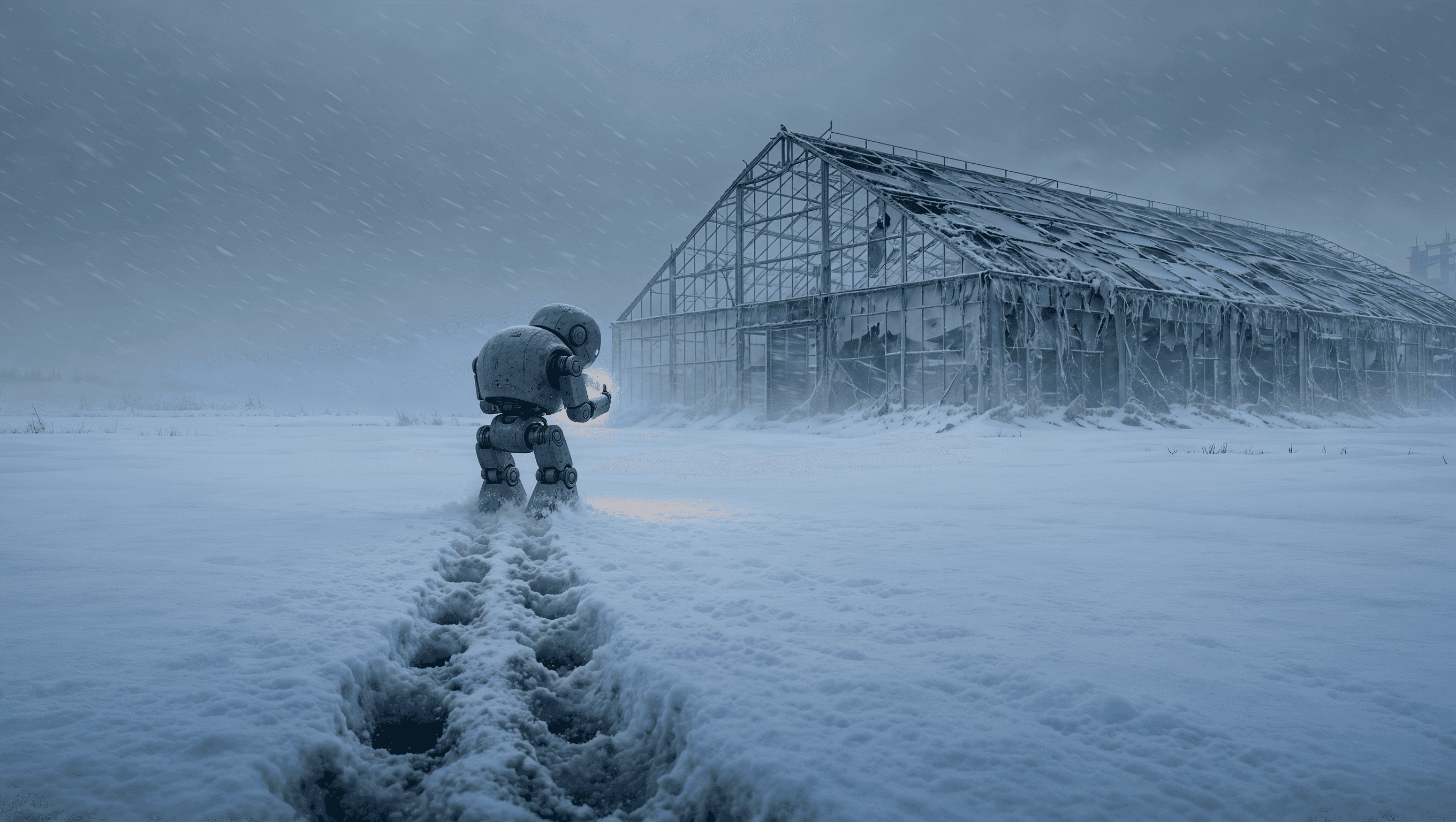
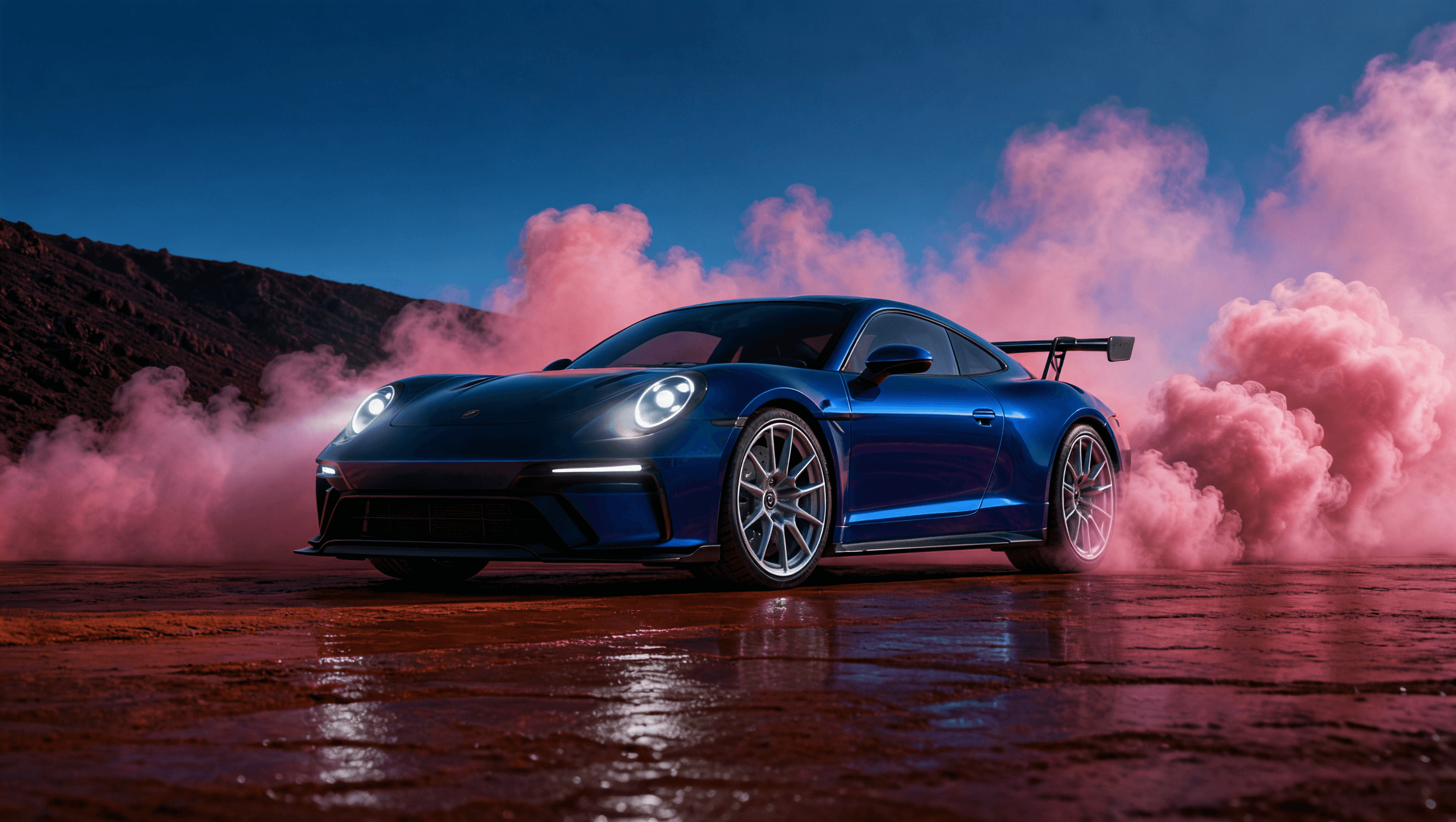
Glossy paint, wet ground, drifting smoke and rim light come out with film-like contrast between cool and warm tones. Kling 4 Image follows detailed lighting and camera directions, and the same prompt can be rendered at 4K or native 8K, up to 7040 × 9344 pixels at 3:4, for finished campaign visuals.
The settings available for Kling 4 Image on Seedance 2.0.
| Specification | Kling 4 Image |
|---|---|
| Modes | Text to image, image to image and long image |
| Output types | Single images (1–9 per task) or a consistent image set (2–10 per task) |
| Long images | One e-commerce detail page from 1–3 product photos (short, medium or long) or a full web page design, at 1K or 2K |
| Resolution | 2K, 4K and native 8K |
| Aspect ratios | Auto, 1:1, 16:9, 9:16, 4:3, 3:4, 3:2, 2:3 and 21:9 |
| Reference images | Up to 10 JPG or PNG images, referenced as @image_1 to @image_10 |
| Prompt length | Up to 5,000 characters |
| File format | PNG at 2K and 4K; JPEG at 8K |
| Pricing | Credits per output image, shown before you generate |
Kling 4 Image has three ways to turn one prompt into finished work. Choose the one that fits the result you need.
Generates 1 to 9 independent images from the same prompt and settings. Each result is a separate take, so use this option to explore compositions, compare variations and pick a favorite before you refine it.
Generates 2 to 10 images that belong together. The model keeps the character, product and visual style consistent across the set and follows the order you describe, which makes it the right choice for storyboards, step-by-step guides, product angles and multi-slide posts.
Creates one tall image built section by section. Choose E-commerce page and add 1 to 3 product photos to get a complete product detail page with a hero, selling points, close-ups and specs, in a short, medium or long layout. Choose Web page to turn a description into a full-length site design, with an optional style reference and subject image.
Create your first Kling 4 Image result in four steps.
Start from a prompt alone, or switch to image to image and add up to ten reference photos from your device or your asset library.
Describe the subject, setting, lighting and style. Name each reference as @image_1, @image_2 and so on, and put any text that should appear in the picture in quotation marks.
Select Single images or Image set, the number of images, the aspect ratio and 2K, 4K or 8K resolution. The Generate button shows the credit cost for these settings.
Select Generate. Results appear in the preview and in your history, where you can download them, reuse the settings or continue editing a result as a new reference.
Each example shows the exact prompt and settings we used and the image Kling 4 Image produced on Seedance 2.0.

Single image · 3:4 · 4K
A casual snapshot of an orange tabby cat in a cozy living room. A moderately built adult orange tabby sits upright on a dark gray fabric sofa, facing the camera with its head tilted slightly to one side and curious green eyes looking at the photographer. The cat has short, dense fur, round cheeks, a pink nose, and clearly visible whiskers. A cream-colored plush cushion sits beside it, while a soft blanket with yellow and dark blue patterns covers the foreground. In the background, a large bright window reveals neighboring houses and trees. A round wall mirror, green plants, and living room furniture are partially visible on the left. Natural daylight streams in through the window, creating a soft rim light around the cat. Vertical medium shot, authentic indoor iPhone photography, warm everyday atmosphere, realistic fur texture.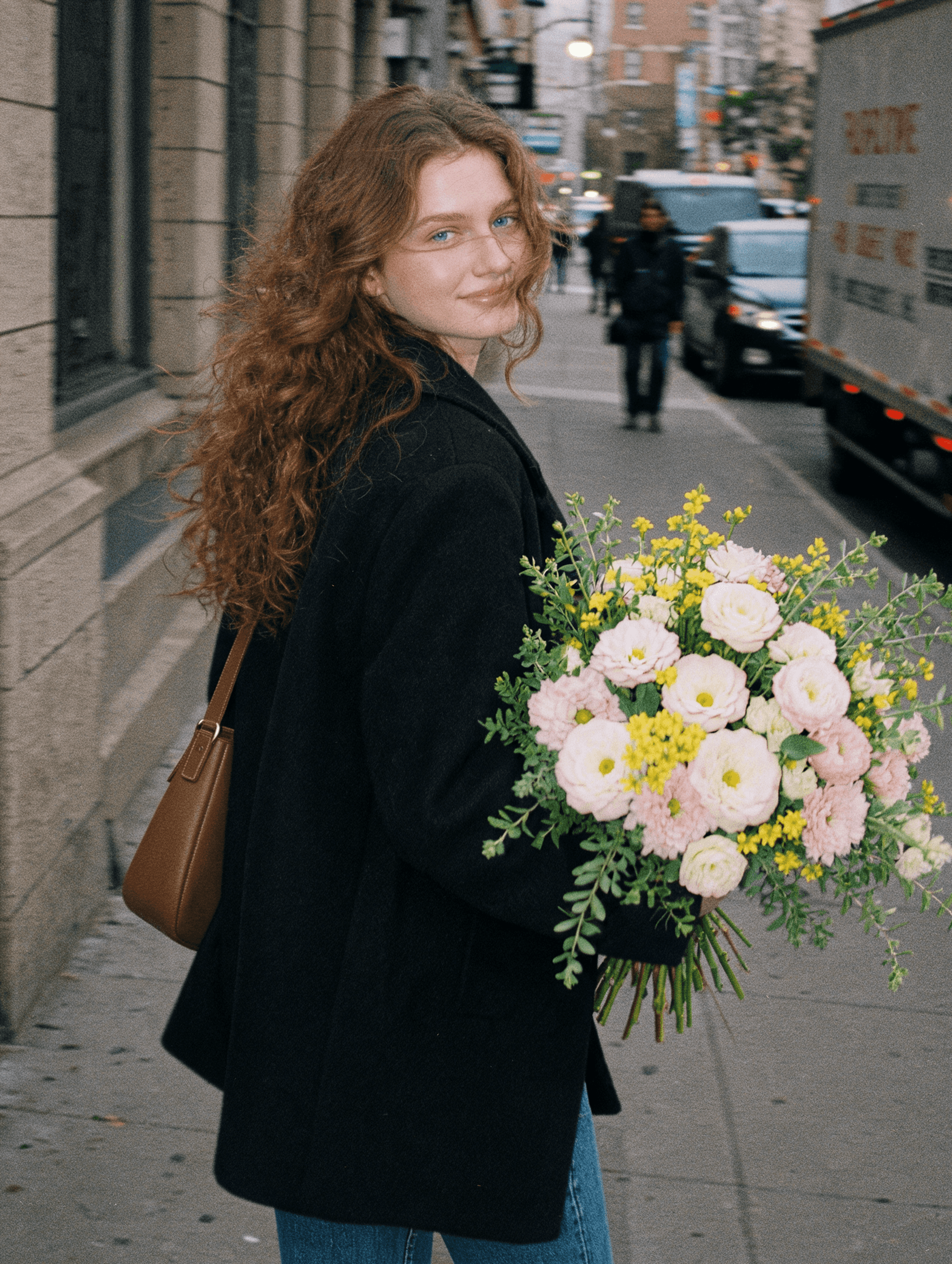
Image to image · Single image · 3:4 · 2K
A grainy, slightly motion-softened 35mm snapshot catches the person from the uploaded identity photograph halfway through turning back while walking along a busy city sidewalk with a bouquet. Preserve their recognizable facial features, age, skin tone, and individual character. The photograph feels taken quickly by a friend walking a step behind, before the person has settled into a pose. Their hips and shoulders continue moving forward as their head turns toward the camera. Their expression is a small, fleeting smile, with relaxed eyes and softly closed lips. A few loose strands sweep across the cheek and mouth. The bouquet shifts slightly in their bent arms, its outer leaves and fine stems trailing with the movement. A soft brown shoulder bag swings gently against the hip, pulling the coat into uneven folds. Keep these movements subtle and consistent with an ordinary walking pace. They wear a roomy black wool coat and blue jeans, carrying an abundant, loosely gathered bouquet of pale pink and ivory flowers, small yellow blossoms, and irregular green foliage. The bouquet fills part of the lower-right frame and is cropped slightly at the edge. Render clothing, hair, and flowers with broad natural detail rather than individually sharpened fibers, strands, and petal veins. The street behind contains stone facades, a dark vehicle, part of a white delivery truck, and a passing pedestrian. Their shapes remain recognizable, but edges show a short, uneven directional smear from handheld movement. Use moderate depth of field with imperfect focus rather than creamy portrait-lens bokeh. Cool daylight mixes with a modest direct on-camera flash. The brief flash gives the eyes, nose, and central face a comparatively stable impression, while ambient exposure leaves faint movement around loose hair, the shoulder outline, bouquet tips, and background traffic. Suggest a handheld exposure around 1/30 second: a small amount of directional softness, with no long light trails or obvious duplicate face. Flash creates simple, slightly uneven highlights across the forehead, cheeks, and nearby flowers. The black coat falls into broad dark areas with limited fine detail. Keep the skin gently warm and the street muted gray-green, avoiding a strong blue or teal grade. The lighting feels immediate and imperfect. Give the entire photograph the texture of a modest-resolution scan from a high-speed consumer color-negative film. Clearly visible, irregular grain breaks up skin, sky, clothing, and shadow areas; grain becomes coarser and more chromatic in the darker regions. Fine detail is partially lost through the combination of grain, slight focus error, and handheld movement. Keep facial identity readable without crisp eyelashes, sharply separated hair strands, or detailed leather pores. Edges are soft before grain is applied, so the result feels genuinely photographic rather than a sharp digital portrait covered in noise. Photograph at close conversational distance with a slightly tilted handheld camera, framing vertically from above the head to the hips. Preserve the spontaneous crop and mild imbalance of a passing moment. Output a single photograph with no added typography or interface graphics.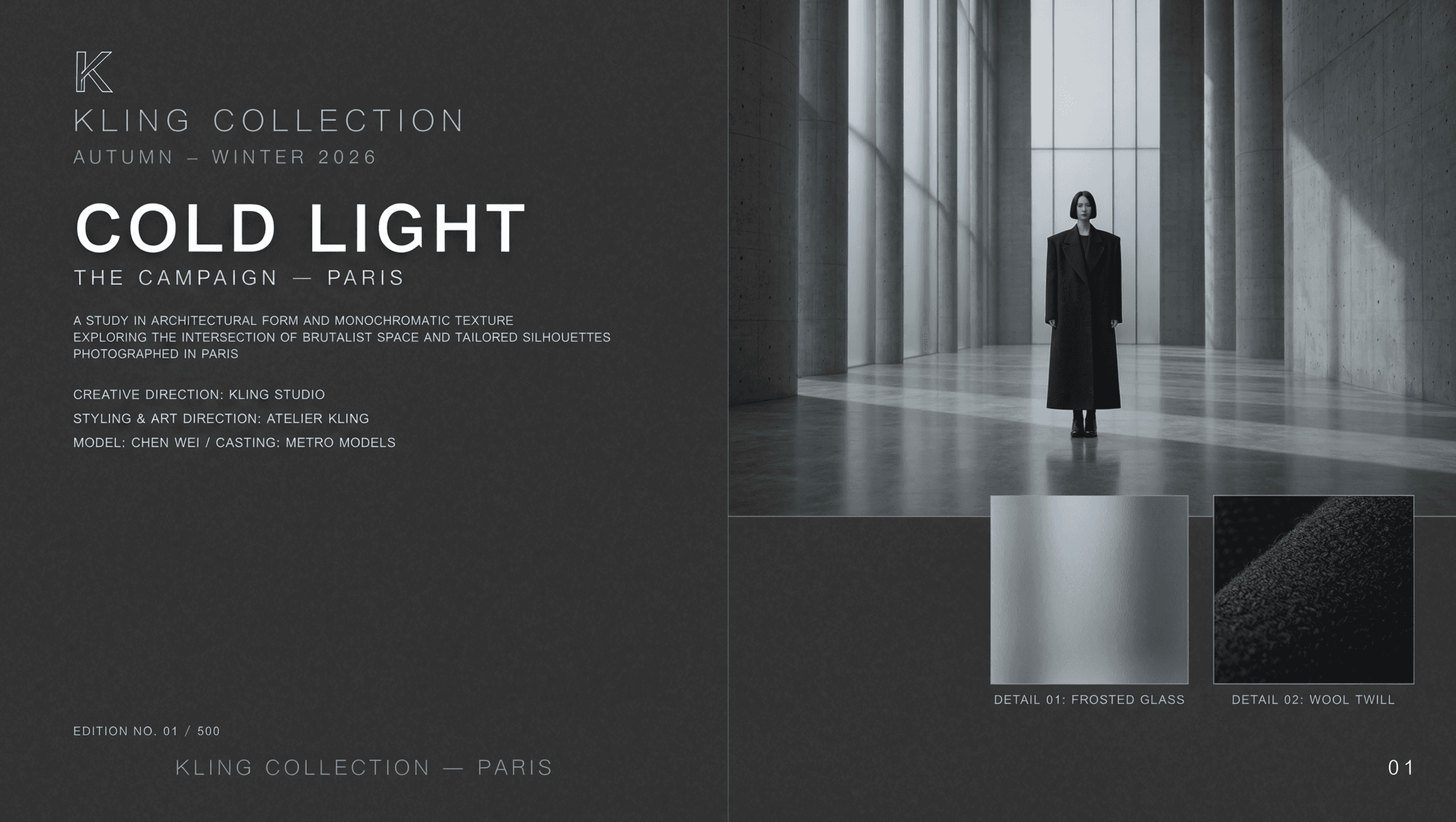
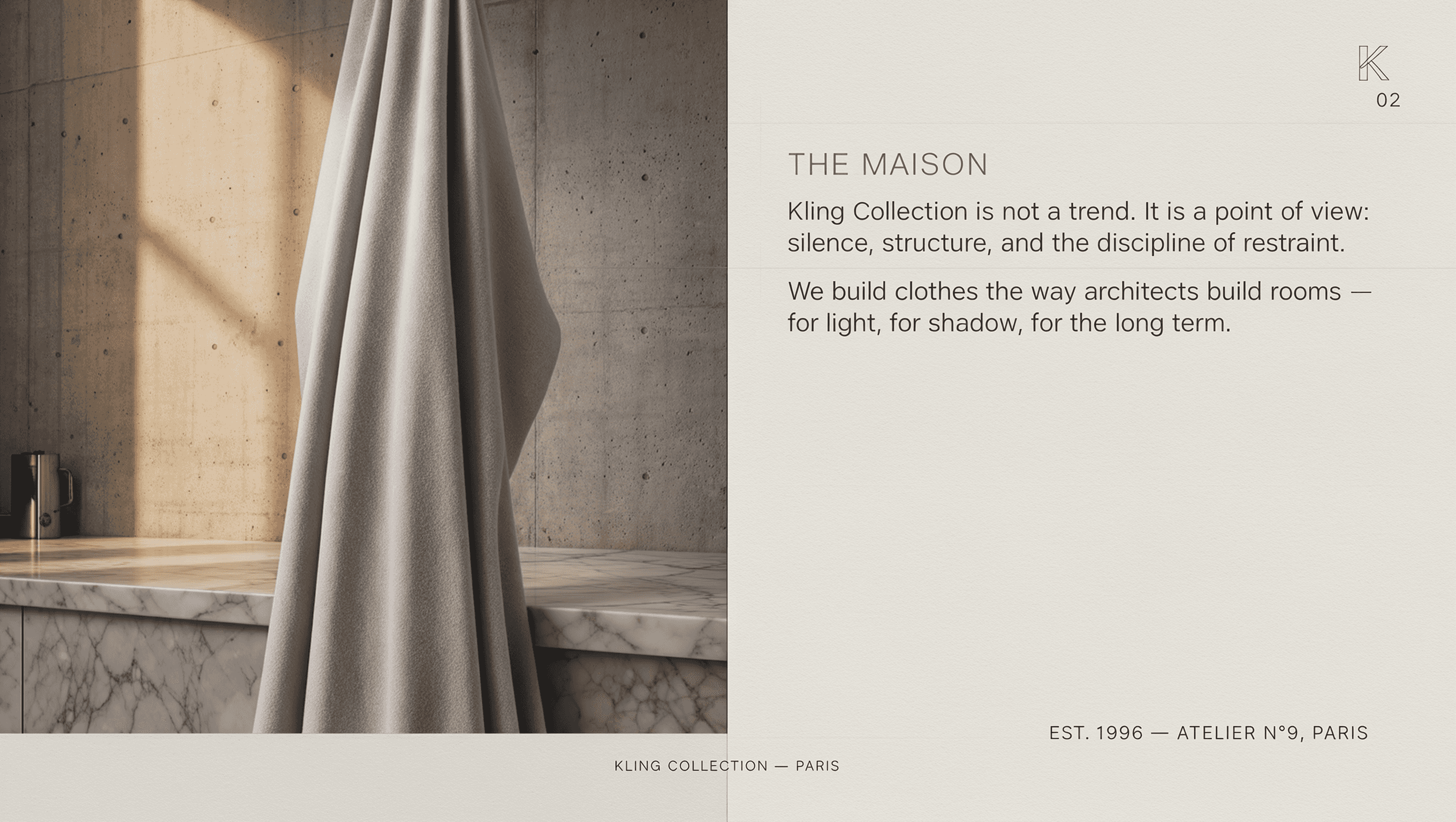
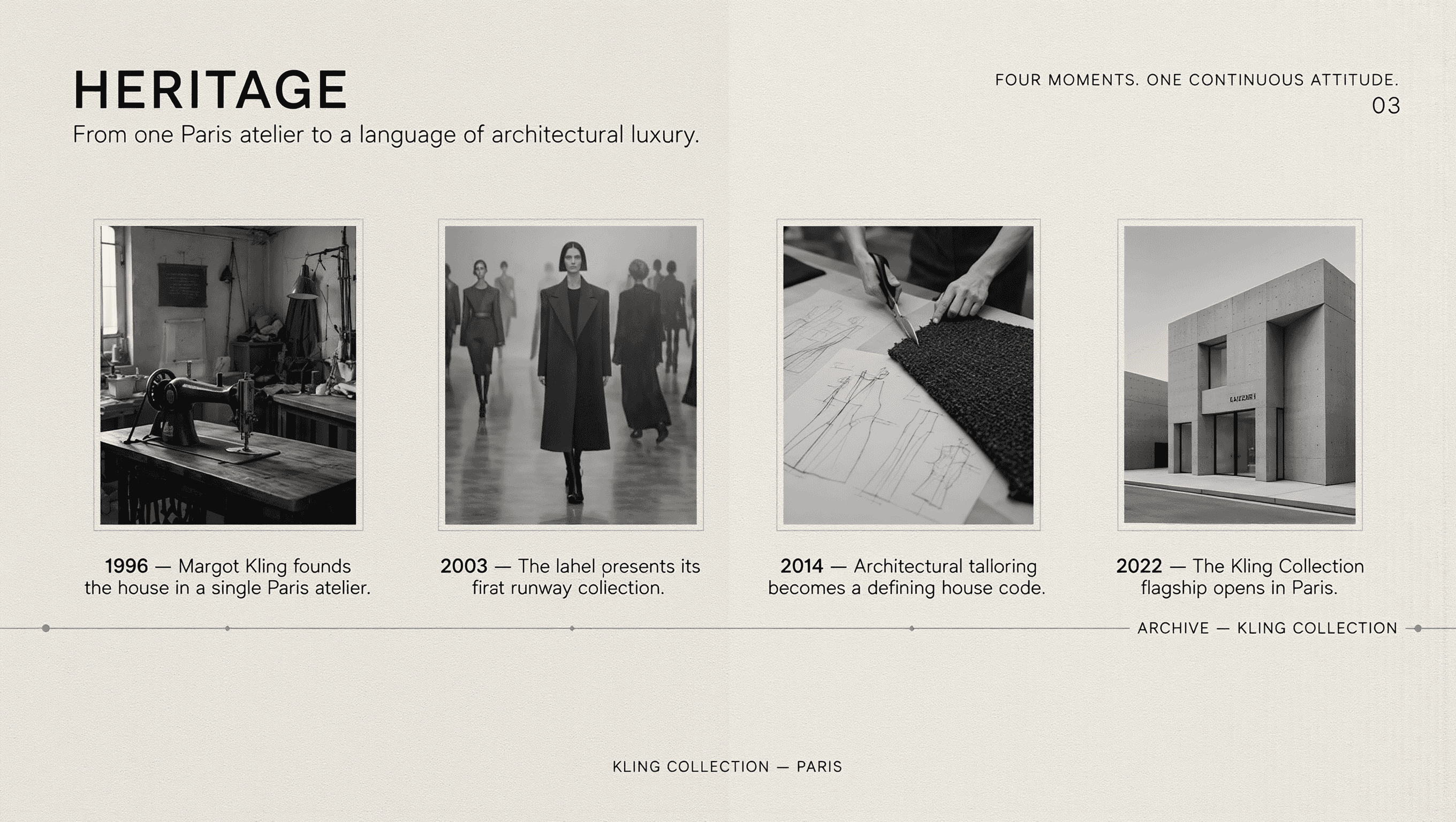
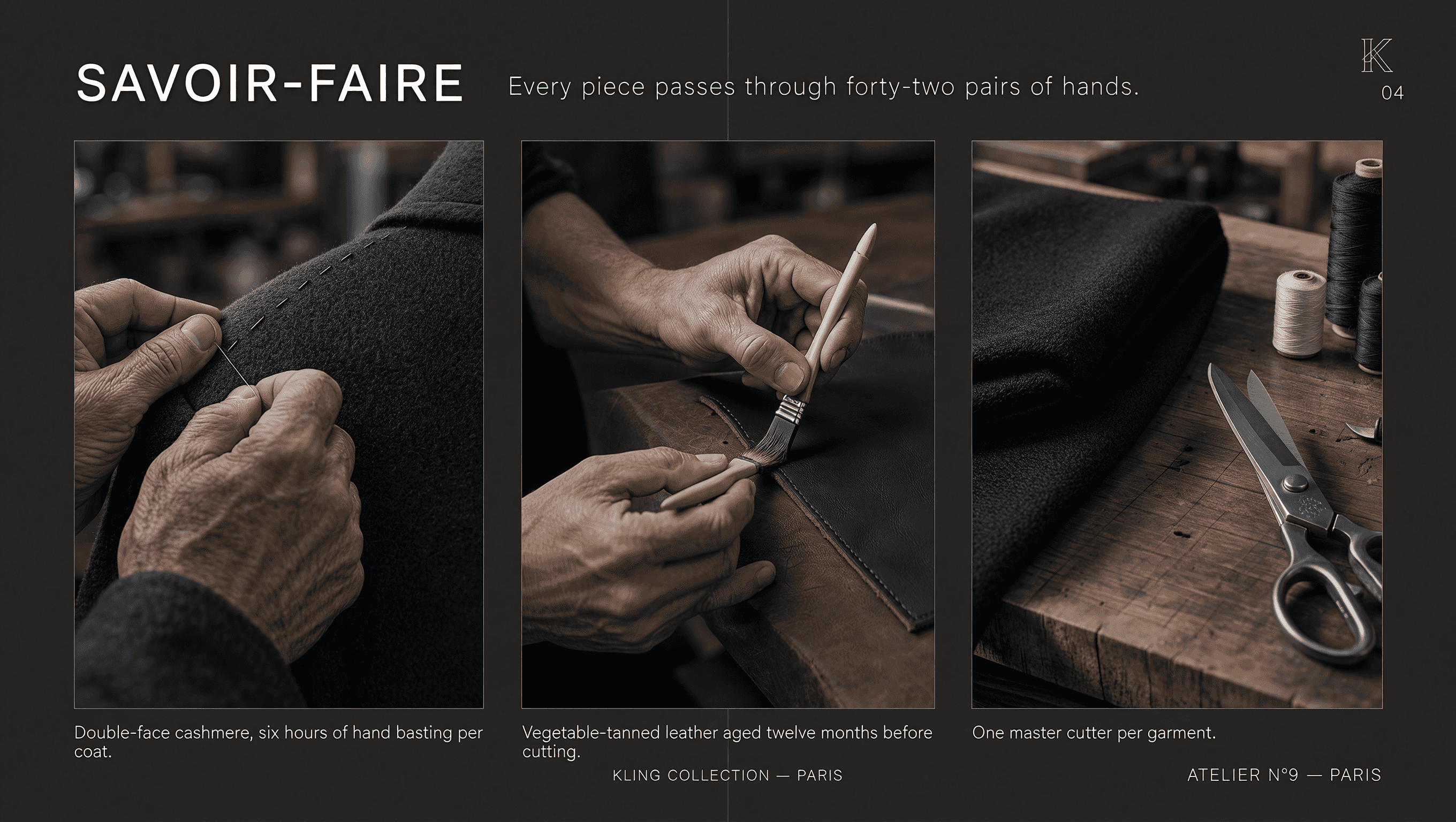
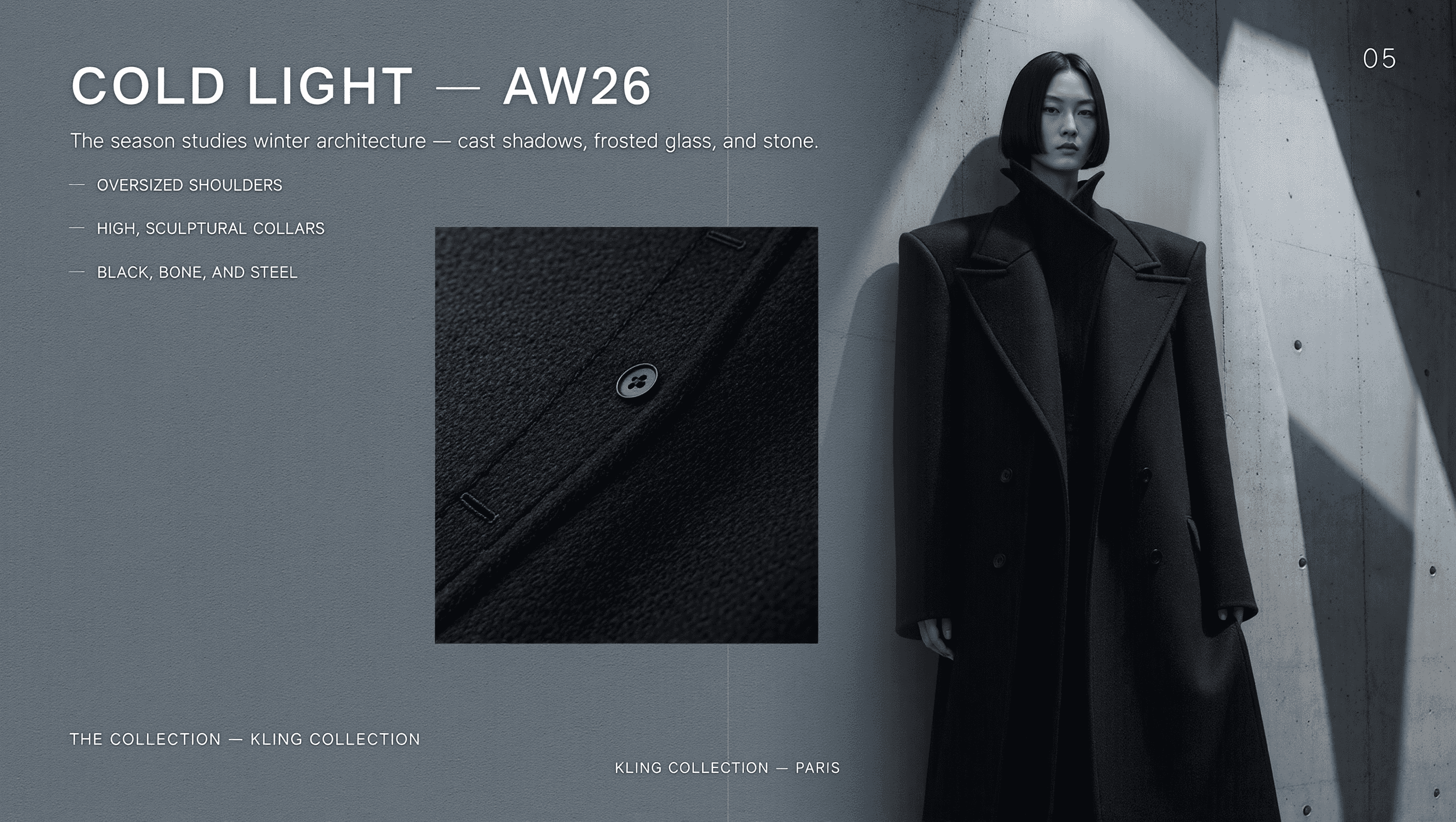
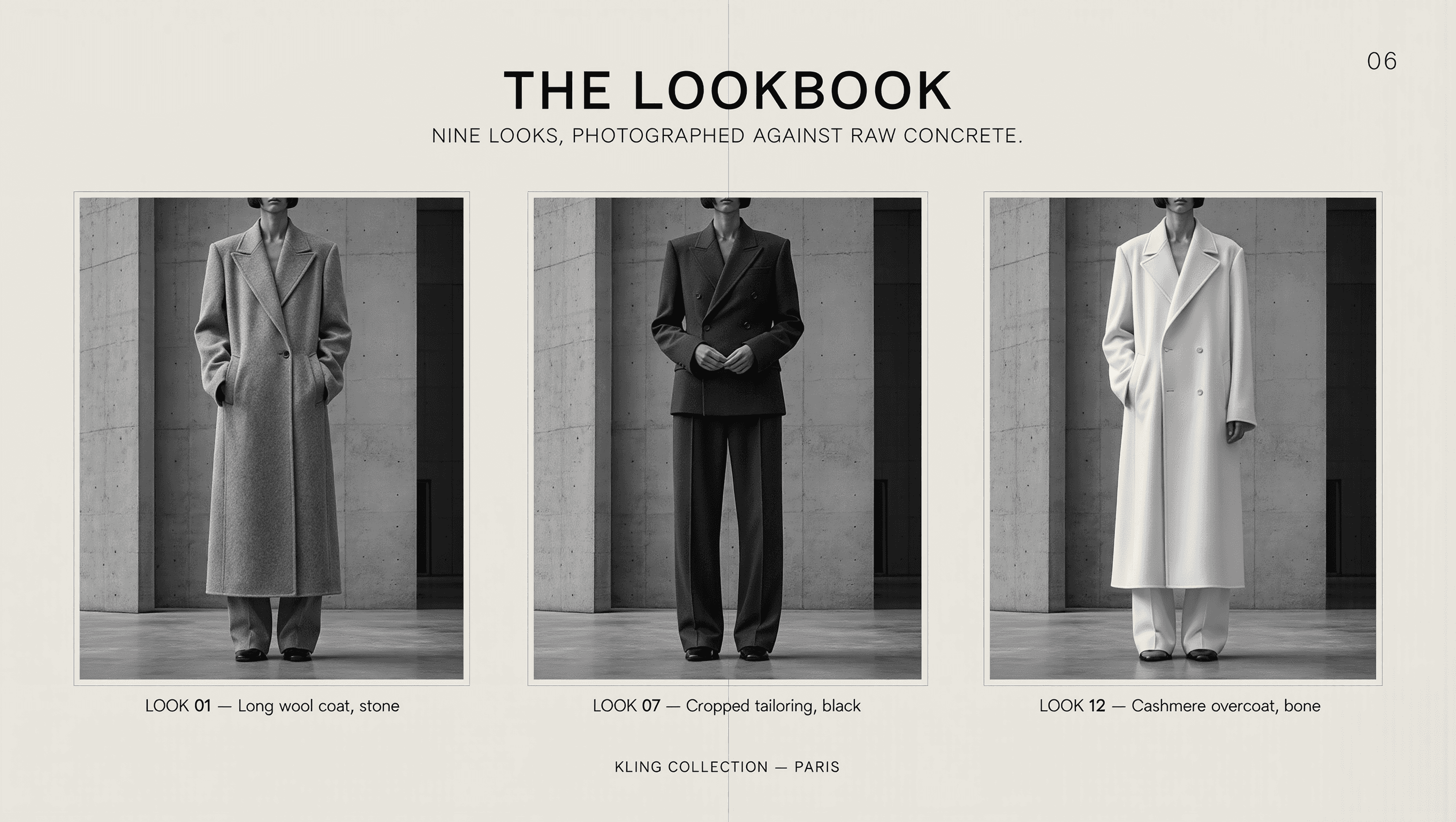
Image set × 6 · 16:9 · 2K
Create a 6-slide 16:9 luxury fashion brand presentation for the fictional Parisian fashion house “Kling Collection.” All visible slide text must be in English.
Brand theme: Autumn–Winter 2026 campaign, “COLD LIGHT.” The brand represents architectural tailoring, quiet power, refined materials, Parisian heritage, and international high fashion.
Overall visual style: high-end global luxury fashion campaign, cold and cinematic, elegant editorial photography, sophisticated magazine layout, architectural spaces, black wool, leather, concrete, marble, frosted glass, brushed metal, archival paper. Use black, paper white, charcoal, cold grey, muted steel blue, and subtle warm skin tones. Strong fashion photography, refined typography, material close-ups, balanced full-page compositions, rich visual layers, and controlled negative space. Avoid generic corporate PPT style, colorful gradients, neon colors, cartoon decoration, and overly empty layouts.
Keep the brand identity consistent across all slides: a thin-line “K” monogram, refined sans-serif typography, small slide numbers, and the footer “KLING COLLECTION — PARIS.” Create each slide as a complete designed presentation page, not a collage.
SLIDE 01 — COVER
A model in a long black coat stands in a monumental concrete hall under cold window light. Add architectural shadows and a close-up texture of black wool or frosted glass. Dramatic, restrained, expensive fashion campaign mood.
Text:
“KLING COLLECTION”
“AUTUMN – WINTER 2026”
“COLD LIGHT”
“THE CAMPAIGN — PARIS”
“KLING COLLECTION — PARIS”
SLIDE 02 — THE MAISON
Editorial composition with a large sculptural grey fabric detail, a refined Parisian atelier interior, and a confident text block. Use concrete, fabric, and soft directional light.
Text:
“THE MAISON”
“Kling Collection is not a trend. It is a point of view: silence, structure, and the discipline of restraint.”
“We build clothes the way architects build rooms — for light, for shadow, for the long term.”
“EST. 1996 — ATELIER N°9, PARIS”
SLIDE 03 — HERITAGE
Create a visually rich fashion-house archive page. Use a horizontal timeline with four monochrome archive photographs: a Paris atelier, an early runway or sketch, a tailoring workbench, and a modern Paris flagship. Combine archival paper, subtle fabric details, fine lines, and elegant year markers.
Text:
“HERITAGE”
“From one Paris atelier to a language of architectural luxury.”
“1996 — Margot Kling founds the house in a single Paris atelier.”
“2003 — The label presents its first runway collection.”
“2014 — Architectural tailoring becomes a defining house code.”
“2022 — The Kling Collection flagship opens in Paris.”
“FOUR MOMENTS. ONE CONTINUOUS ATTITUDE.”
“ARCHIVE — KLING COLLECTION”
SLIDE 04 — SAVOIR-FAIRE
Luxury atelier close-ups: a tailor hand-basting a shoulder seam, black leather being hand-painted, wool fabric, scissors, thread, and a cutting table. Strong tactile details and deep shadows.
Text:
“SAVOIR-FAIRE”
“Every piece passes through forty-two pairs of hands.”
“Double-face cashmere, six hours of hand basting per coat.”
“Vegetable-tanned leather aged twelve months before cutting.”
“One master cutter per garment.”
“ATELIER N°9 — PARIS”
SLIDE 05 — THE COLLECTION
Show the AW26 collection through a sculptural black wool coat, oversized shoulders, high collar, frosted glass, cold concrete, and dramatic diagonal light. Add close-up details of fabric and tailoring.
Text:
“COLD LIGHT — AW26”
“The season studies winter architecture — cast shadows, frosted glass, and stone.”
“OVERSIZED SHOULDERS”
“HIGH, SCULPTURAL COLLARS”
“BLACK, BONE, AND STEEL”
“THE COLLECTION — KLING COLLECTION”
SLIDE 06 — THE LOOKBOOK
A striking black-and-white fashion editorial featuring three models in structured winter tailoring against raw concrete architecture. Show distinct silhouettes, strong posture, calm expressions, and refined garment details.
Text:
“THE LOOKBOOK”
“LOOK 01 — Long wool coat, stone”
“LOOK 07 — Cropped tailoring, black”
“LOOK 12 — Cashmere overcoat, bone”
“NINE LOOKS, PHOTOGRAPHED AGAINST RAW CONCRETE.”Long image · Web page · 2K
Subject: Ridgeline, a fictional mountain e-bike brand. Its flagship is the Ridgeline Summit, a matte forest-green full-suspension electric mountain bike with a slim battery built into the frame.
Website type: an English-language brand website shown as one long homepage, from top to bottom: a navigation bar with the "RIDGELINE" wordmark and the links "Bikes", "Trails", "Stories" and "Support"; a full-width hero photo of a rider descending a misty alpine trail at sunrise, with the headline "Ride Further Into the Wild" and a "Find Your Ride" button; three feature cards with simple line icons, titled "90 km Range", "Carbon Frame" and "Smart Assist"; a studio side view of the Summit with labeled callouts for the motor, the battery and the suspension; a lineup of three models named "Summit", "Trail" and "City", each with a photo and a one-line description; a photo gallery of riders on forest, desert and snowy mountain trails; a large customer quote; and a dark footer with link columns and a newsletter sign-up field.
Visual style: a modern premium outdoor brand with a clean grid, generous white space, deep forest green, warm sand and off-white with a bright orange accent, bold condensed sans-serif headlines, crisp studio product photography and cinematic landscape photography. All visible text in English only, spelled exactly as written and sharp. No prices, no other brands and no other languages.Kling 4 Image fits projects where consistency, resolution and clean text matter.
Turn one product photo into a set of clean angles, lifestyle scenes and banner images with the same lighting and color, ready for a store listing or a marketplace.
Plan a video or a short comic as an image set. The character and setting stay consistent from panel to panel, so you can review the story before any filming or animation.
Combine a strong image with a headline in quotation marks to produce posters, album covers, event flyers and video thumbnails with readable typography.
Use reference images for a face, an outfit and a location to create lookbooks, model shots and editorial portraits without a photo shoot.
Generate at 8K for wall art, trade show graphics, billboards and other large formats where lower resolutions would look soft.
Create a multi-slide post as one image set in 1:1, 4:3 or 9:16 so every slide shares the same visual identity.
Both models are available on Seedance 2.0. Use this comparison to pick the right one for each project.
| Feature | Kling 4 Image | GPT Image 2.6 |
|---|---|---|
| Highest resolution | Native 8K | 4K |
| Reference images | Up to 10 | Up to 16 |
| Images per task | 1–9 single images or a set of 2–10 | 1 |
| Consistent image sets | Yes, up to 10 images | No |
| Aspect ratios | Auto plus 8 fixed ratios | Auto plus 15 fixed ratios |
| Output formats | PNG, JPEG at 8K | PNG, JPEG, WebP, GIF, SVG |
| Best for | High-resolution stills, storyboards and product sets | Fast edits, GIFs and transparent backgrounds |
Small changes in how you write the prompt and choose the settings make a visible difference.
With several references, say what each one controls: "the face from @image_1, the dress from @image_2, the room from @image_3". Only mention images you have attached.
For an image set, number the frames or list the angles in order. The model follows the sequence and keeps the shared elements consistent.
Explore ideas at 2K, where generation is faster and costs fewer credits. When the composition is right, regenerate the same prompt at 4K or 8K.
Short titles and labels in quotation marks render most reliably. Describe the font style and position, for example "bold white title centered at the top".
When editing, list what should stay the same, such as the face, the product label or the camera angle, in addition to the change you want.
Choose the aspect ratio for where the image will be used: 9:16 for stories, 1:1 for feeds, 16:9 for video thumbnails and 21:9 for wide banners.
Yes. Eligible accounts get starter credits after signing in, so you can create your first Kling 4 Image results without buying a plan.
Sign in and open the generator at the top of this page. No plan is needed for your first images.
The Generate button shows the credit cost of every request before you submit.
If a generation fails, the credits for that task are returned automatically.
Credits per task, charged once when you submit. Each reference or product image adds at most 1 credit on a paid plan and 2 on a free account.
| Option | Paid plan | Free account |
|---|---|---|
| Single image · 2K | 12 | 24 |
| Single image · 4K | 17 | 34 |
| Single image · 8K | 29 | 58 |
| E-commerce page · Short · 1K | 43 | 86 |
| Web page · 1K | 99 | 198 |
Answers to common questions about Kling 4 Image on Seedance 2.0.
Kling 4 Image, also called Kling Image 4.0, is the image generation and editing model of Kuaishou's Kling 4.0 generation. It creates images from text, edits and combines up to ten reference images, renders at 2K, 4K or native 8K and can generate consistent image sets of up to ten pictures.
Open the workspace at the top of this page and sign in. Choose text to image or image to image, write your prompt and, if needed, add up to ten reference images. Then pick Single images or Image set, the number of images, the aspect ratio and the resolution, and select Generate. The credit cost appears on the button before you submit.
You can try Kling 4 Image free with starter credits if your account is eligible. After that, generations use credits from a subscription or a credit pack. Paid accounts use half the credits of a free account for the same settings.
Yes. Choose 8K in the resolution menu. The model renders at that size directly. 8K results are saved as JPEG files, while 2K and 4K results are saved as PNG.
Single images creates 1 to 9 independent variations of your prompt. Image set creates 2 to 10 pictures that belong together, with the same character, product and style across the set, which is ideal for storyboards, product angles and carousels.
Yes. Switch to Long image. E-commerce page turns 1 to 3 product photos into one tall product detail page with 2 to 18 sections, depending on the length you choose. Web page turns a description into a full-length website design, and you can add a style reference as @style and a subject image as @subject. Long images are generated at 1K or 2K and priced per page.
Up to ten JPG or PNG images per request. Refer to them in the prompt by their order, for example @image_1 for the first image and @image_2 for the second. A tag for an image you have not attached cannot be used, so the workspace asks you to fix the prompt before submitting.
Yes. Write the exact words in quotation marks and describe the style and position, for example a bold title at the top of a poster. Short titles, labels and slogans give the most reliable results.
Auto, 1:1, 16:9, 9:16, 4:3, 3:4, 3:2, 2:3 and 21:9. Auto lets the model choose a frame that suits the prompt and the reference images.
No. Kling O1 and the Kling 3.0 image features are earlier Kling releases. This page runs Kling Image 4.0, which adds native 8K output, consistent image sets of up to ten pictures and up to ten reference images per request.
Yes. Open a result and choose to continue editing. The image is added as a reference in image to image mode, so you can describe the next change, for example a new background, a different color or added text, and generate again.
The credits for a failed task are refunded automatically. Check that every @image tag matches an attached reference and that the prompt follows our content policy, then try again.


