
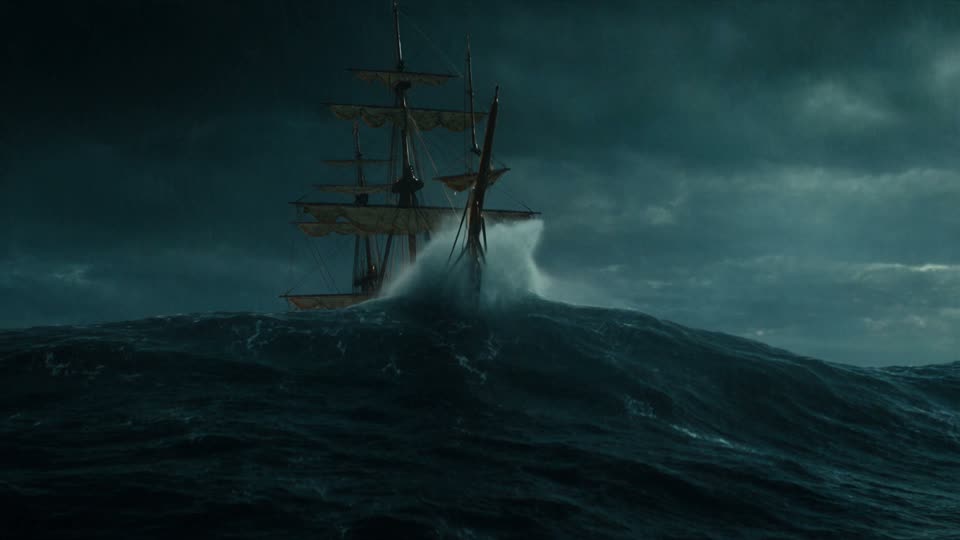
Seedance 2.5 Flash is a faster, more cost-effective version of Seedance 2.5. Turn text, image, video and audio references into AI videos online.
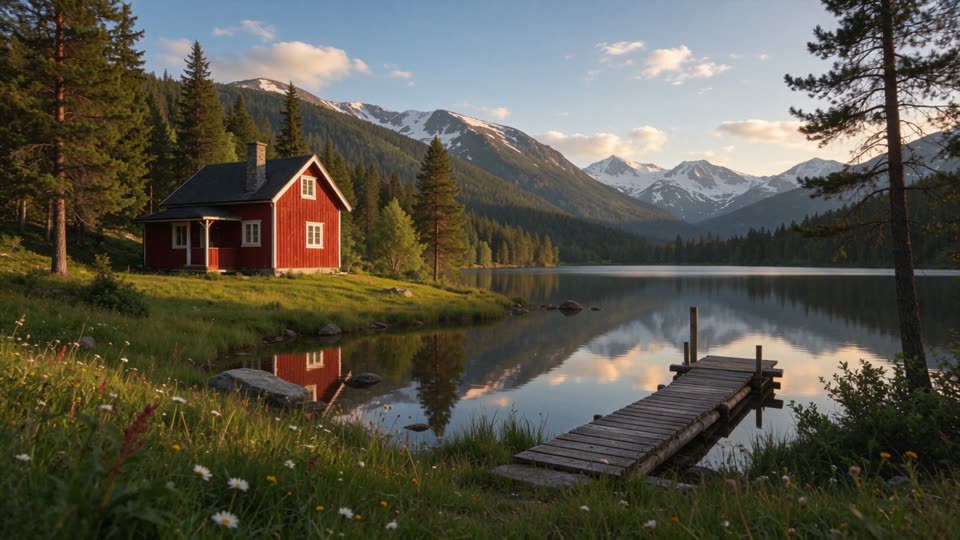




Seedance 2.5 Flash is a lightweight version of Seedance 2.5. Its results come close to Seedance 2.5 and outperform Seedance 2.0 overall, while generating faster and at a lower cost. It keeps a high standard in prompt adherence, physical motion and audio, which makes it a strong fit for video work that calls for high output and repeated creative testing.
Seedance 2.5 Flash generates about twice as fast as Seedance 2.5. Shorter waits mean you can try more prompts and creative directions in the same amount of time.
The cost per second of video is lower than Seedance 2.5, which suits batch production of standard shots, ad variations and social media content.
A single task can combine image, video and audio references: images lock in characters and products, videos demonstrate motion and camera moves, and audio sets the rhythm and mood.
You can adjust an existing video and produce different creative versions of it, and every generated video comes with sound that matches the picture.
Here are the main specifications of Seedance 2.5 Flash.
| Generation modes | Text-to-video, image-to-video, multimodal reference generation, video editing |
|---|---|
| Maximum clip length | 30 seconds |
| Reference images | Up to 10 |
| Reference videos | Up to 5 |
| Reference audio | Up to 5 |
| Resolution | 720p, 1080p |
| Audio | Videos with generated sound |
| Commercial use | Commercial licensing depends on the plan used at generation time; see the FAQ below. |
Each model serves a different kind of work. Choose based on your quality requirements, output volume and budget.
| Comparison | Seedance 2.5 Flash | Seedance 2.5 | Seedance 2.0 Pro | Seedance 2.0 Mini |
|---|---|---|---|---|
| Positioning | Faster and lower cost, with results close to Seedance 2.5 | The strongest results, for high-quality final videos | Strong reference control for standard short clips | Fast and low cost, for frequent lightweight generation |
| Max clip length | 30 seconds | 30 seconds | 15 seconds | 15 seconds |
| Reference images | Up to 10 | Up to 30 | Up to 9 | Up to 9 |
| Reference videos | Up to 5 | Up to 10 | Up to 3 | Up to 3 |
| Reference audio | Up to 5 | Up to 10 | Up to 3 | Up to 3 |
| Generation modes | Text-to-video, image-to-video, multimodal references, edit | Text-to-video, image-to-video, multimodal references, extend, edit | Text-to-video, image-to-video, multimodal references | Text-to-video, image-to-video, multimodal references |
| Video with sound | Supported | Supported | Supported | Supported |
| Draft previews | — | Supported | — | — |
| Daily free use | — | — | — | Free every day |
| Best for | Ad creative testing, e-commerce batches, daily social posts, standard shots | Final ads, high-quality videos, key scenes | Standard short clips, projects with many references | Quick drafts, low-budget short clips |
A practical combination: generate several versions with Seedance 2.5 Flash to choose a direction, then hand the strongest concept to Seedance 2.5 for a high-resolution final video.
Seedance 2.5 Flash is fast and low-cost, which suits a simple way of working: make a batch of versions, pick a direction, then produce the final video. The steps below run from one base prompt to the version you publish.
Describe the subject, scene and camera clearly. This becomes the starting draft for every version in the batch.
Decide what this batch will compare, such as the selling point, the person, the setting or the color palette.
Change only one variable per version and start at a lower resolution to generate results quickly.
Review the versions side by side and keep the one whose pacing, visuals and sound work best.
Regenerate the chosen version at a higher resolution to produce the version you publish.
Flash is fast and low-cost, which makes it well suited to producing several different versions of the same brief and then selecting the strongest. The scenarios below show what to keep fixed, what to change and how to compare.
Change only one type of element per batch, so you can tell which change made the difference.
Multi-shot videos of 20 to 30 seconds usually need longer prompts. Organizing them in this order gives each part a clear job: story line, reference rules, shots, sound, and captions and ending.
Create a 15-second vertical 9:16 coffee ad. Story line: morning kitchen – grinding beans – brewing – smile with the cup – product hold. 0–3 s: top-down shot of beans pouring into the grinder, with a crisp grinding sound; 3–7 s: hot water slowly poured into the dripper as steam rises; 7–12 s: a woman picks up the cup and walks to the window, sunlight catching the rim; 12–15 s: freeze on a close-up of the cup. @1 defines the cup design and logo; keep the logo on the cup sharp and show no other text anywhere in the frame. Light acoustic guitar music, with a female voiceover: "Start slow."
First write the order of actions from opening to ending in one line, then expand it shot by shot or second by second. With that framework in place, long videos hold together more steadily from start to finish.
State what each file controls, for example "@1 defines the person and outfit, @2 defines the setting", and require the number of people, their clothing and their positions to stay the same throughout.
Put spoken lines in quotation marks, and state where captions appear, when they come in and go out, and whether the final frame keeps any text.
Videos generated by Seedance 2.5 Flash come with sound. If the prompt does not mention sound, the model chooses it; to make sound and picture work together more precisely, describe sound in four categories.
State the style, main instruments and changes in rhythm, and where needed, when the music comes in or fades.
ExampleUpbeat city pop led by electronic drums and synths; quiet at the start, picking up pace when the runner sets off, then fading out at the end.
Describe the sounds that would naturally exist in the scene to make it more convincing. When no music is wanted, you can state "no background music, ambient sound only".
ExampleA beach in the early morning with waves, distant seagulls and a light breeze, no background music.
Match key actions to specific sounds and state which action each one accompanies, giving the picture a stronger sense of rhythm.
ExampleA crisp metallic click as the perfume cap comes off and a short spray sound as the nozzle is pressed, both landing on the music's downbeats.
Put lines in quotation marks, describe the speaker's voice, tone and timing, and state whether the character lip-syncs.
ExampleAt the 10-second mark, a warm adult female voiceover with a smile in her voice: "Taking it slow is fine too." No lip-sync, and the music dips while she speaks.
There is no need to describe all four categories; focus on the one or two most relevant to the picture. Too many or conflicting sound descriptions make it harder for the model to reproduce them accurately.
The prompts below cover different types of video. Copy them as they are, or follow their structure and replace the details with your own.
A mountain valley road in autumn, lined with golden and crimson trees. A drone films a white car driving along the bends from high above, then slowly descends and moves behind the car to follow it from the side, as the valley opens up ahead and distant snow-capped peaks light up in the morning sun. Rich yet natural colors and clear air, with only wind and a faint engine sound.
Write the aerial camera path in order (overhead → descent → following from behind and to the side), then use light and the distant view to establish time and space for a greater sense of depth.
A corgi chases a small red ball in a sunlit living room. First it pricks up its ears and stares at the ball, then it pounces, and as the ball bounces on the wooden floor the shot briefly goes into slow motion, before the dog grabs the ball and runs toward the camera wagging its tail. Low tracking shot, warm tones, with paws tapping on the floor and a cheerful whistled tune.
Pet movements are fast and unpredictable, so break the action into steps and state exactly when slow motion begins for more control over the result.
A macro close-up of a green leaf with sunlight from above. The camera slowly pushes in on the leaf surface until the veins become clear, then the image transitions into an illustrated view of the inside of the leaf, with small points of light entering from the surface. A steady adult male voiceover: "When sunlight reaches a leaf, the plant begins to make its own food." Clear, bright visuals with soft background music.
In explainer videos, pair each line of voiceover with one image and keep the camera movement steady so viewers can follow easily.
City streets at night with fast-paced electronic music. On every downbeat the image cuts: a neon sign switches on, a skateboarder leaps into the air, a subway train rushes past, a passerby turns and smiles, fireworks burst above a rooftop. The final beat freezes on the moment the skateboarder lands. High contrast, vivid colors and crisp cuts.
State the music style, say that cuts land on the downbeats, then list each image in order so the edit follows the music closely.
After a video is generated, review it against the four points below. When something is off, adjust only the matching part of the prompt and generate again.
If the picture shakes or the subject is hard to see, state the speed of movement, for example "slow and steady", and keep only one type of camera move per segment.
If the look differs from the style you wanted, add specific color terms such as "low saturation" or "warm orange", or add a style reference image and state its purpose.
If the video drags, shorten it or add another action beat; if the action feels rushed, extend the length.
If the video ends abruptly, describe the final shot, for example a freeze frame, a pull-back or a fade-out.
Common questions about Seedance 2.5 Flash capabilities, credits, commercial use and tips.
Seedance 2.5 Flash is a faster, lower-cost AI video model. It turns text prompts and image, video and audio references into videos with sound, with results close to Seedance 2.5, which makes it well suited to batch creation and creative testing.
Seedance 2.5 is the most capable model, supports higher resolutions and is best for final videos. Seedance 2.5 Flash generates faster and at a lower cost with results close to Seedance 2.5, and is best for batch content and standard shots.
Seedance 2.5 Flash outperforms Seedance 2.0 overall, with improvements in prompt adherence, physical motion and audio.
You can sign up for free, and new users get free credits when they register. The prompt techniques and examples on this page are free to read; generating videos uses credits, and details of plans and credit packs are on the Pricing page. If you would like to start creating without buying a plan, Seedance 2.0 Mini can be used free of charge every day within its daily free allowance.
A single clip can be up to 30 seconds long, at 720p or 1080p. Use 720p for drafts to save credits, and choose 1080p when you are ready to publish.
The resolutions available in the first release of Seedance 2.5 Flash are aimed at drafts, batch assets and standard shots. For a final video that needs higher image quality, you can use the same prompt and references in Seedance 2.5 to generate a high-resolution version.
One task can take up to 10 images, 5 videos and 5 audio files. For batch versions, a common setup is: images keep the product and people looking the same in every version, one video demonstrates the camera move or action, and audio sets the rhythm of the music. After uploading, use @1, @2 and so on in the prompt to say what each file is for.
Upload the video you want to change, then write in the prompt what should stay the same before describing what should change. For example: "Keep the person's movements, positions and camera movement unchanged, replace the background with snowy mountains, shift the overall color to a cool tone, and keep the original ambient sound." The more specific you are about what to keep, the more seamlessly the edited footage matches the original; changing only one or two things at a time also makes a good result more likely.
Videos generated by Seedance 2.5 Flash include sound that matches the picture by default. For a quieter result, state "keep only light ambient sound" in the prompt; for a voiceover, write the line in quotation marks and describe the tone and when it should be heard.
That depends on the plan you generate with. Videos created on paid annual plans, team plans, monthly Standard / Pro / Max, and credit packs from Creator Pack up come with a commercial license; videos made with the free allowance, monthly Basic, Starter Pack or a trial pack are for personal, non-commercial use only. Brand elements, likenesses and audio in your references also need to be cleared by you in advance.
No. Draft previews, which generate a low-cost preview first and the final video after you pick one, are a Seedance 2.5 feature. With Flash, you can instead generate several versions quickly at a lower resolution to choose a direction.
The credits for each generation depend on the video length and resolution, and the workspace shows the amount before you submit. Flash costs less to generate than Seedance 2.5, which makes it well suited to producing many versions.
Generation time depends on the length and resolution of the video, and you can follow the progress in the workspace after submitting. Seedance 2.5 Flash generates faster than Seedance 2.5, which suits work where you need to see results quickly.